
版本介绍
稀有开箱H5游戏【无限贝拉/疯狂骑士团】Linux手工服务端+全套源码+视频架设教程
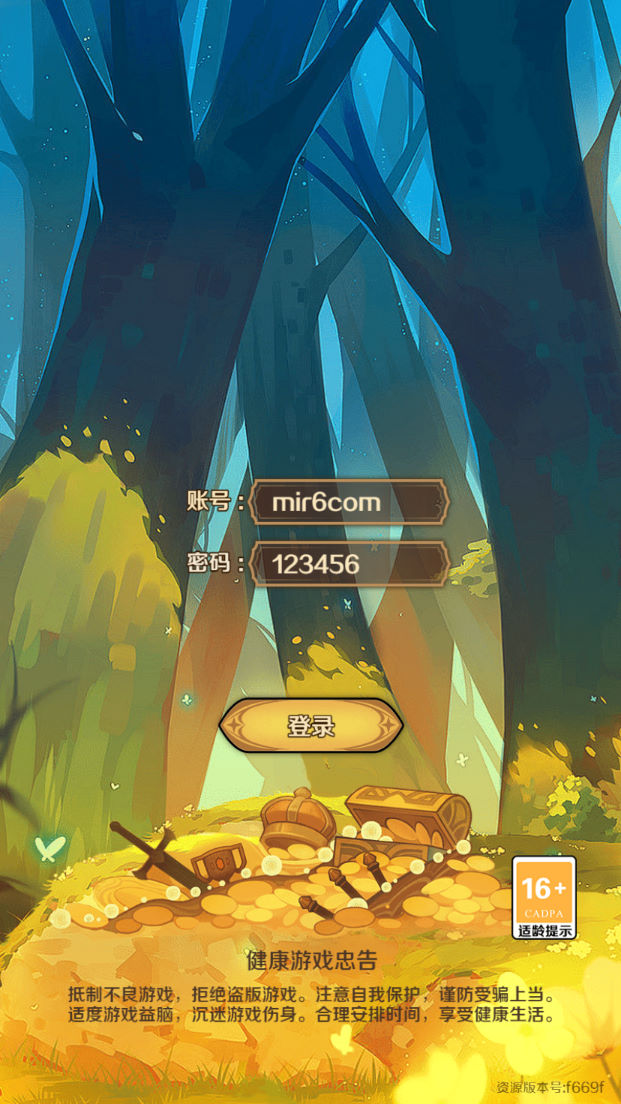
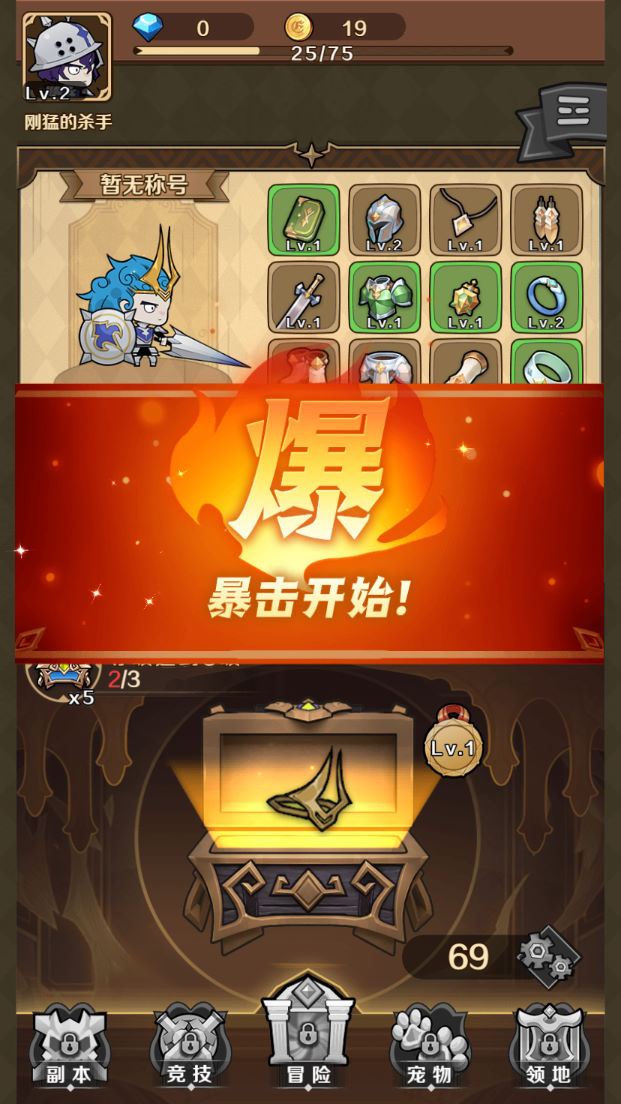
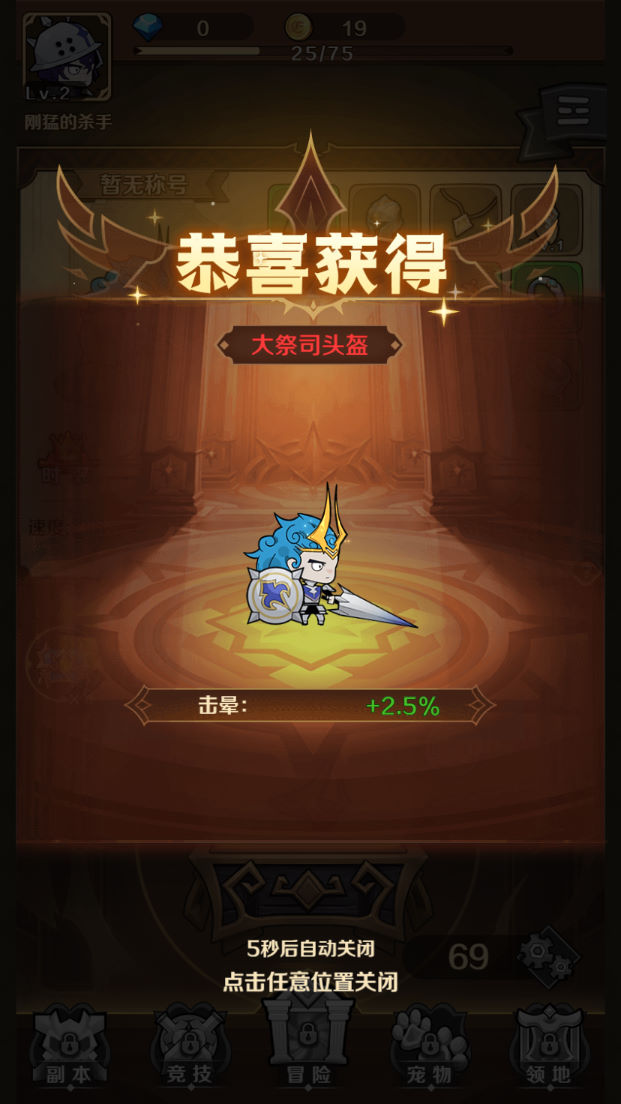
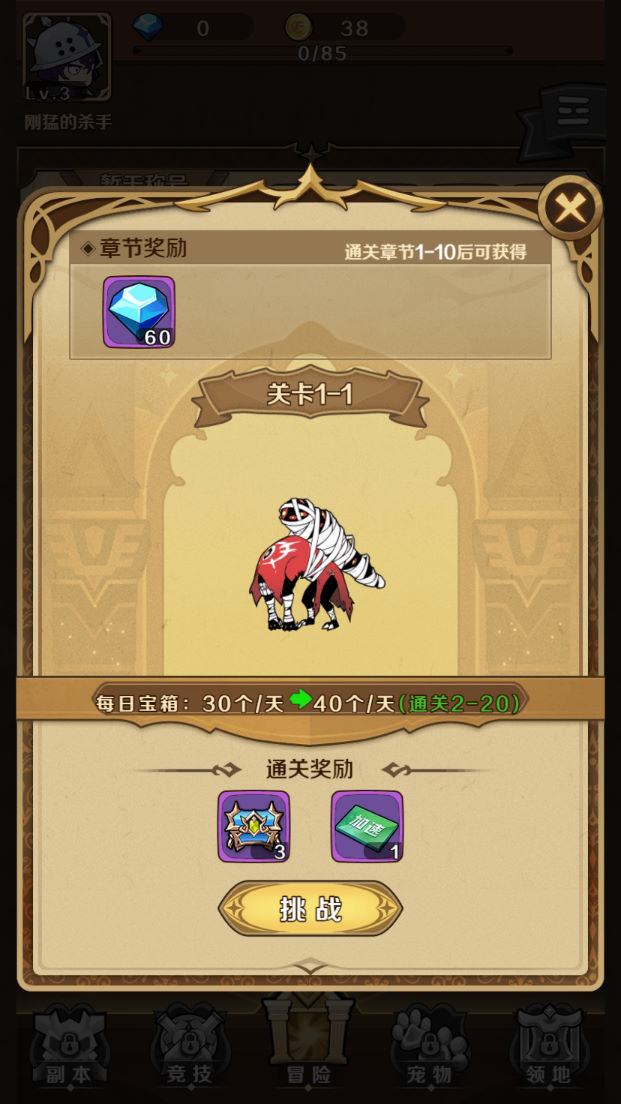
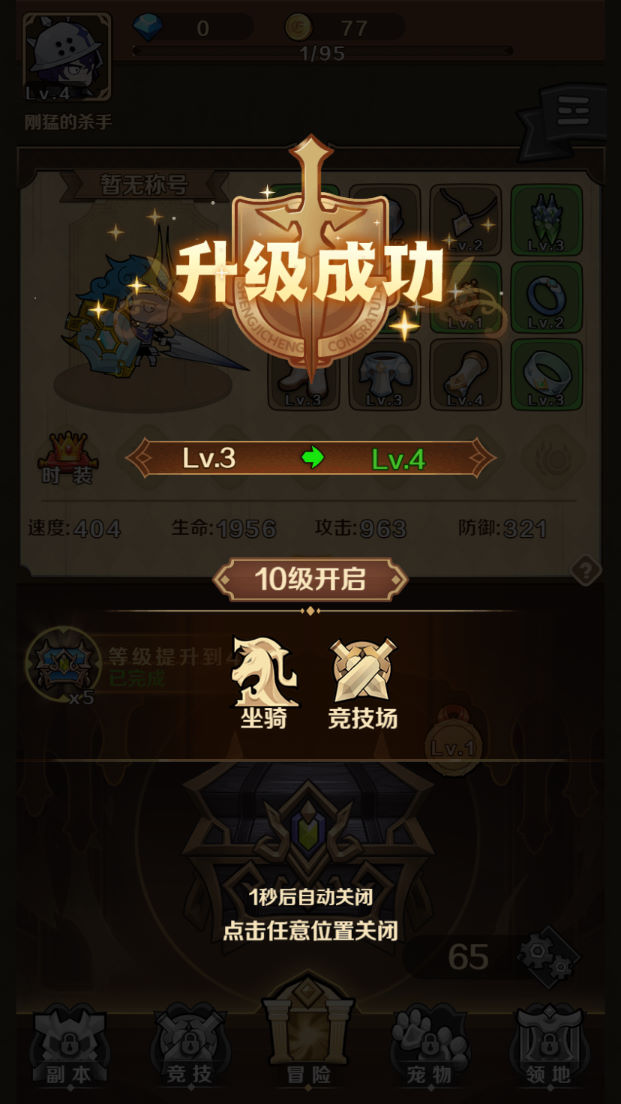
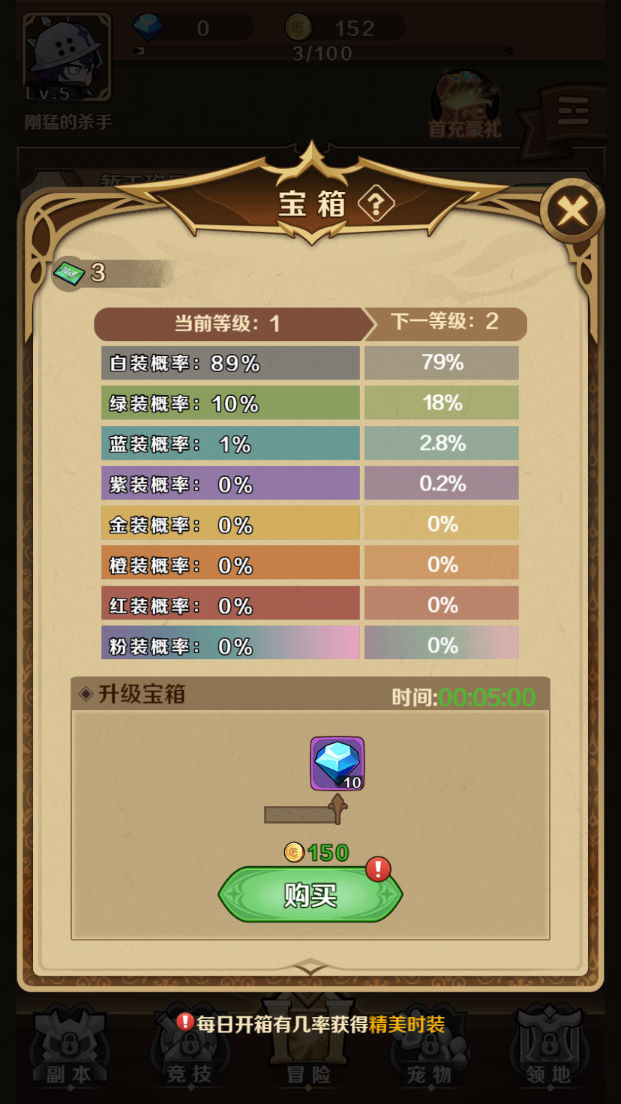
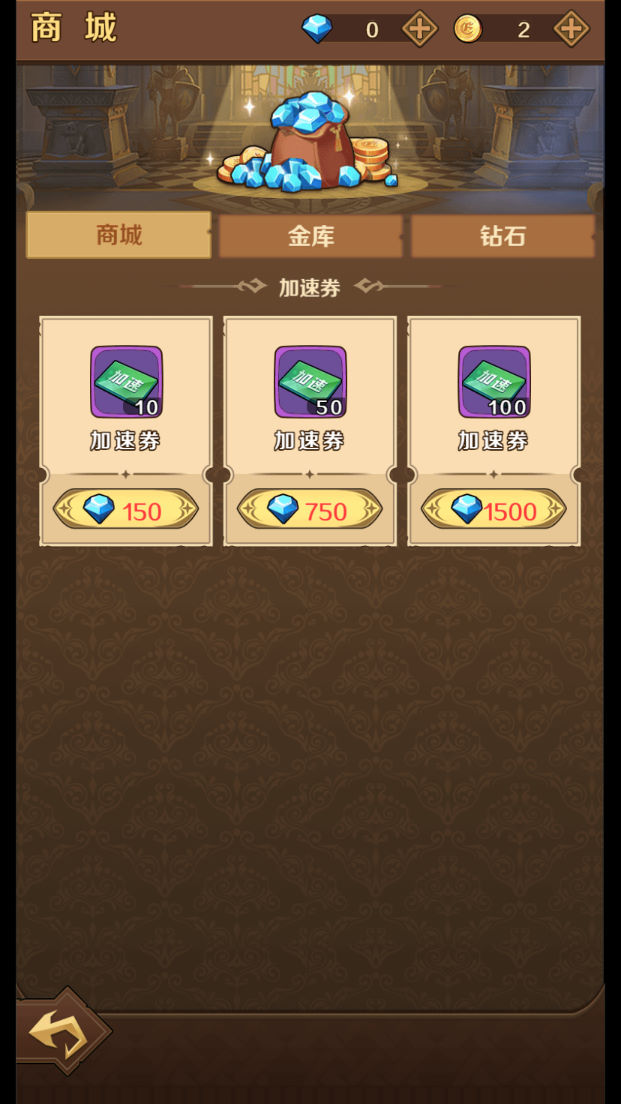
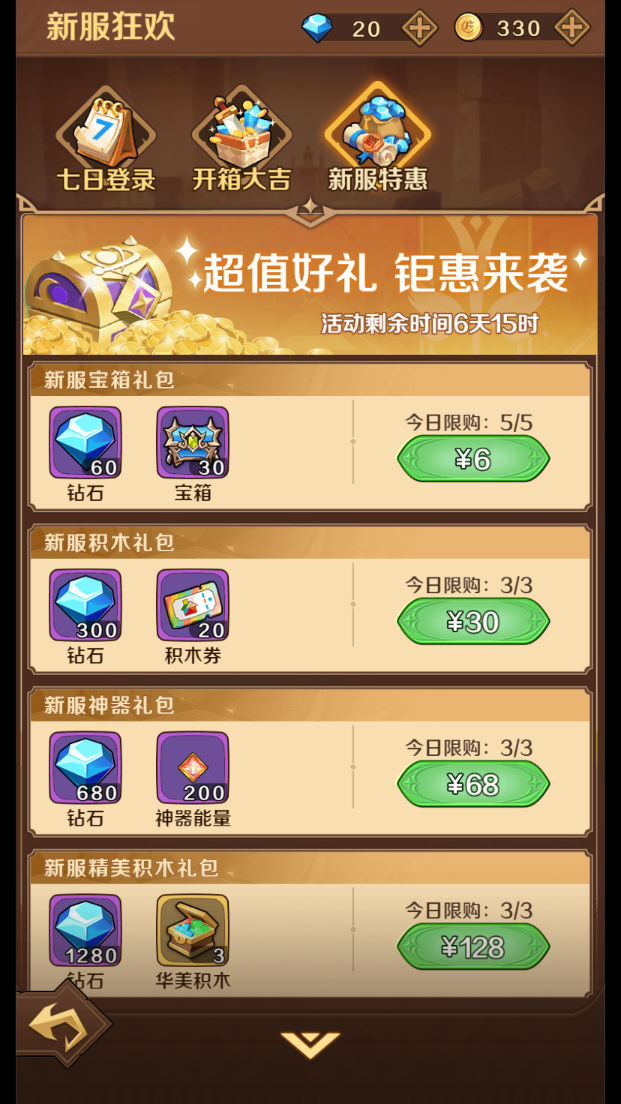
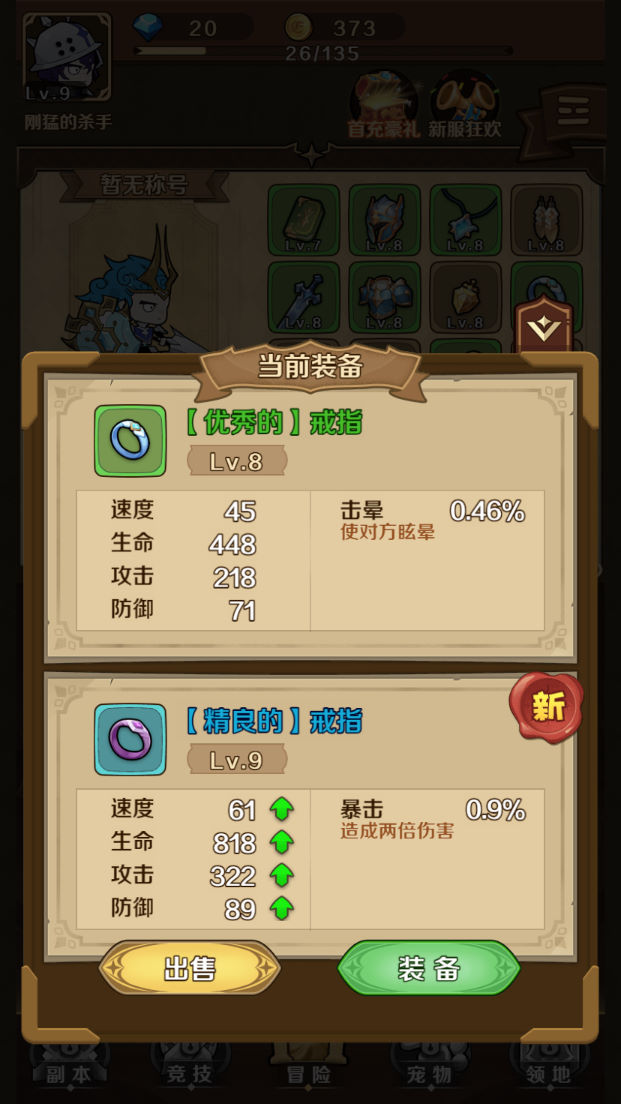
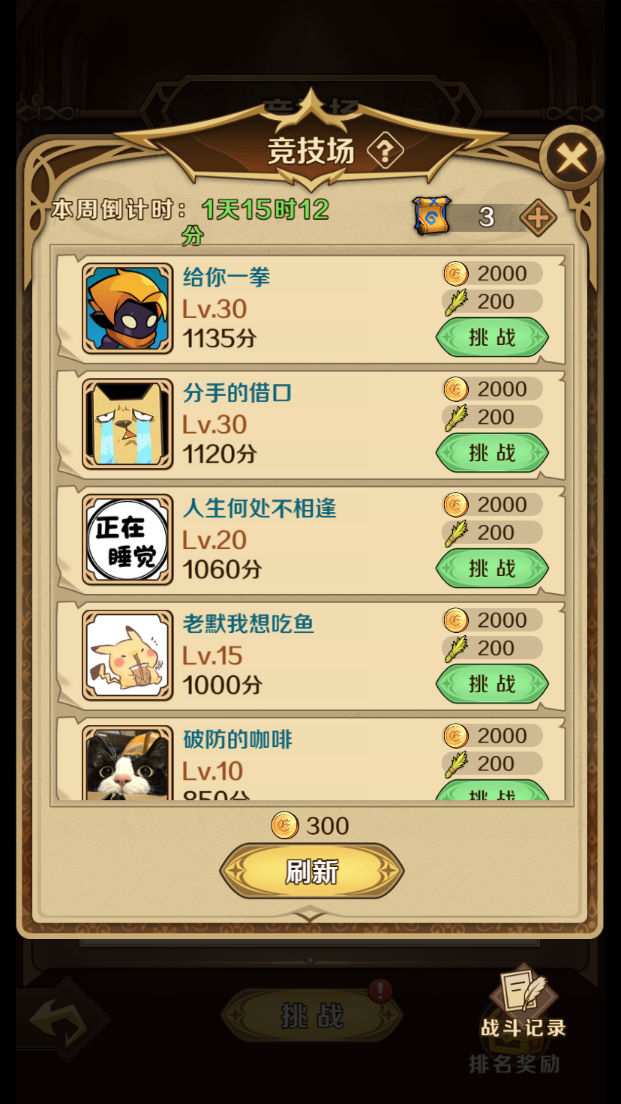
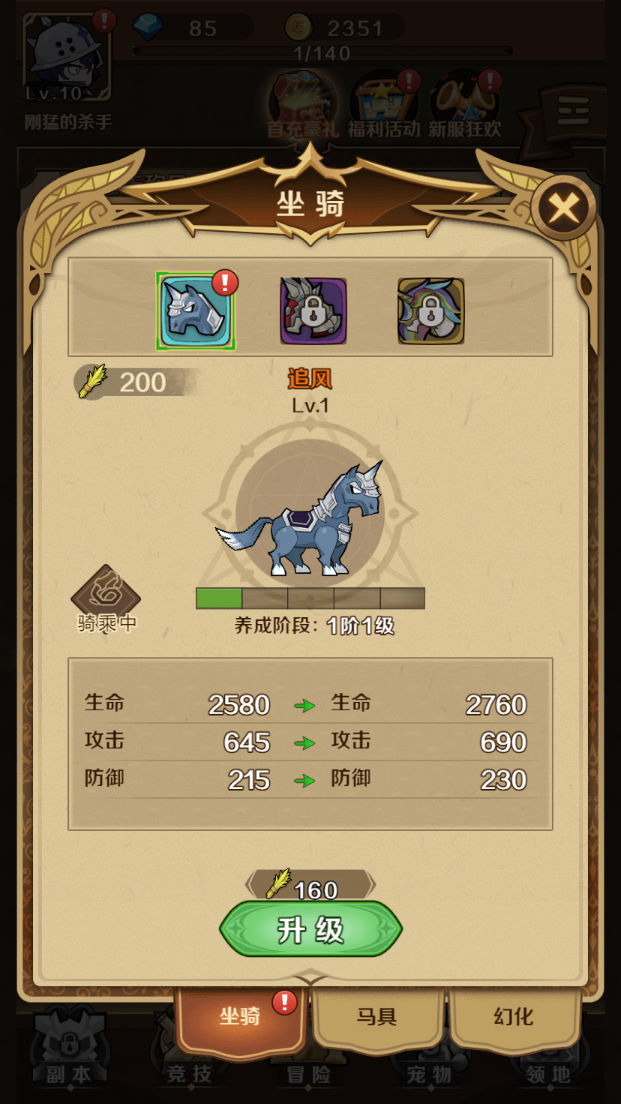
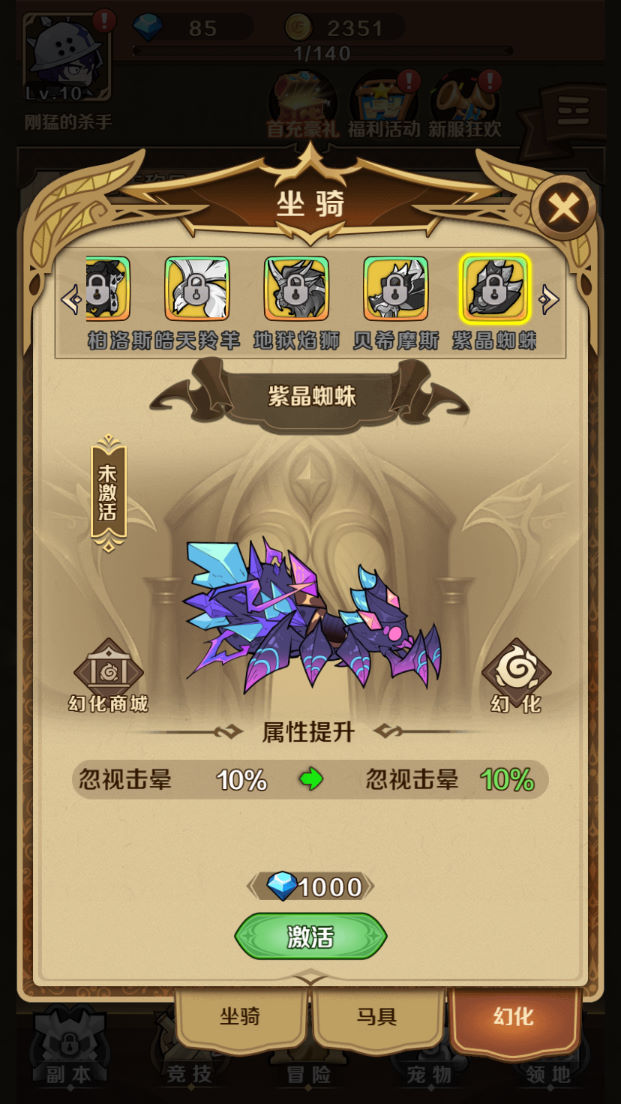
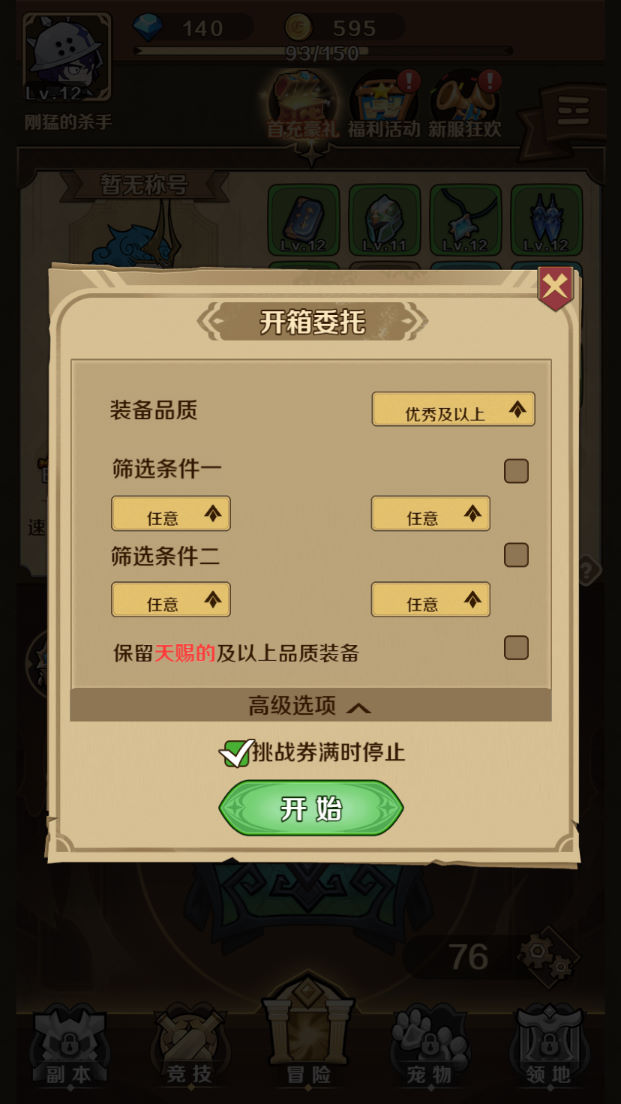
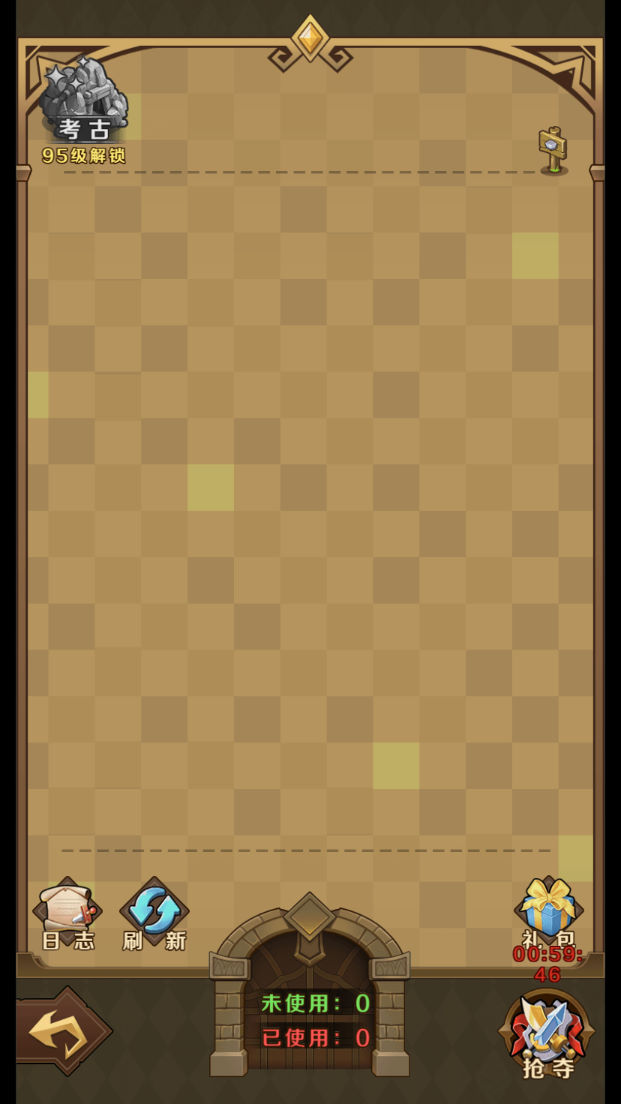
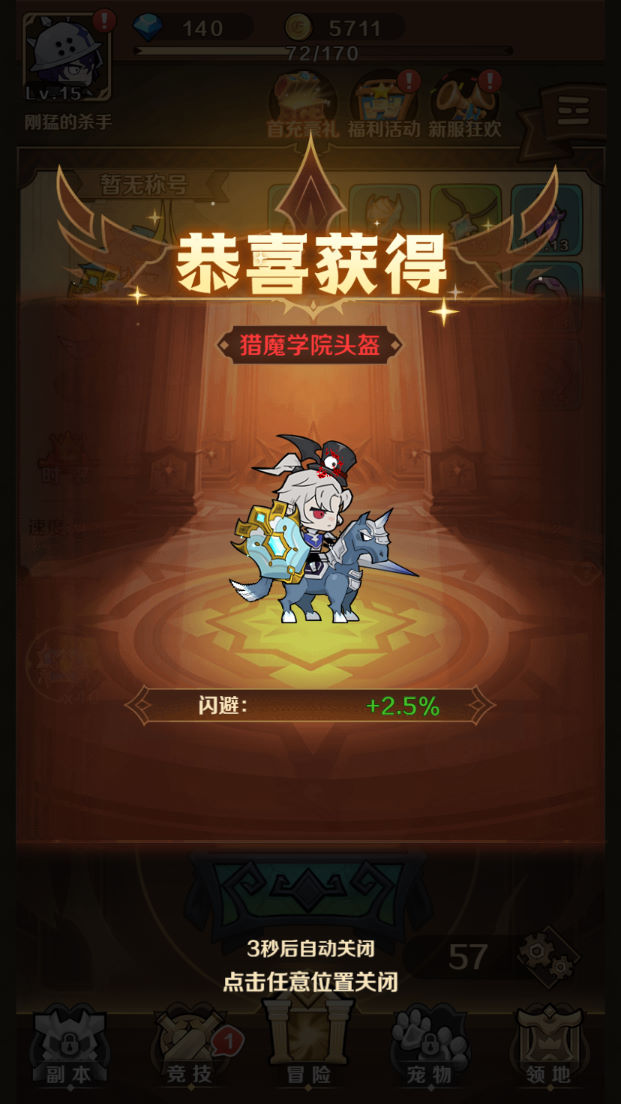
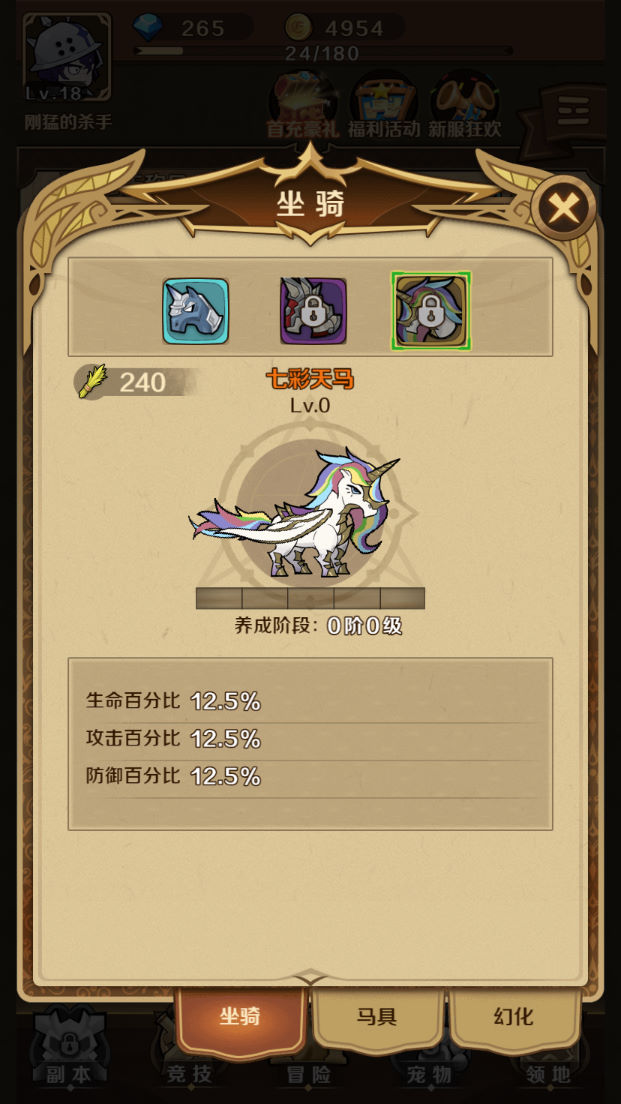
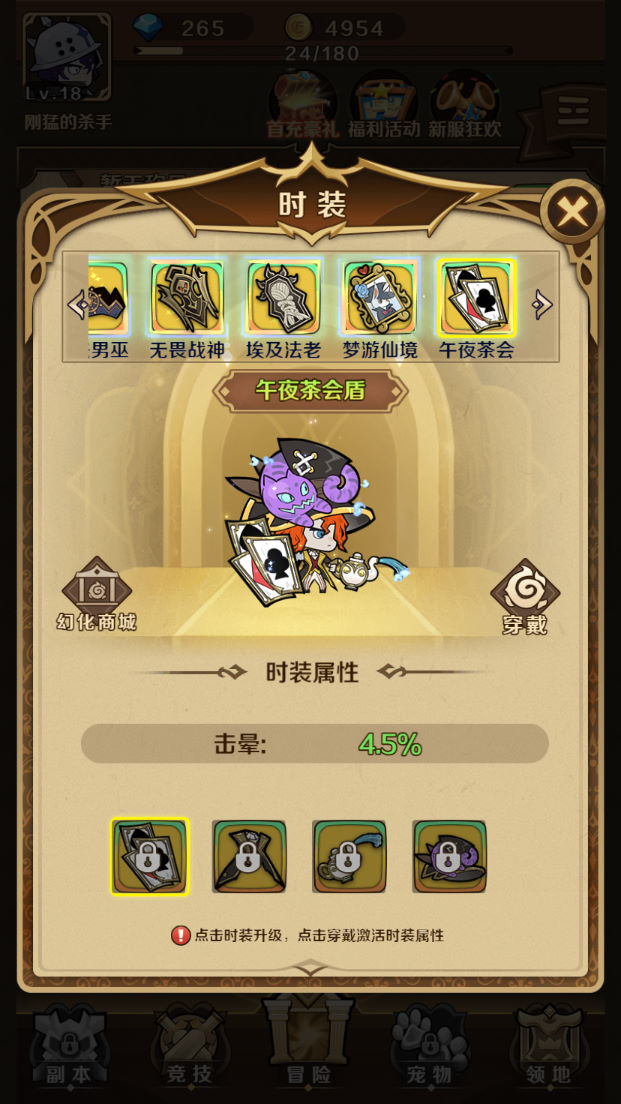
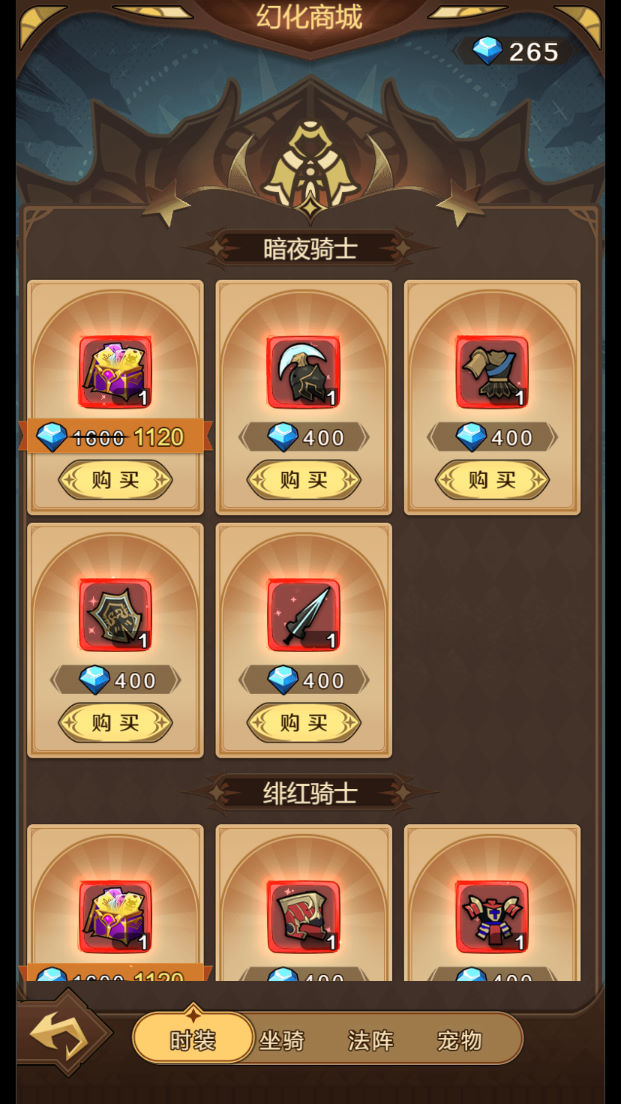
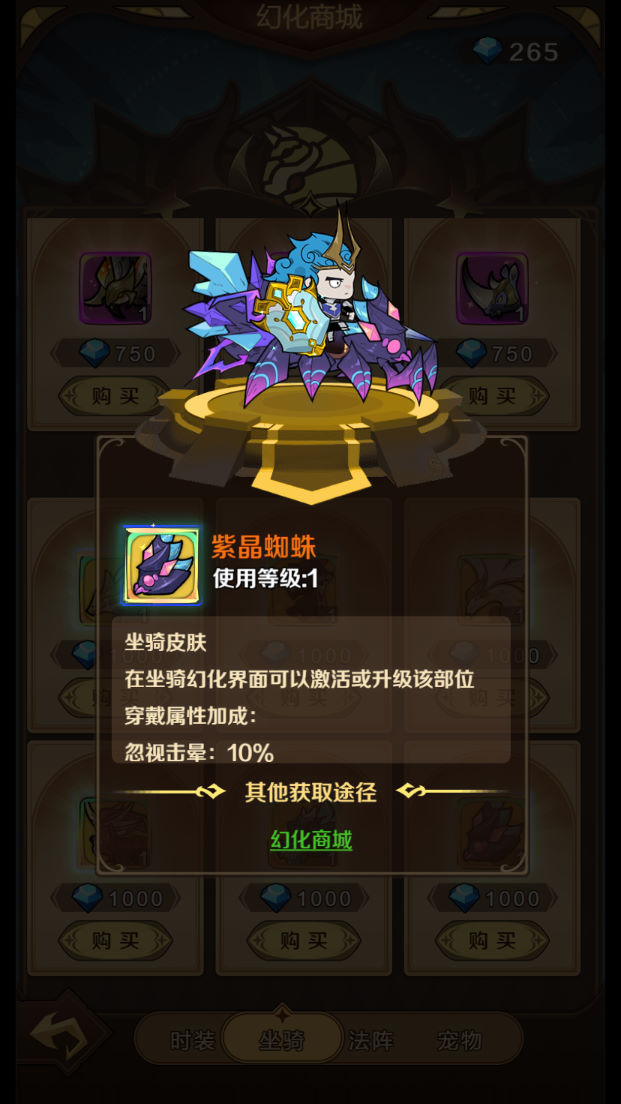
版本截图






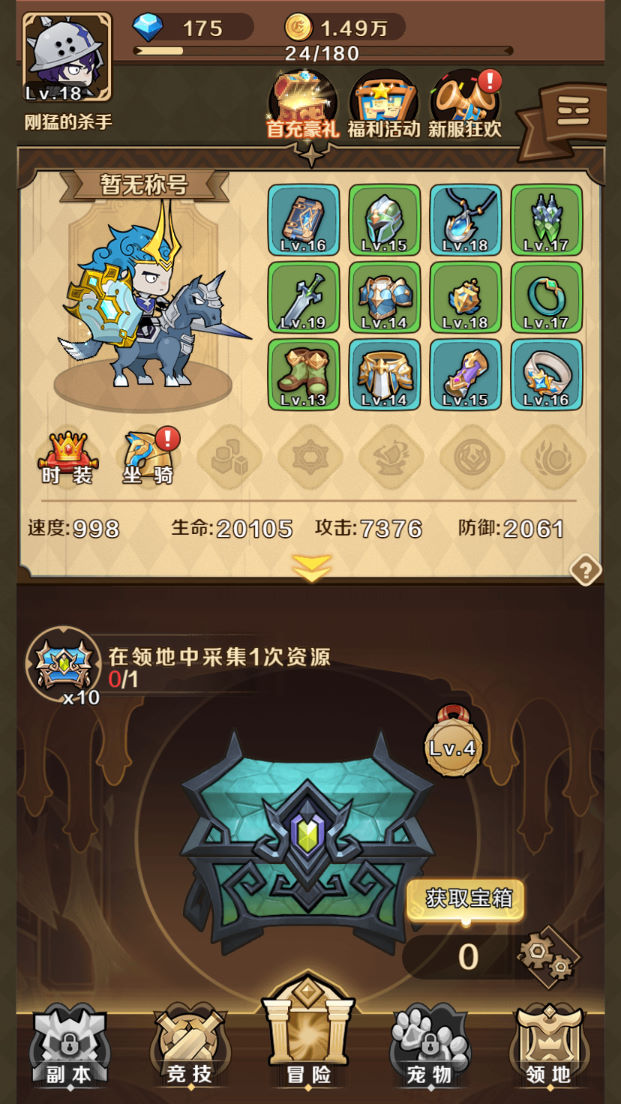
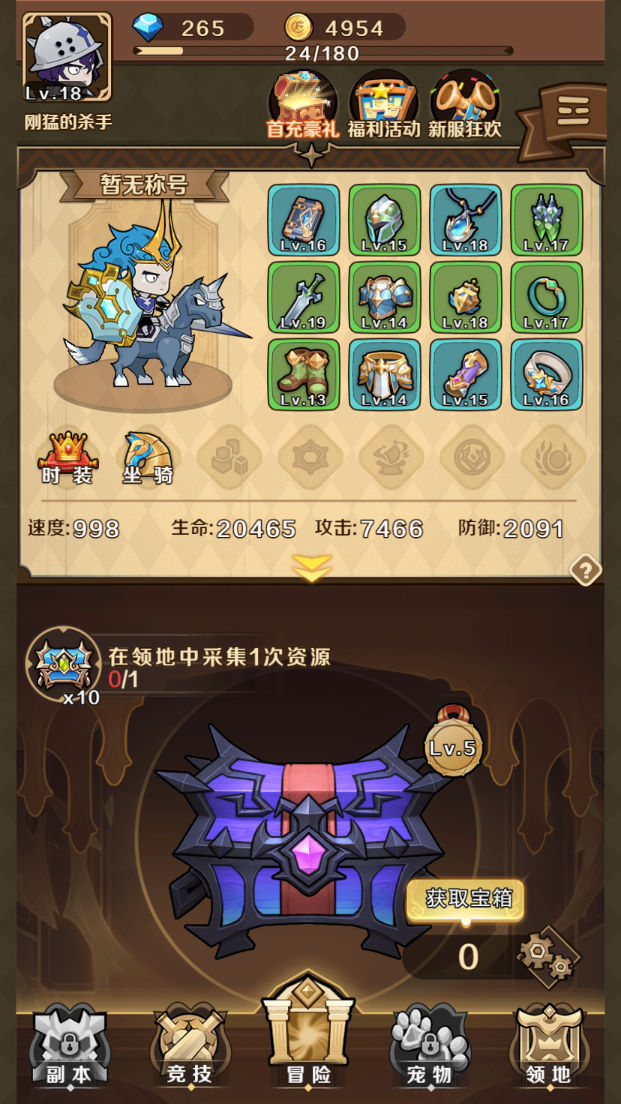
教程介绍
无限贝拉 Linux 搭建教程
测试系统:Centos 7.6 64位
测试服务器IP:192.168.2.166 (外网架设和局网架设方法一样)
首先下载Linux管理工具,并且连接好自己的服务器。
安装宝塔
yum install -y wget && wget -O install.sh https://download.bt.cn/install/install_6.0.sh && sh install.sh ed8484bec
输入y回车确认安装
我事先已经安装好了宝塔了。这里有宝塔的单独安装教程。安装好宝塔后我们登录宝塔面板。
安装环境
Nginx 1.18
MySQL 5.7
PHP 5.6
memcached
宝塔放行端口:1-65535
关闭防火墙:
systemctl stop firewalld.service
systemctl disable firewalld.service
上传服务端data.zip到服务器根目录:
解压:
cd /
unzip data.zip
给权限:
chmod 777 -R /data
配置环境:
yum -y groupinstall ‘Development Tools’
yum install -y zlib-devel bzip2-devel openssl-devel ncurses-devel sqlite-devel readline-devel tk-devel gdbm-devel db4-devel libpcap-devel xz-devel libffi-devel
cd /
tar -zxvf Python-3.8.0.tgz
cd Python-3.8.0
./configure
make
make install
pip3 install tornado
ln -s /data/game/lib/* /usr/lib64/
ldconfig
创建网站:创建网站之前需要确保NG已经安装完毕,但是最稳妥是等待软件都安装好之后再继续,我们这里等待软件都安装好了之后再继续。软件都已经安装好了的。我们继续。
网站1:127.0.0.1:85
目录指向:/data/game/agent
修改配置文件:在20行加入以下代码
add_header Access-Control-Allow-Origin *;
add_header Access-Control-Allow-Headers Origin,Accept,Authorization,platformId,ut,DNT,X-CustomHeader,Keep-Alive,User-Agent,X-Requested-With,If-Modified-Since,Cache-Control,Content-Type;
add_header Access-Control-Allow-Methods GET,POST,OPTIONS;
add_header Access-Control-Allow-Credentials true;
网站2:IP,你的公网IP地址。
目录指向:/data/www/web-mobile
修改配置文件:在20行加入以下代码
add_header Access-Control-Allow-Origin *;
add_header Access-Control-Allow-Headers Origin,Accept,Authorization,platformId,ut,DNT,X-CustomHeader,Keep-Alive,User-Agent,X-Requested-With,If-Modified-Since,Cache-Control,Content-Type;
add_header Access-Control-Allow-Methods GET,POST,OPTIONS;
add_header Access-Control-Allow-Credentials true;
网站3:127.0.0.2:82
目录指向:/data/game/htdocs/www/dev
修改配置文件:在20行加入以下代码
add_header Access-Control-Allow-Origin *;
add_header Access-Control-Allow-Headers Origin,Accept,Authorization,platformId,ut,DNT,X-CustomHeader,Keep-Alive,User-Agent,X-Requested-With,If-Modified-Since,Cache-Control,Content-Type;
add_header Access-Control-Allow-Methods GET,POST,OPTIONS;
add_header Access-Control-Allow-Credentials true;
修改数据库root密码为:123456
导入数据库:
cd /data
./sk
修改服务端文件IP: 替换:49.235.188.189
/data/game/agent/h02_ys1_s11/server/2023011702/publish_release/serverconfig.xml
/data/game/agent/h02_ys1_s11/script/agent_vars.sh
/data/game/agent/h02_ys1_s11/htdocs/common/conf/comm.config.php
/data/game/agent/h02_ys1_s11/htdocs/app/config/config.php
/data/game/htdocs/www/dev/dev-query-h02.php
/data/game/htdocs/www/dev/admintool/config.php
/data/ops_cn/bin/global_vars.sh
/data/www/web-mobile/assets/main/index.js
/data/www/web-mobile/dev-query-h02.php
启动游戏
cd /data/game/agent/h02_ys1_s11/server/2023011702/publish_release
./start_gateway.sh
cd /data/game/agent/h02_ys1_s11/server/2023011702/publish_release
./start.sh
好了。我们进入游戏试试。直接输入自己的公网IP或者绑定的已备案域名访问即可。
好了。基本上就是这样的一个开箱子H5游戏。其他自行测试吧,BUG较多,但是好在有源码可以自行慢慢修复。
本期架设教程就到这里了。下期架设视频教程再见!
