
稀有Q萌冒险端游【冒险岛2修复版】Win一键服务端+PC客户端+GM命令+视频架设教程

稀有Q萌冒险端游【冒险岛2修复版】Win一键服务端+PC客户端+GM命令+视频架设教程
游戏主图:



版本介绍
稀有Q萌冒险端游【冒险岛2修复版】Win一键服务端+PC客户端+GM命令+视频架设教程
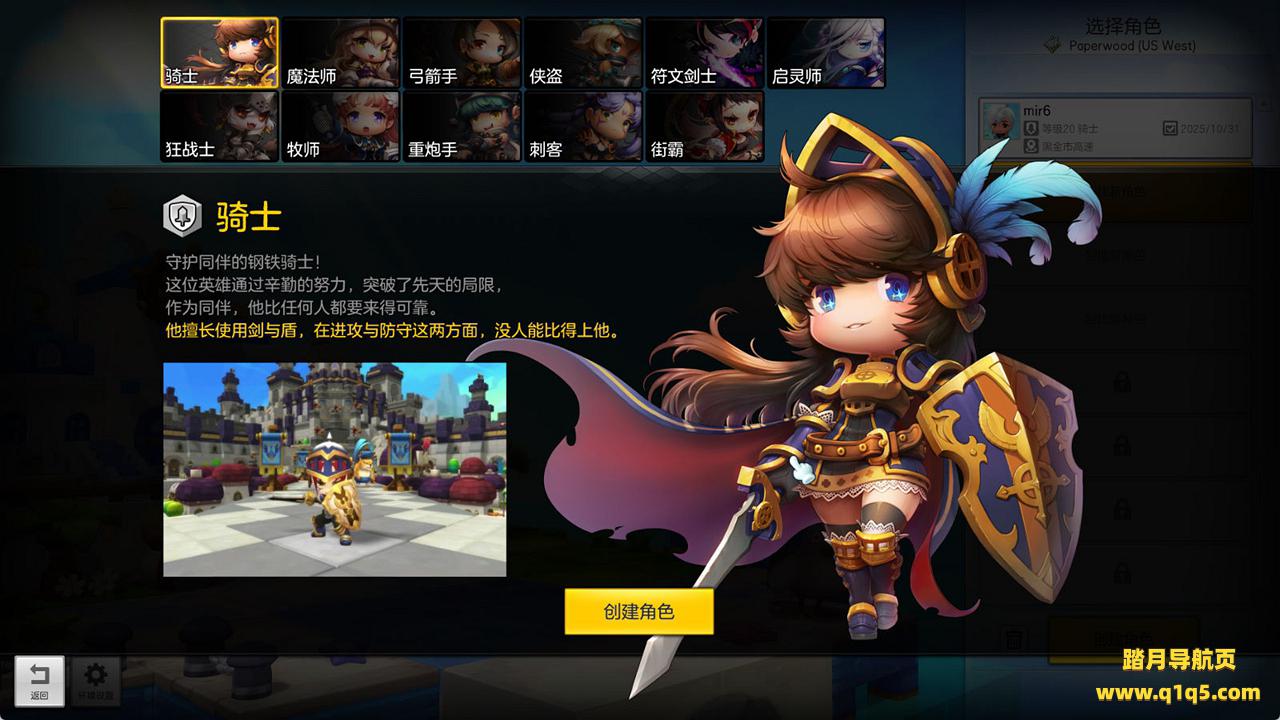
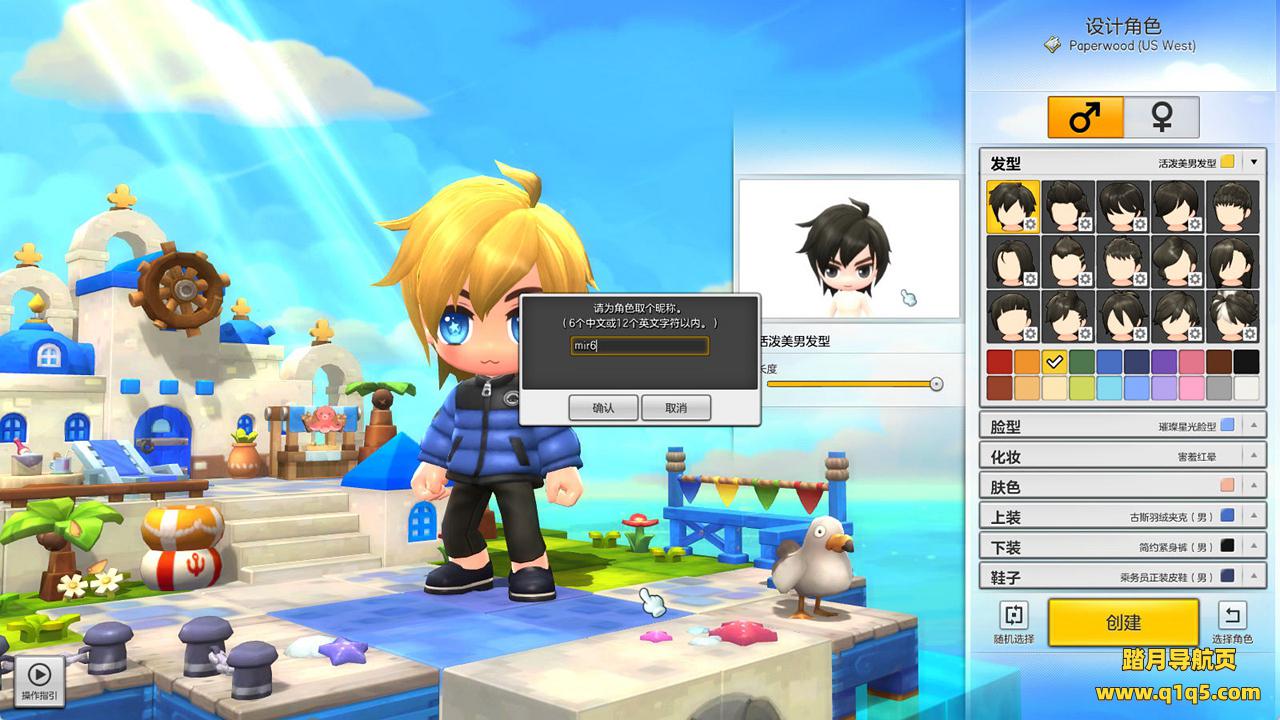
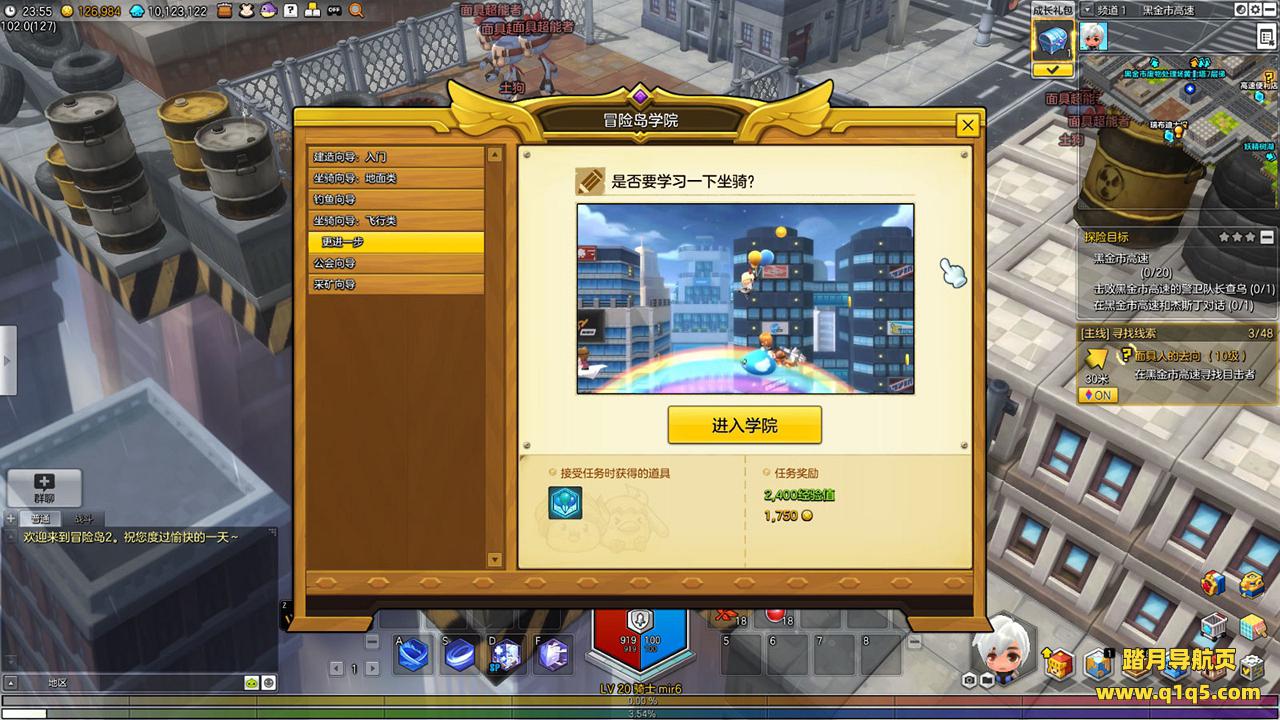
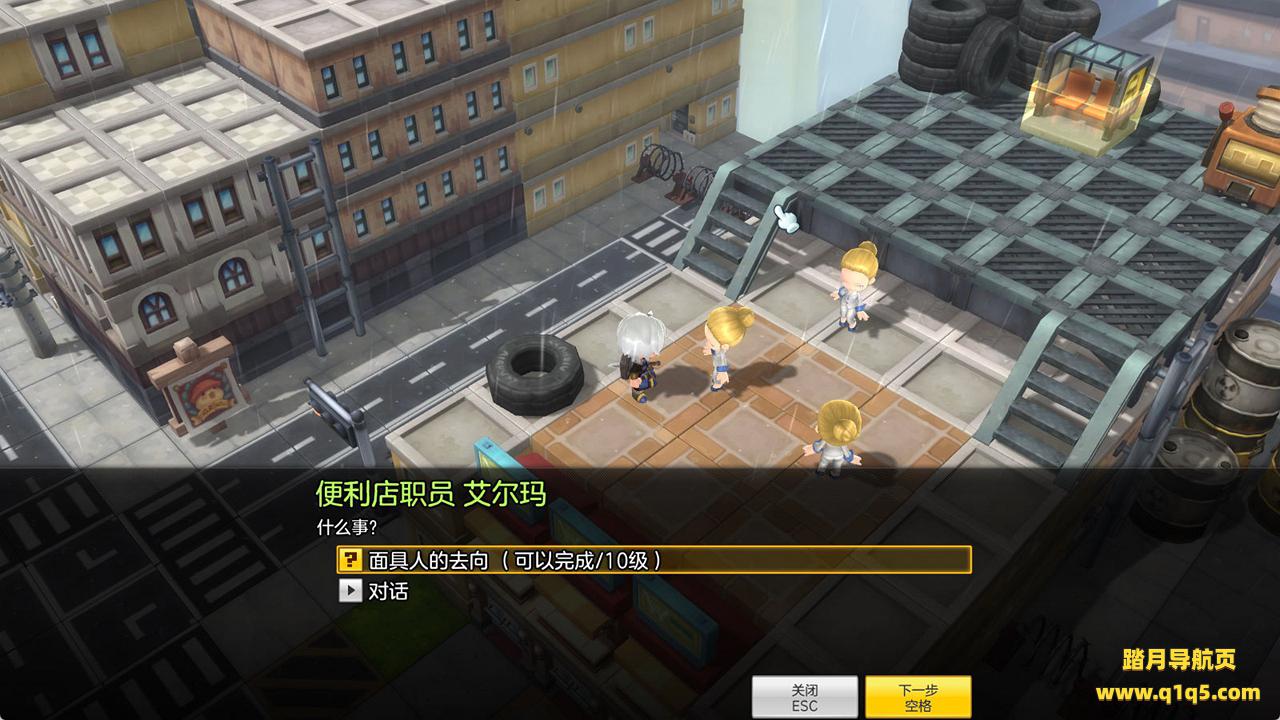
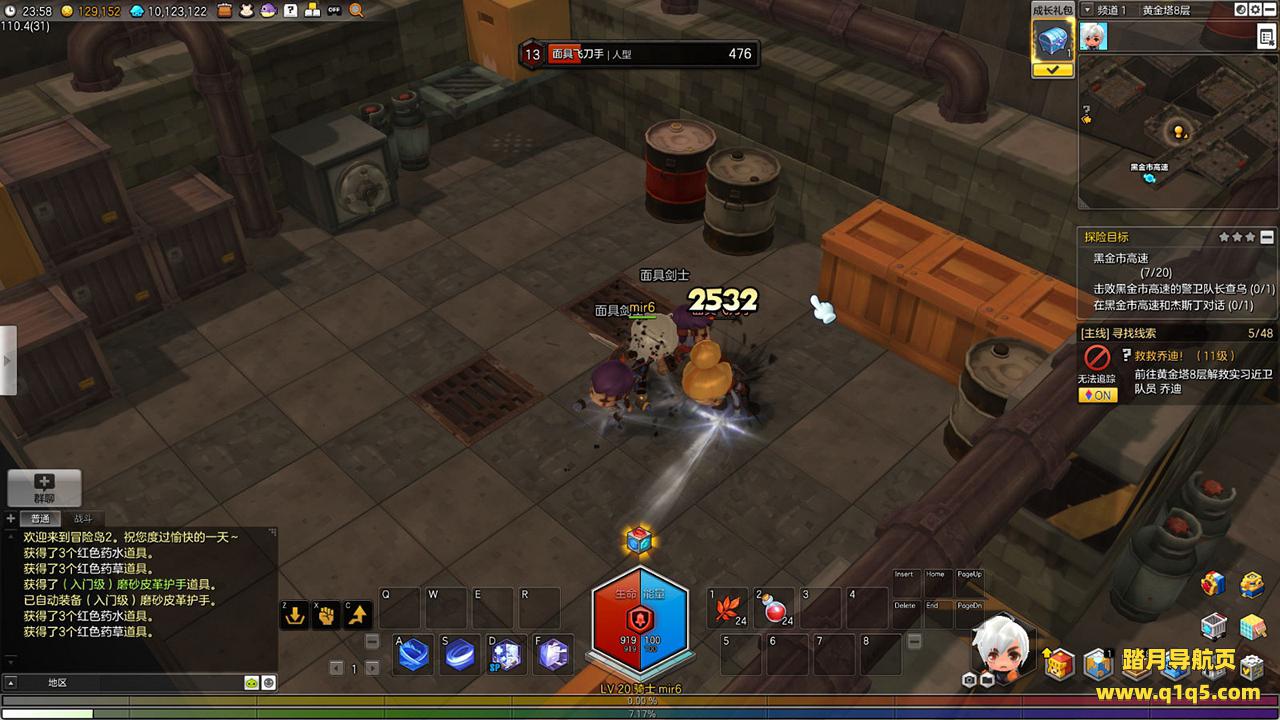
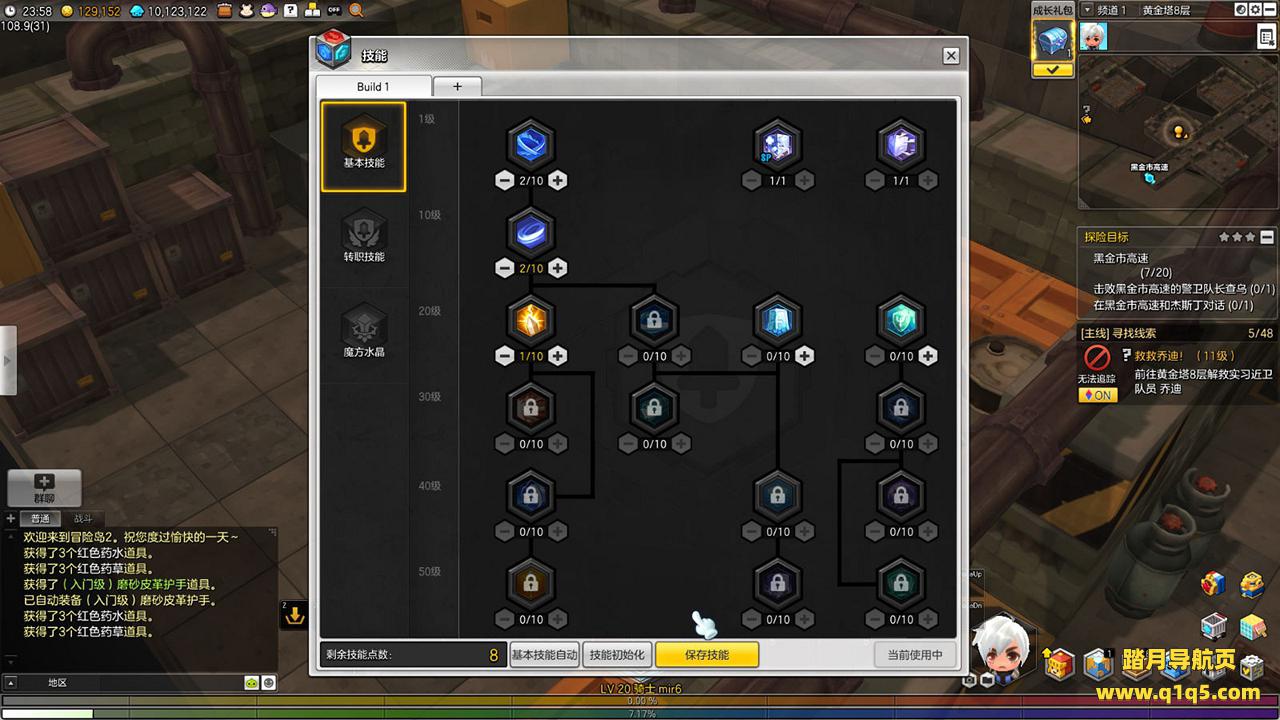
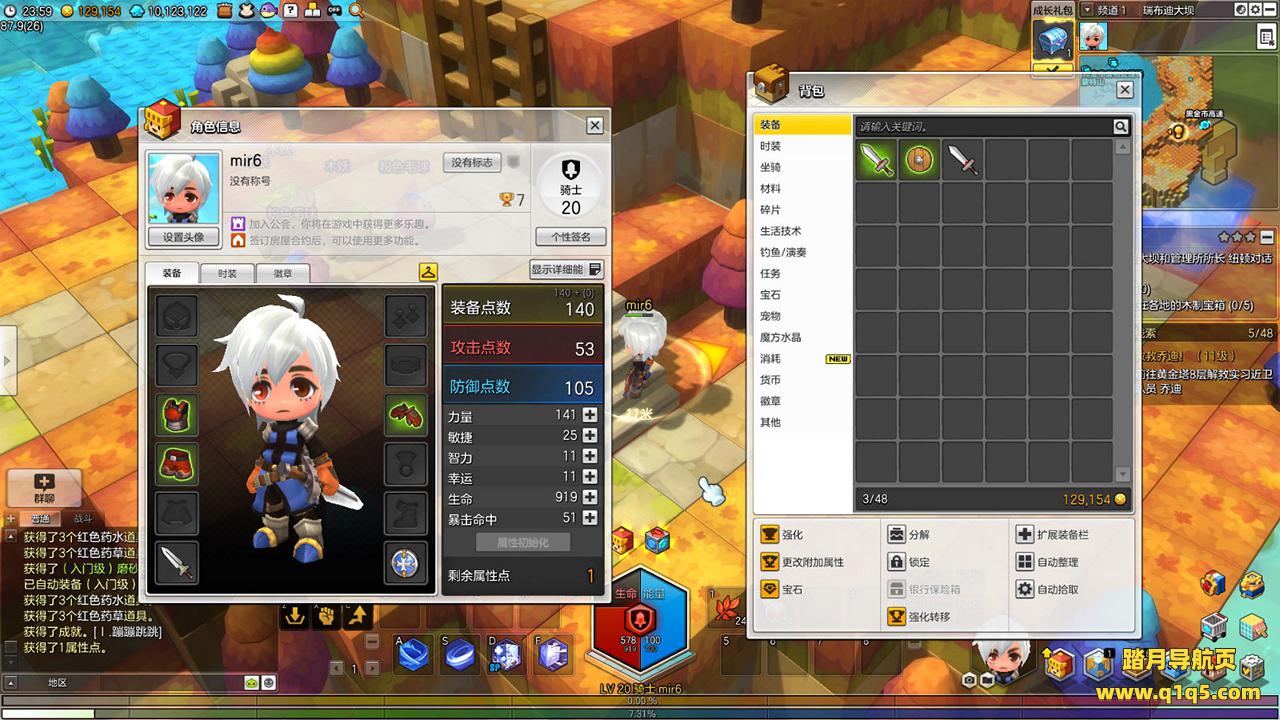
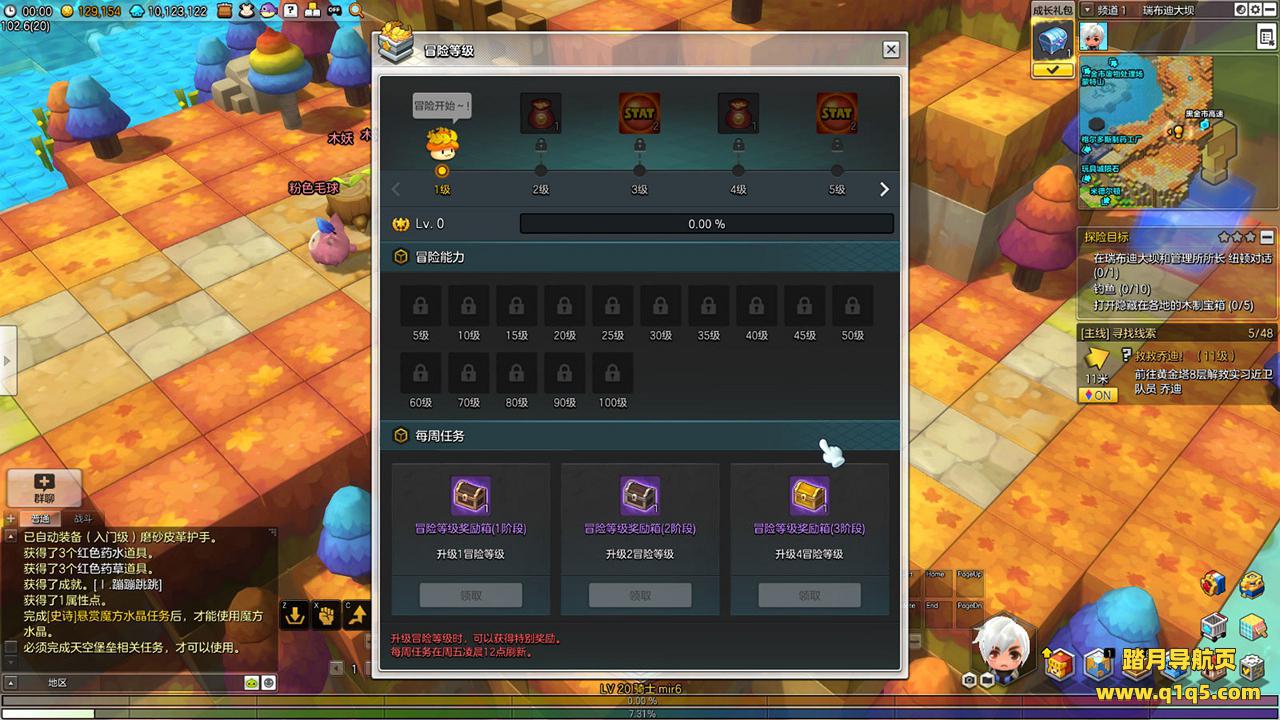
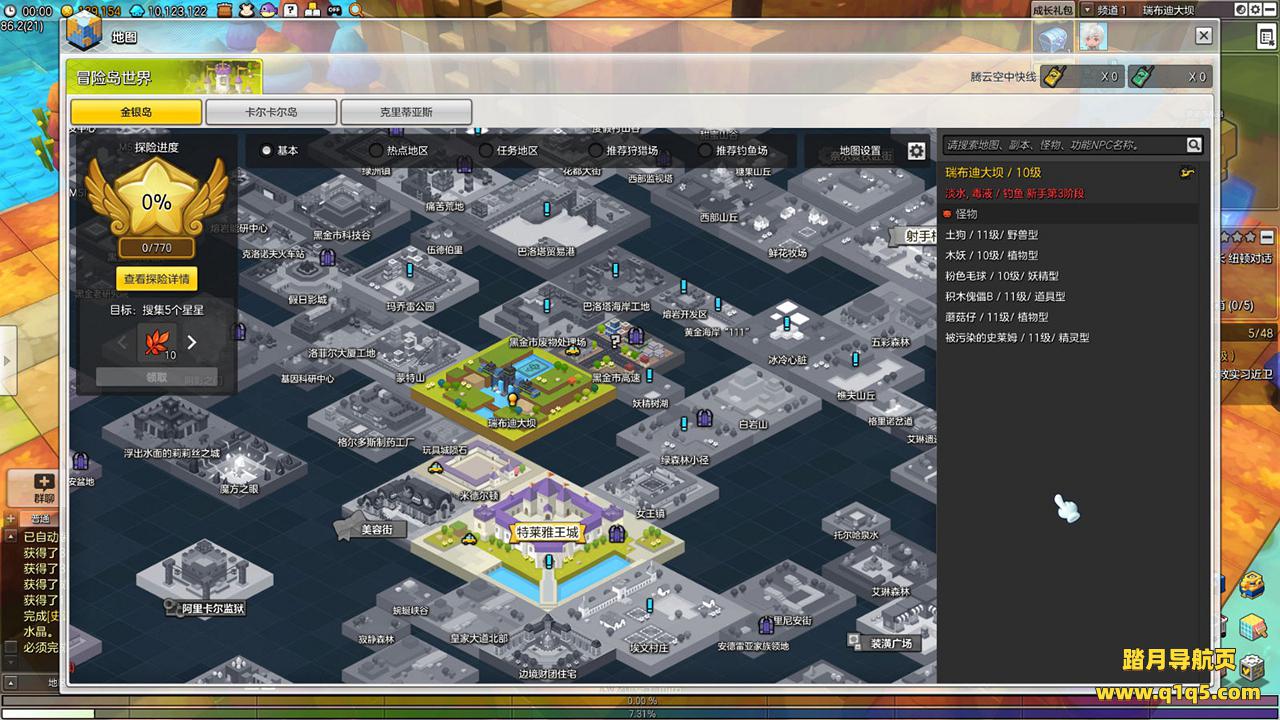
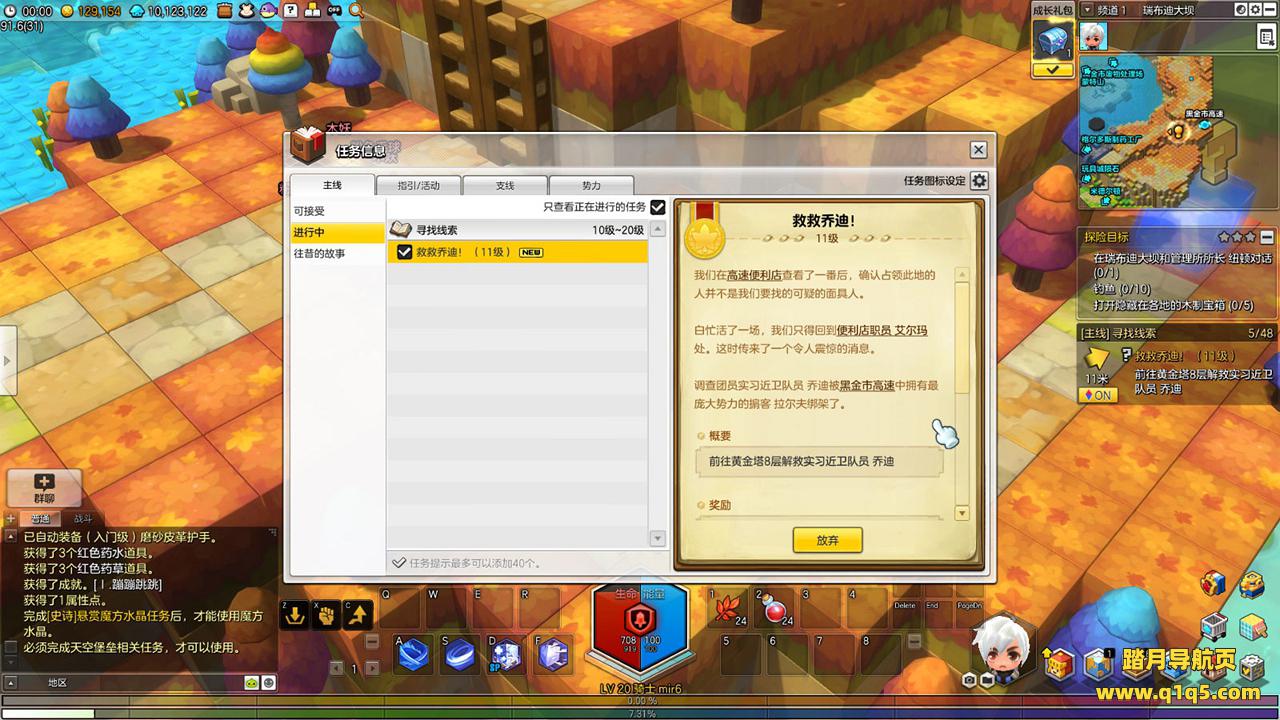
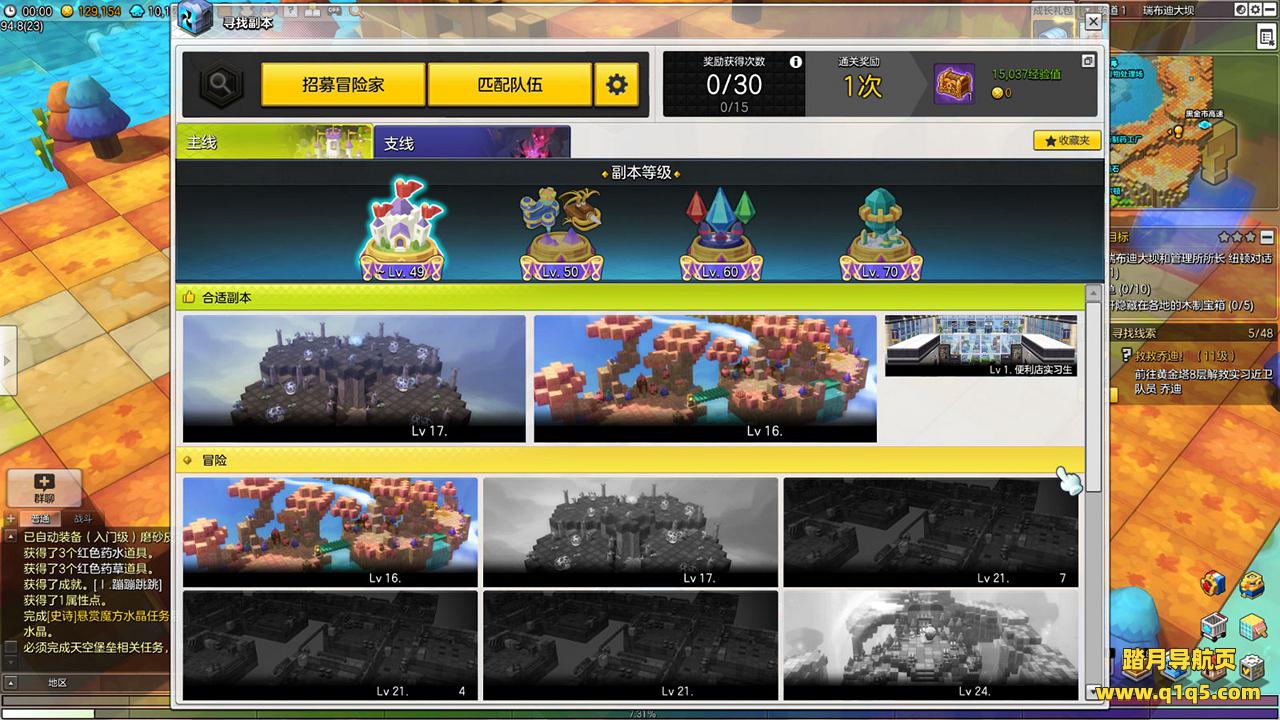
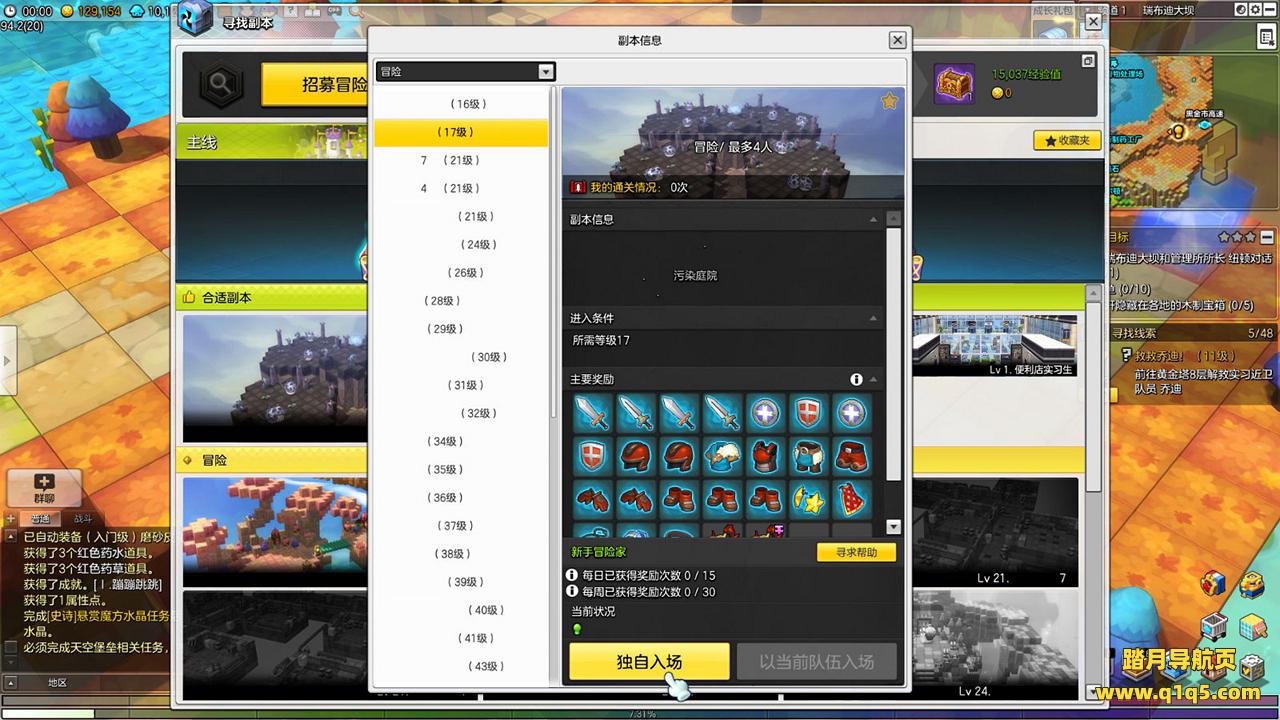
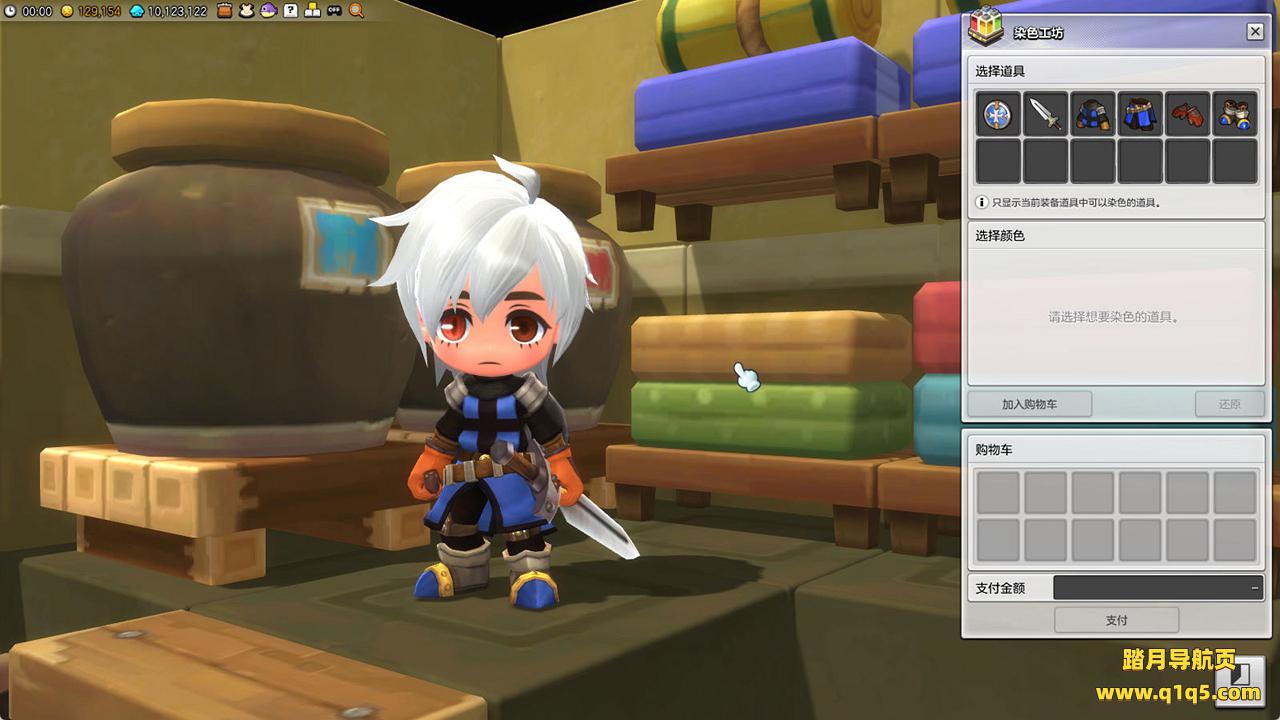
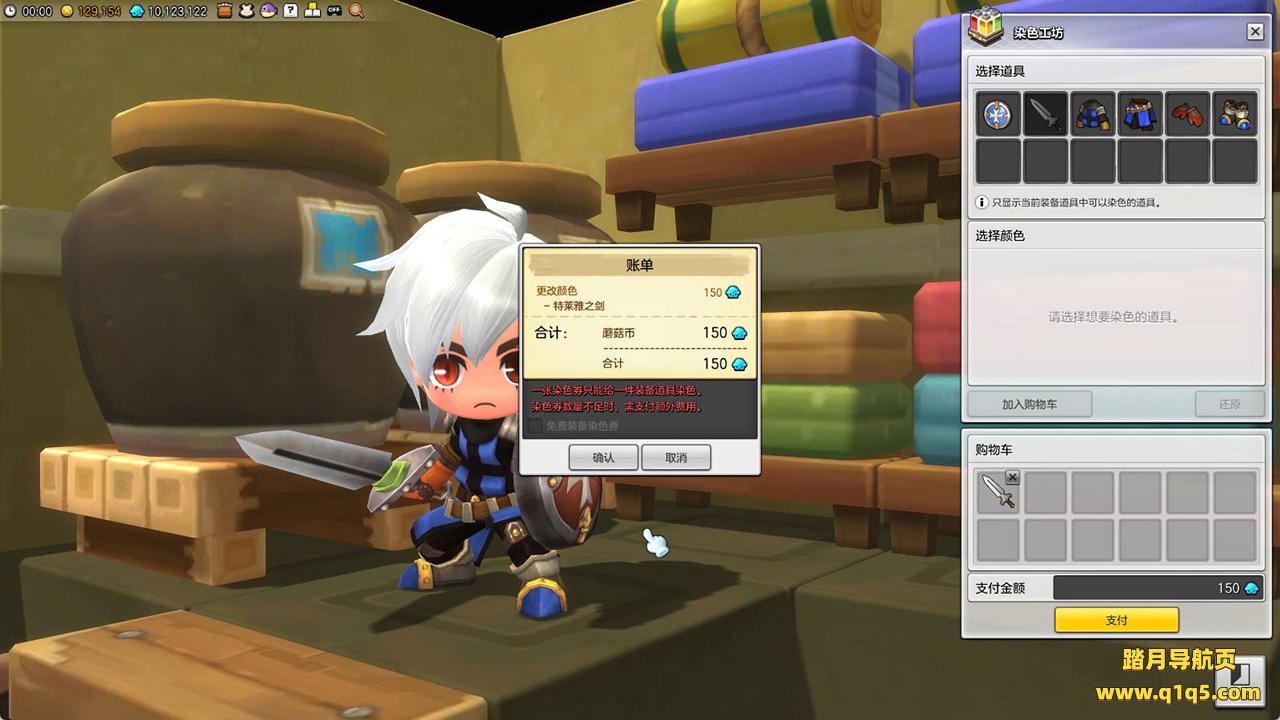
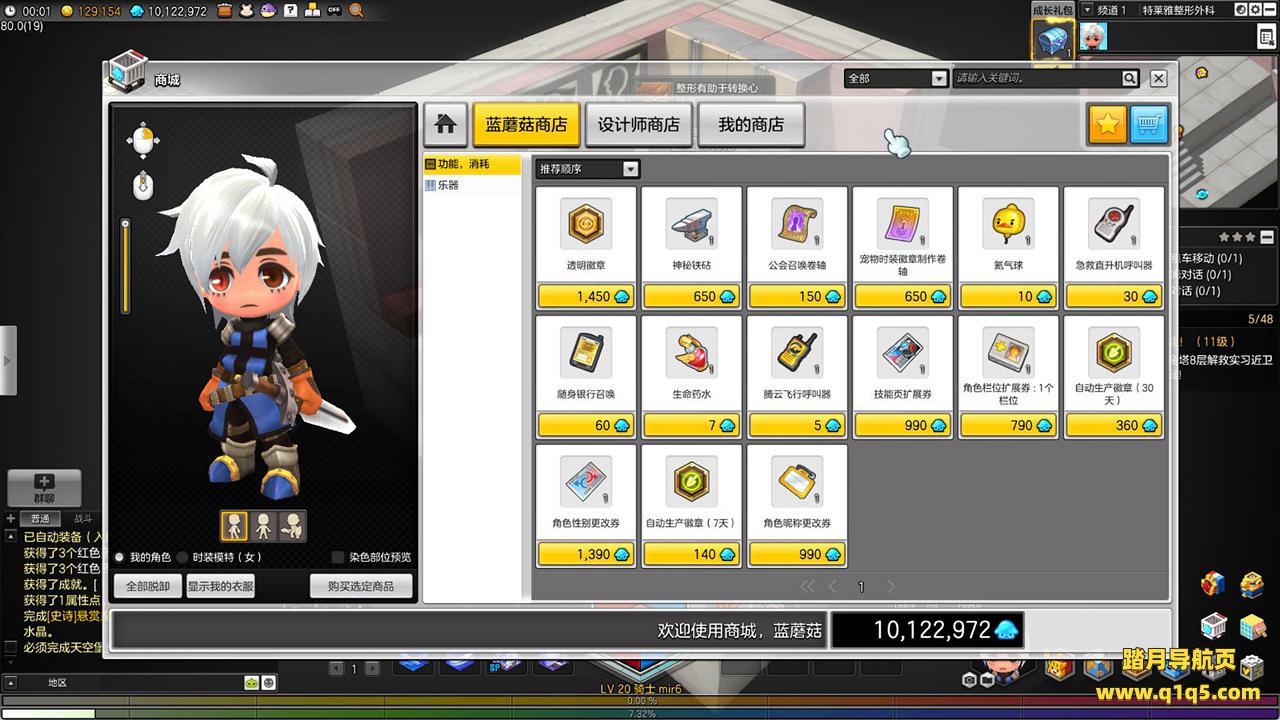
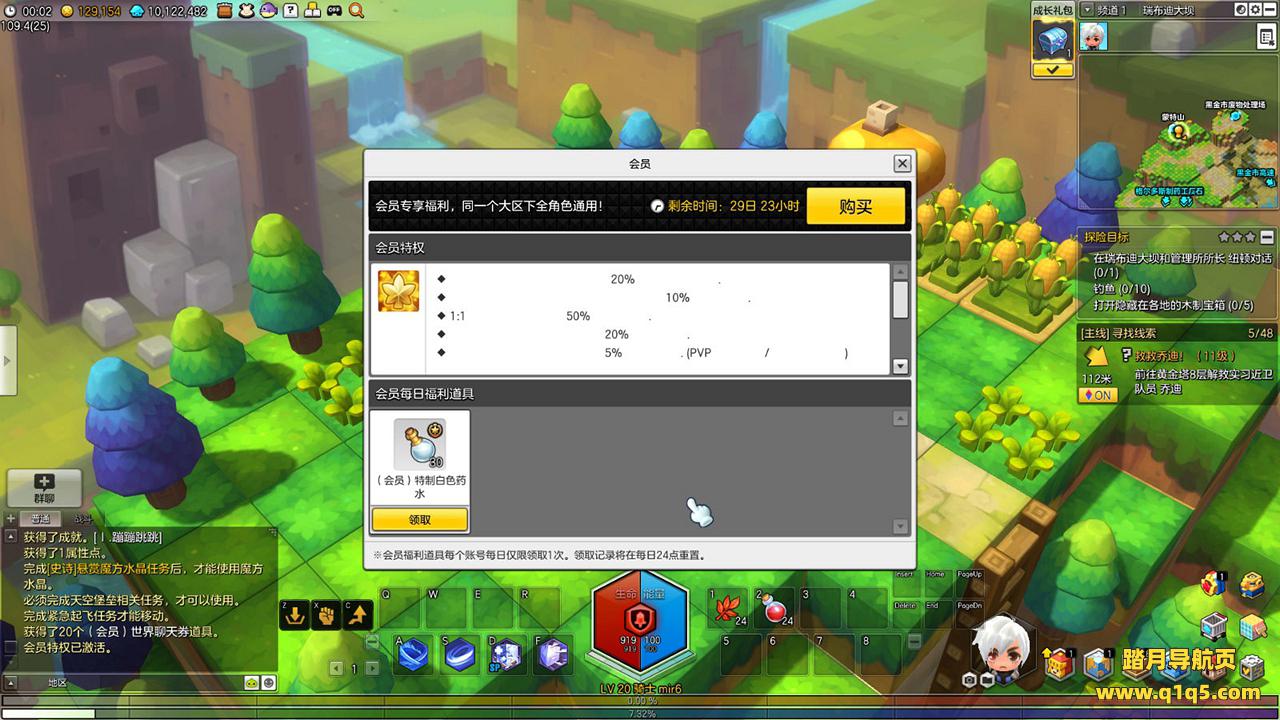
实拍展示




教程介绍
冒险岛2端游 《冒险岛2修复版》 WIN 搭建教程
测试系统:Windows Server 2019
测试IP:192.168.2.166 (外网架设和局网架设方法一样)
首先进入我们官网:www.q1q5.com 搜索《冒险岛2修复版》下载好服务端,我这里已事先下载好了
解压服务端到D盘根目录:
D:
进入环境文件夹安装常用环境:
1.安装常用运行库合集
2.安装NotePad64_7.5.1
3.安装net8.0.16-runtime-win-x64
4.安装net8.0.409-sdkx64
修改服务端文件IP:替换:49.235.188.189 为你自己的服务器IP地址。(单机玩改为:127.0.0.1)
运行【0.一键打开所有修改的文件】
以下为具体文件路径:
D:map2.env
D:map2.env.example
D:map2Maple2.Server.DebugGamebinDebugnet8.0libasynciotest_utils.py
D:map2Maple2.Server.DebugGamebinDebugnet8.0libasynciowindows_utils.py
D:map2Maple2.Server.DebugGamebinDebugnet8.0libsmtplib.py
D:map2Maple2.Server.DebugGamebinDebugnet8.0libsocket.py
D:map2Maple2.Server.DebugGamebinDebugnet8.0libwsgirefutil.py
D:map2Maple2.Server.GamebinDebugnet8.0libasynciotest_utils.py
D:map2Maple2.Server.GamebinDebugnet8.0libasynciowindows_utils.py
D:map2Maple2.Server.GamebinDebugnet8.0libsmtplib.py
D:map2Maple2.Server.GamebinDebugnet8.0libsocket.py
D:map2Maple2.Server.GamebinDebugnet8.0libwsgirefutil.py
D:map2Maple2.Server.GamebinReleasenet8.0libasynciotest_utils.py
D:map2Maple2.Server.GamebinReleasenet8.0libasynciowindows_utils.py
D:map2Maple2.Server.GamebinReleasenet8.0libsmtplib.py
D:map2Maple2.Server.GamebinReleasenet8.0libsocket.py
D:map2Maple2.Server.GamebinReleasenet8.0libwsgirefutil.py
D:map2Maple2.Server.GamebinReleasenet8.0win-x64libasynciotest_utils.py
D:map2Maple2.Server.GamebinReleasenet8.0win-x64libasynciowindows_utils.py
D:map2Maple2.Server.GamebinReleasenet8.0win-x64libsmtplib.py
D:map2Maple2.Server.GamebinReleasenet8.0win-x64libsocket.py
D:map2Maple2.Server.GamebinReleasenet8.0win-x64libwsgirefutil.py
D:map2Maple2.Server.GamePacketsServerEnterPacket.cs
D:map2Maple2.Server.TestsbinDebugnet8.0libasynciotest_utils.py
D:map2Maple2.Server.TestsbinDebugnet8.0libasynciowindows_utils.py
D:map2Maple2.Server.TestsbinDebugnet8.0libsmtplib.py
D:map2Maple2.Server.TestsbinDebugnet8.0libsocket.py
D:map2Maple2.Server.TestsbinDebugnet8.0libwsgirefutil.py
启动游戏:
1.启动数据库(启动MySQL)
2.启动Maple2.Server.World (第一次启动出现闪退,再次重新打开即可)
3.启动Maple2.Server.Login
4.启动Maple2.Server.Web
5.启动Maple2.Server.Game
客户端修改:替换:49.235.188.189 为你自己的服务器IP地址。(单机玩改为:127.0.0.1)
首先在本地电脑解压好PC客户端,此客户端必须在物理电脑上运行,然后修改以下路径文件中的IP为你自己的服务器IP地址
MapleStory2Orion.ini
启动游戏运行:MapleStory2MapleStory2.exe
直接输入任意账号密码登录即可,我们先过一下新手任务。
GM命令:
/player level 等级
/player prestige 冒险等级
/player currency meso(金币), meret(蘑菇币), valortoken(勇气徽章), treva(暗影币), rue(糊涂币), havifruit(哈比果), reversecoin(重生币), mentoroken(资深冒险家点数), starpoint(星星点数), mesotoken(金币标志),menteetoken(冒险家回归点数) 数量
/item 20000718 (Lv. 50升级药水)
/item 20001314 (Lv. 60升级药水)
/item 20001306 (Lv. 70升级药水)
/item 40100042 玛瑙水晶(每次只能刷1个) “/item 40100042 –amount 99999”(加上–amount 数量)
/item 40100043 混沌玛瑙水晶(每次只能刷1个)“/item 40100043 –rarity 4 –amount 9999”(加上–amount 数量)(–rarity 1-5白-橙)
/item 40100049 水晶碎片(每次只能刷1个) “/item 40100049 –amount 99999”(加上–amount 数量)
/item 20302891 300红色水晶箱
/item 20302890 300红色水晶箱
/item 20302889 300红色水晶箱
/item 20301801 紫色锁定卷轴
/item 20301802 传说锁定卷轴
/item 31000790 传说武器属性变换卷轴(双手)
/item 31000791 传说武器属性变换卷轴(主手)
/item 20300939 红色星星罐
/item 20302848 古代地狱君武器箱
/item 40250710 -r 4 高级战斗力宝石
/item 40250610 -r 4 高级战斗力宝石
/item 11800130 -r 4 时空炎魔翅膀
/item 12000111 -r 4 扎昆戒指
/item 12100112 -r 4 腰带
/item 11260092 -r 5 百夫长耳环
/item 11900127 -r 6 绯红项链
/item 12000116 -r 6 绯红戒指
火棱镜=绯红
灵魂裂痕=至暗套
泰伦军官=塔兰指挥官套
古董地狱=古代地狱君主套
BUG注明;买东西刷东西,开箱子,使用道具太快,可能会导致服务端内存不足回档,解决办法,所有动作都慢点操作。
实在觉得太快可以过几分钟小退一次强制服务端存档
好了,下面我们来测试下游戏里的功能看看。好了,其他功能就自行测试吧。更多的游戏资源可以访问www.q1q5.com下载,我们每款游戏资源均单独制作了独立的视频架设教程,让小白也可以快速上手游戏架设,快来体验自己做GM的乐趣吧!