
版本介绍
稀有精品页游【魔域世界三职业完整版】Linux手工服务端+网页商城+GM后台+全套物品ID+视频架设教程
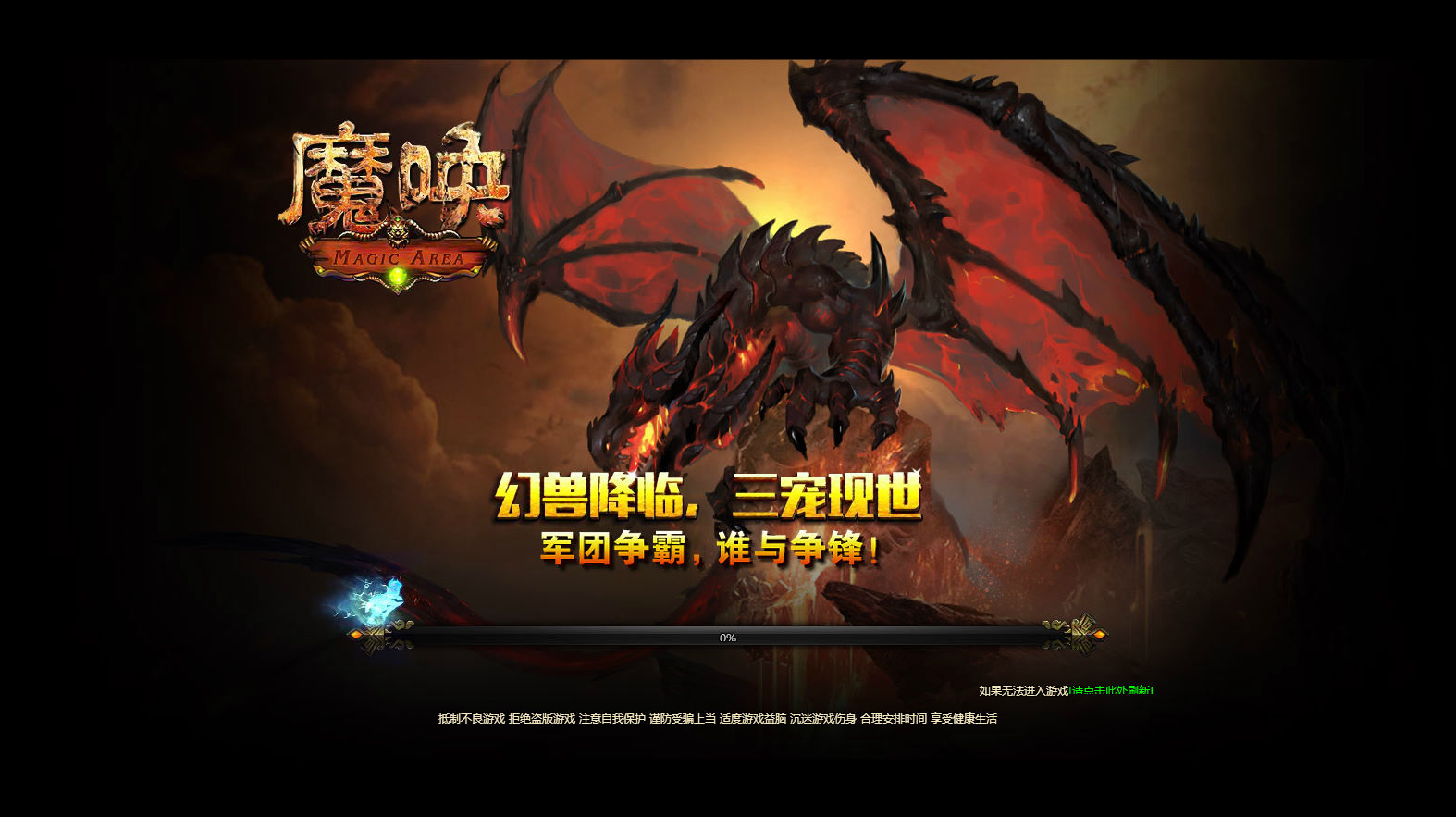
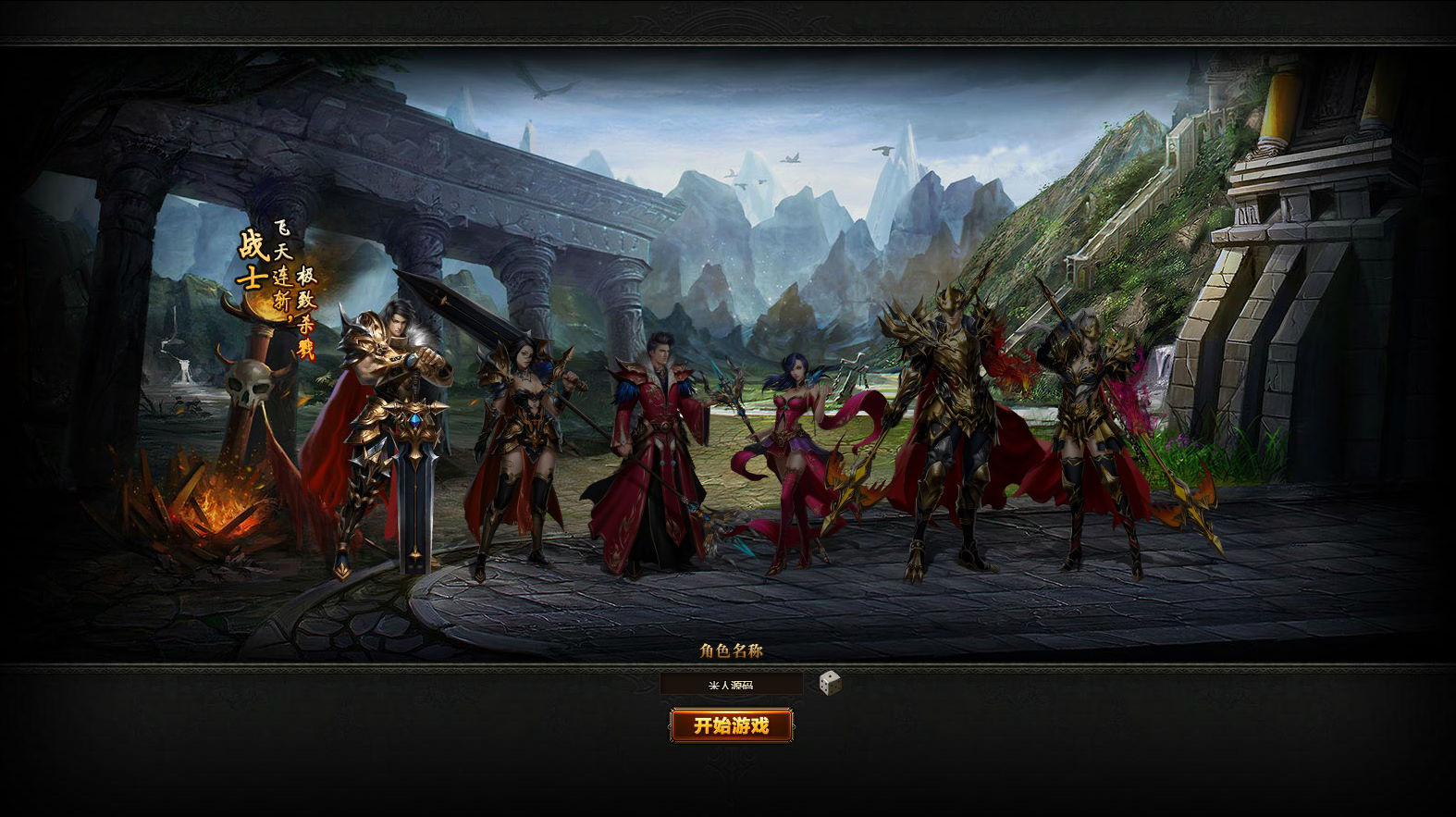
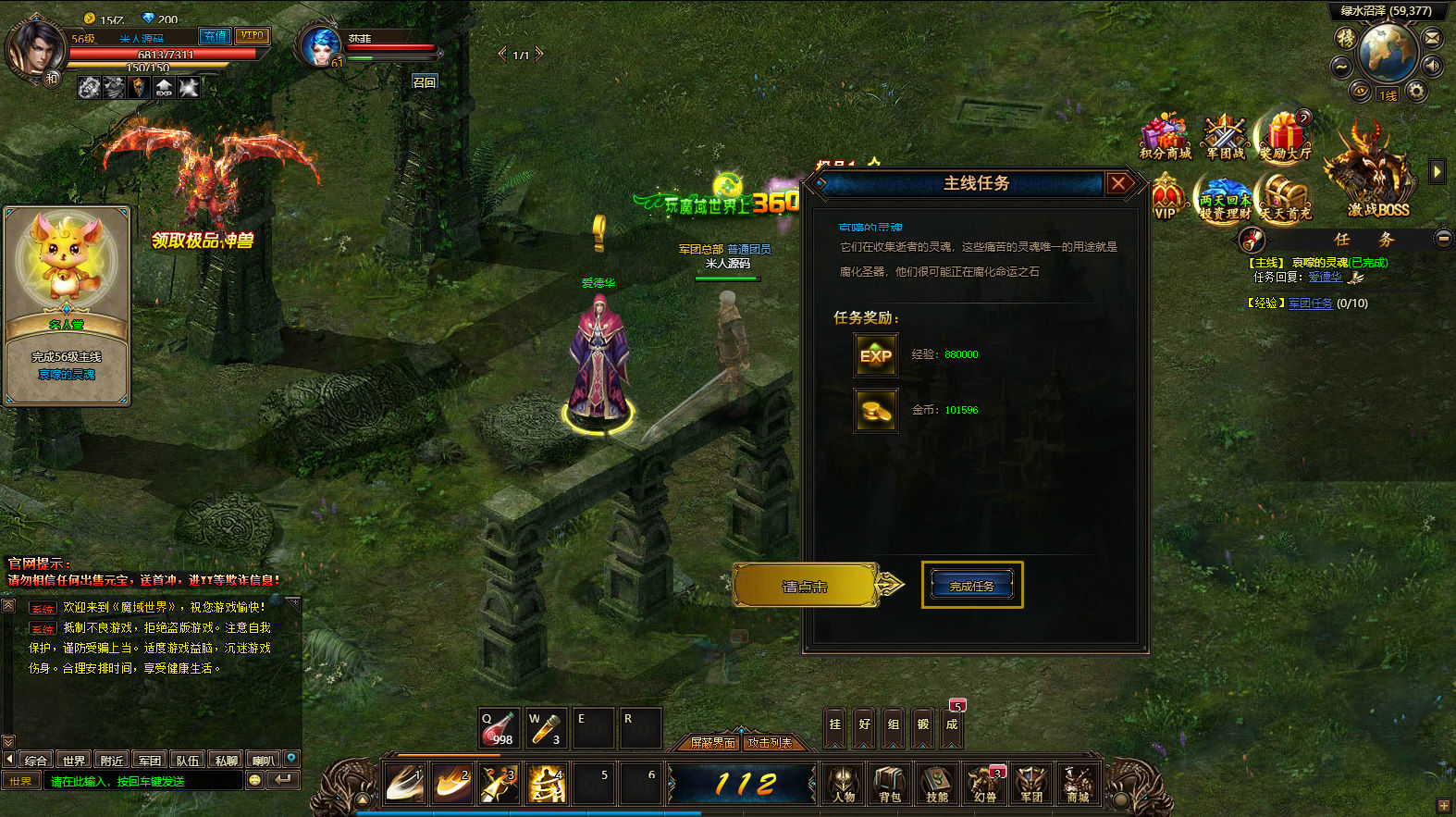
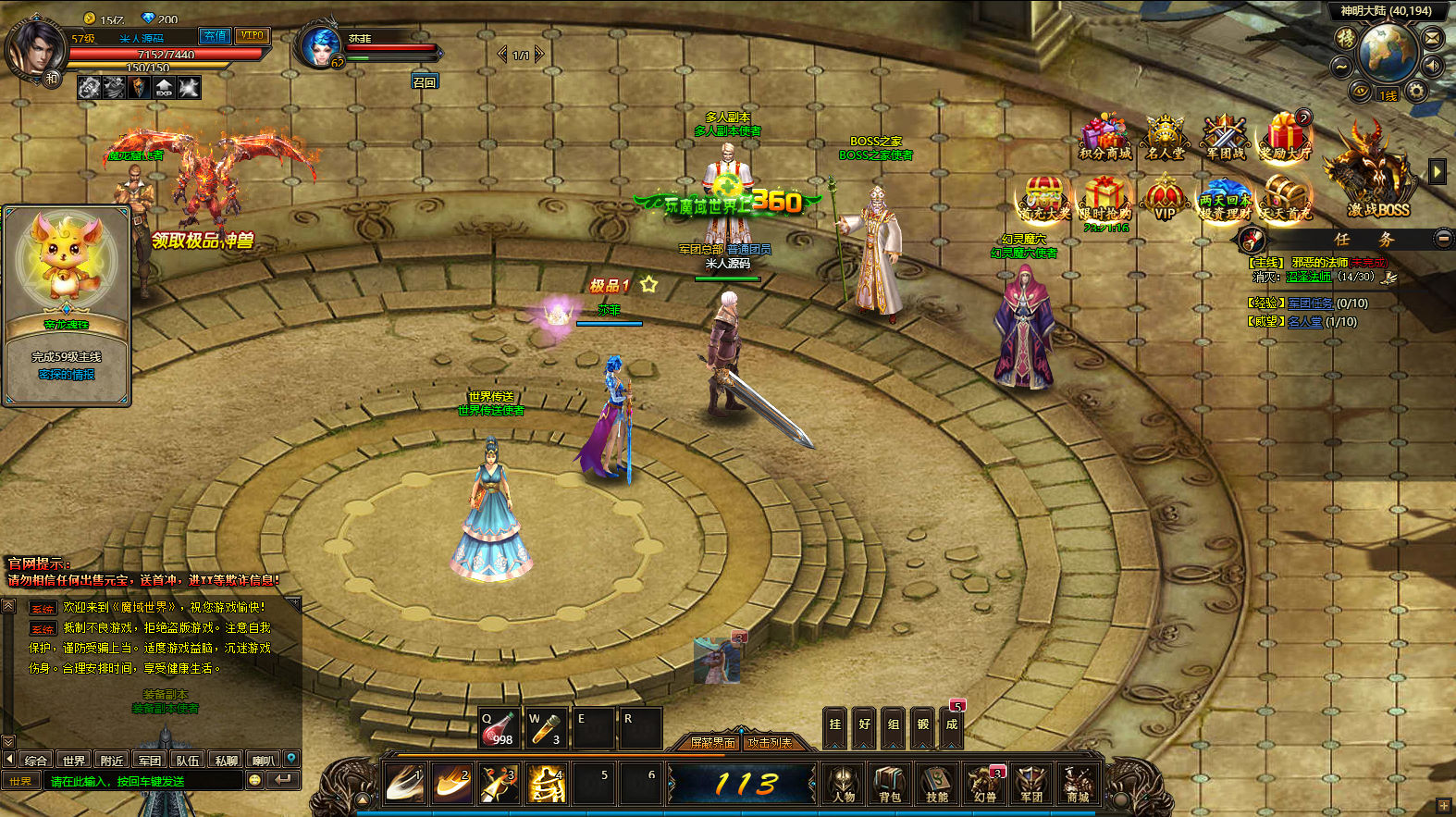
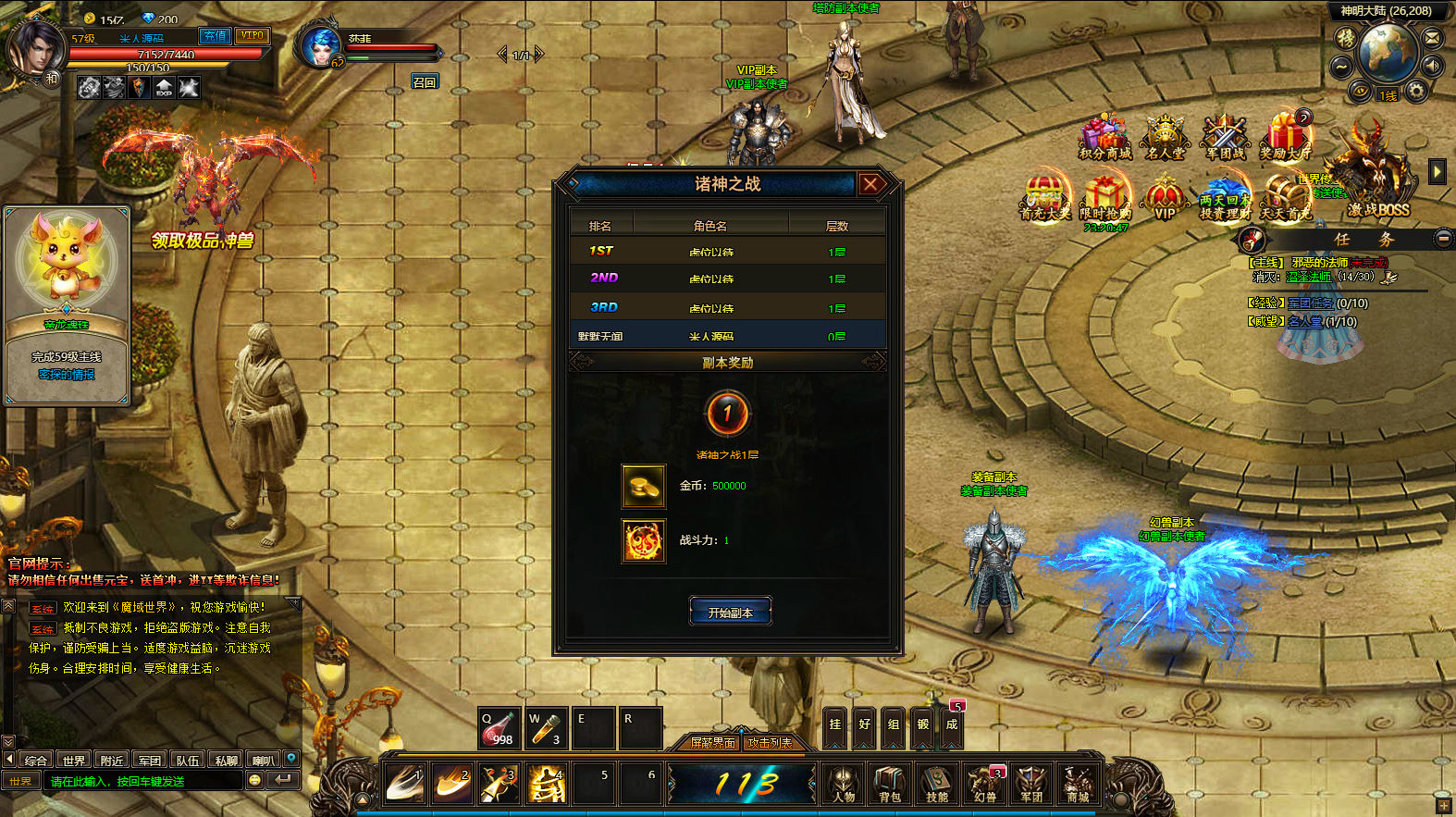
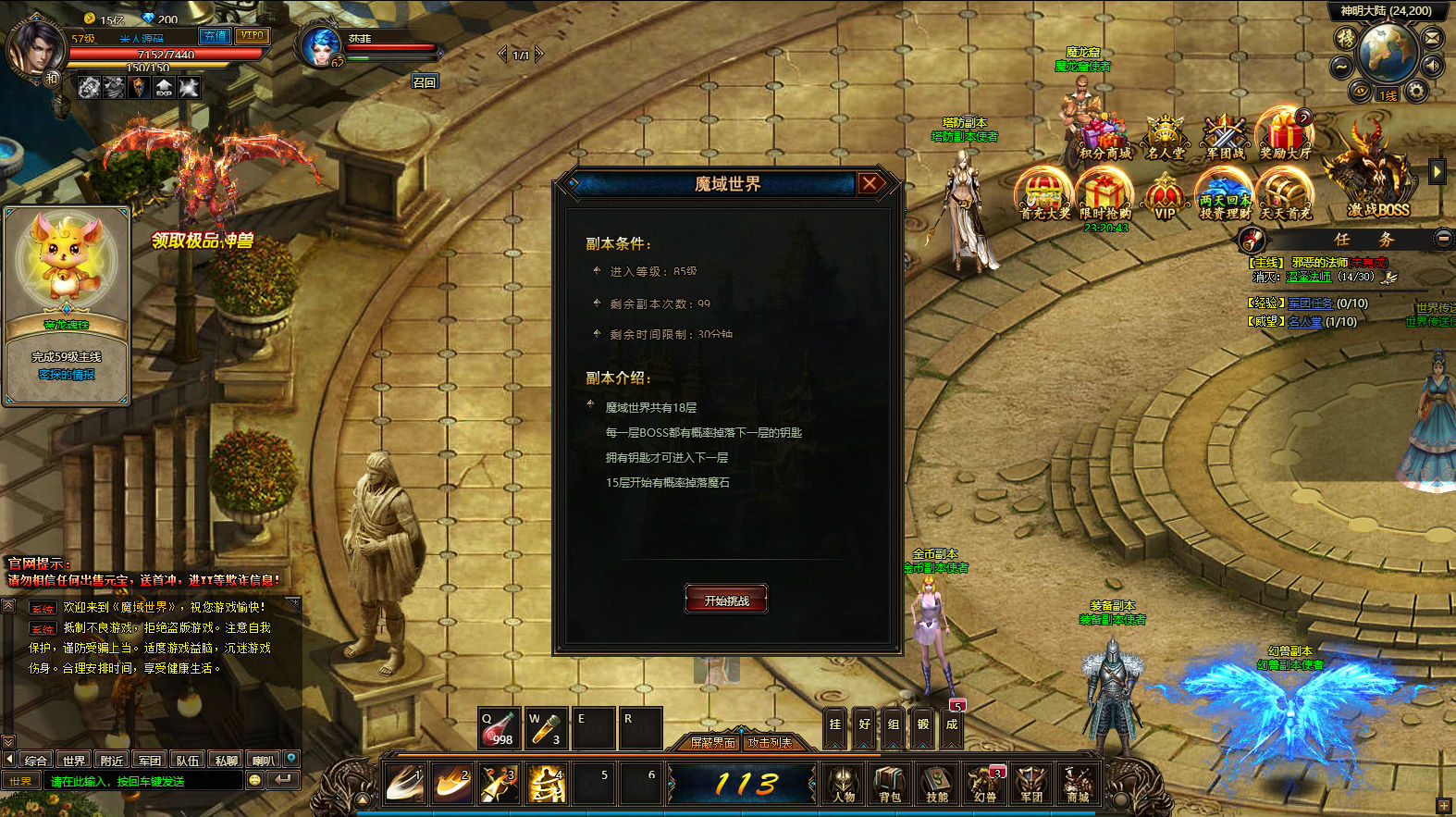
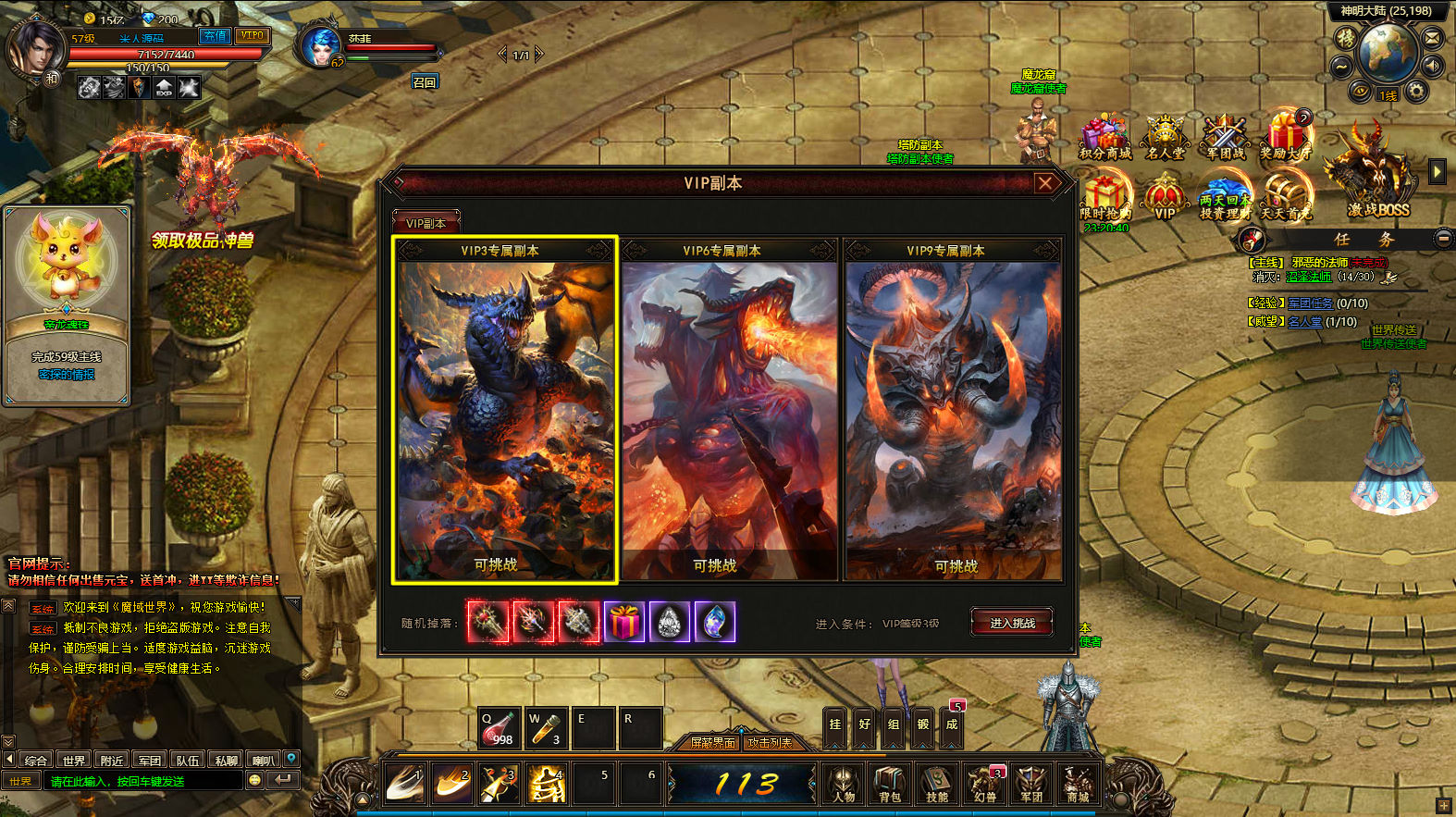
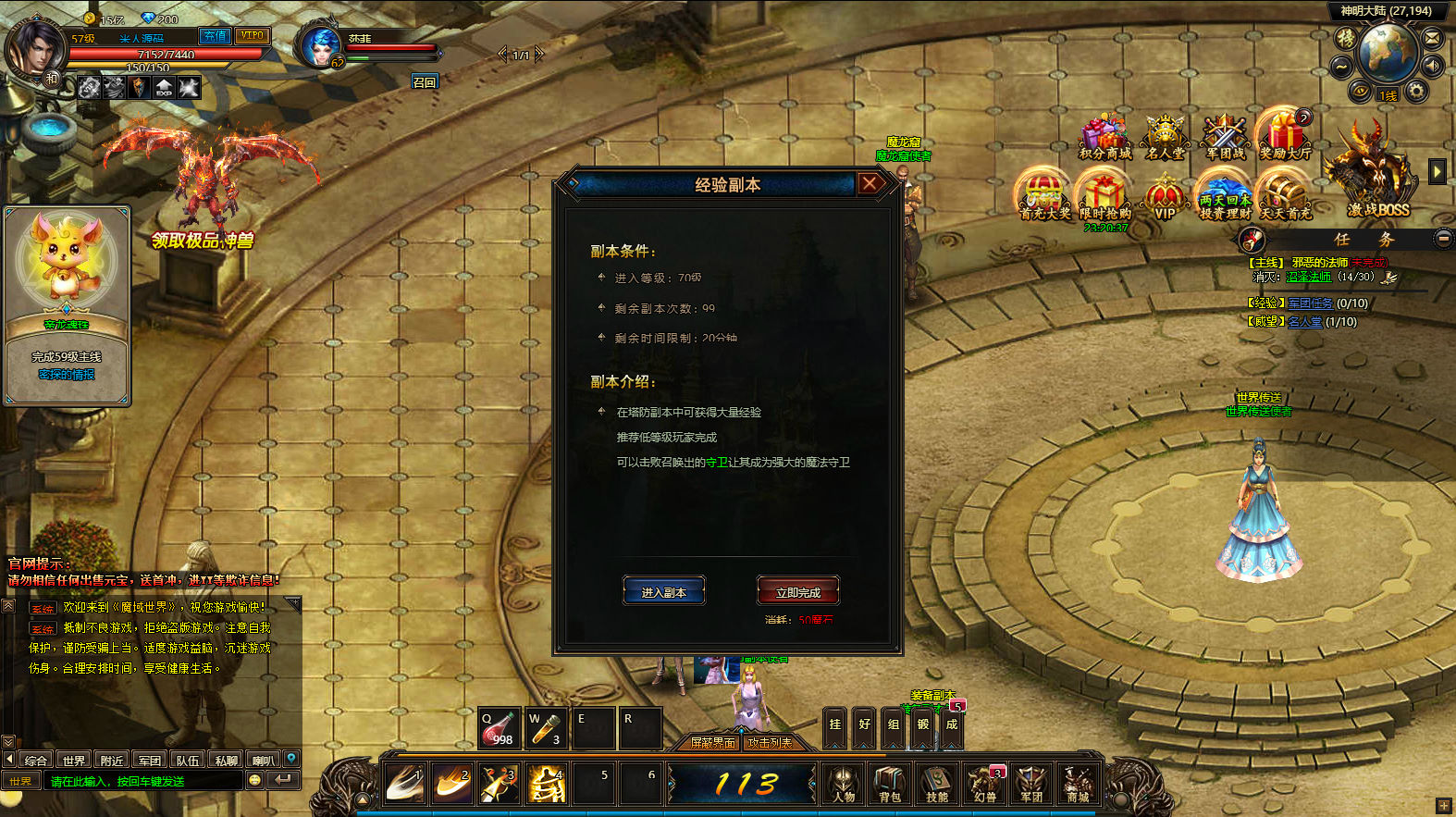
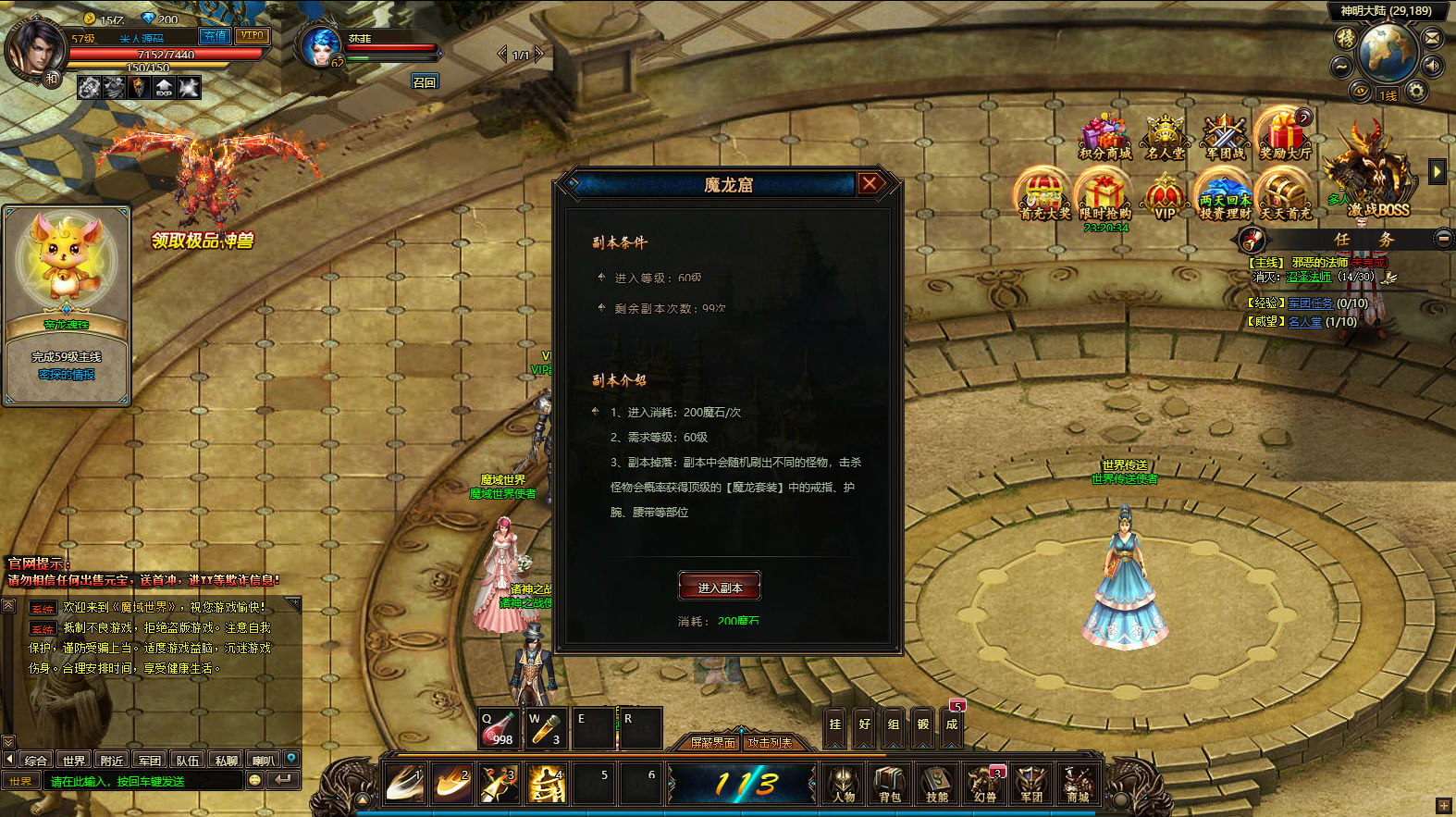
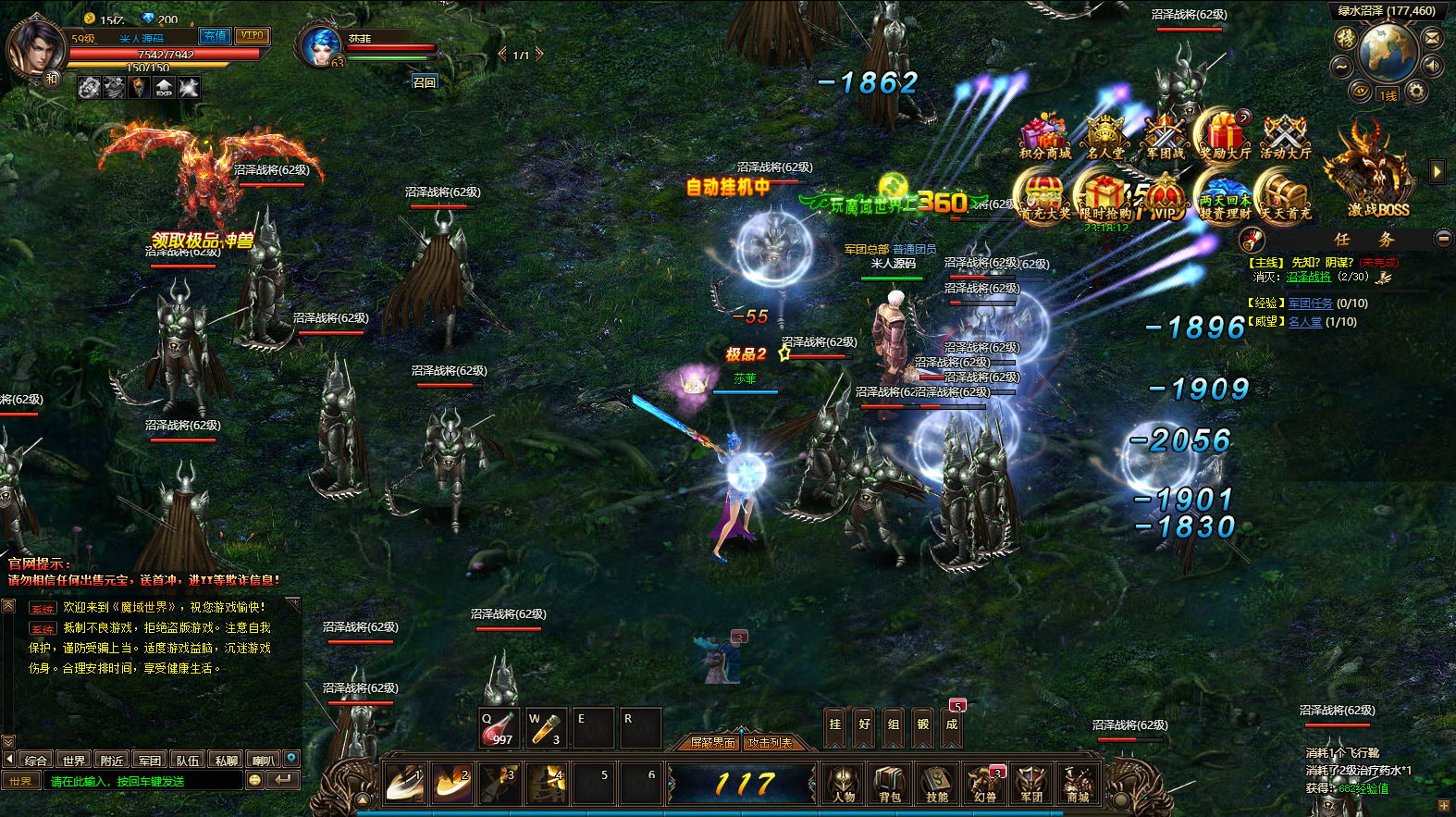
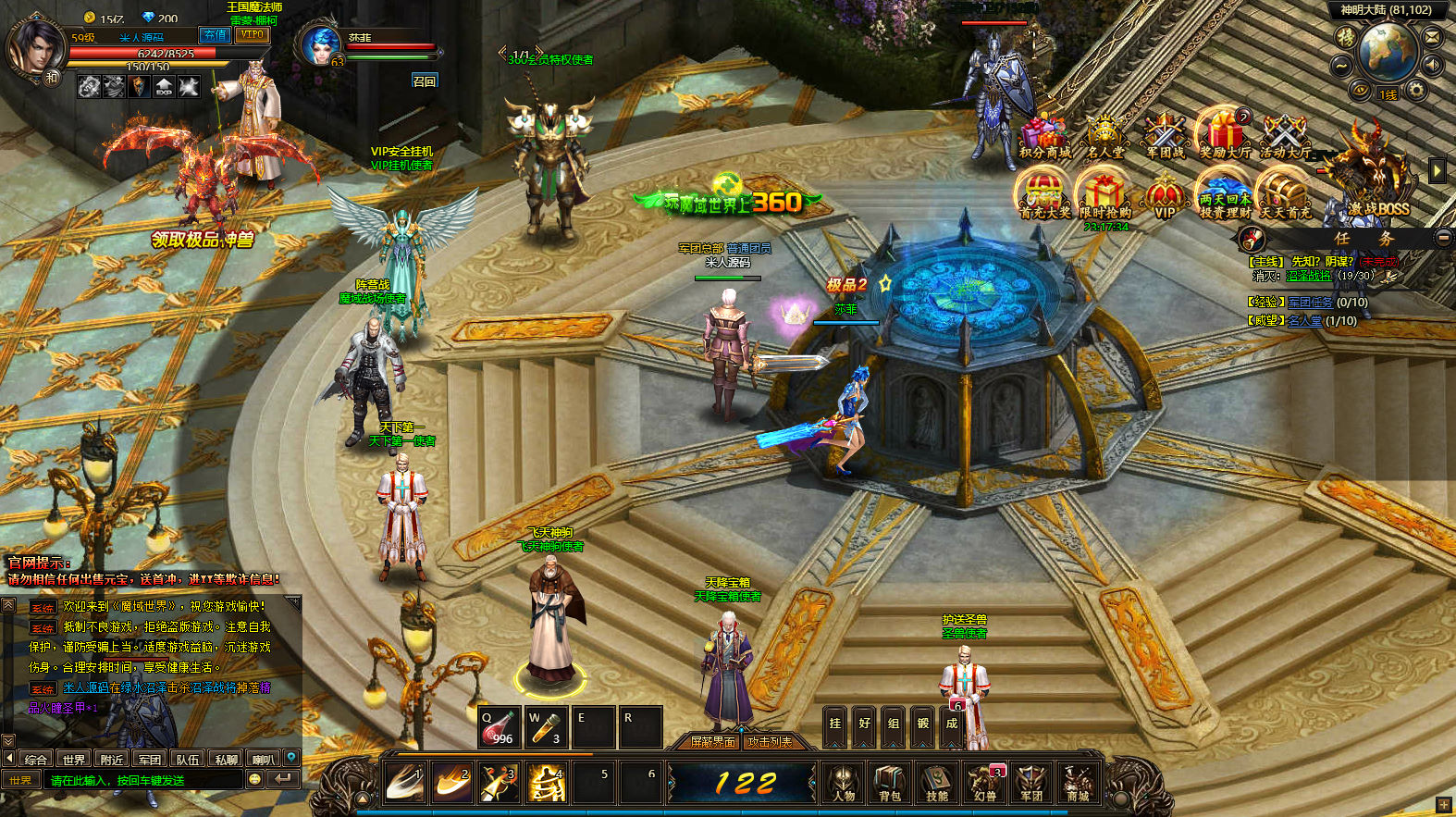
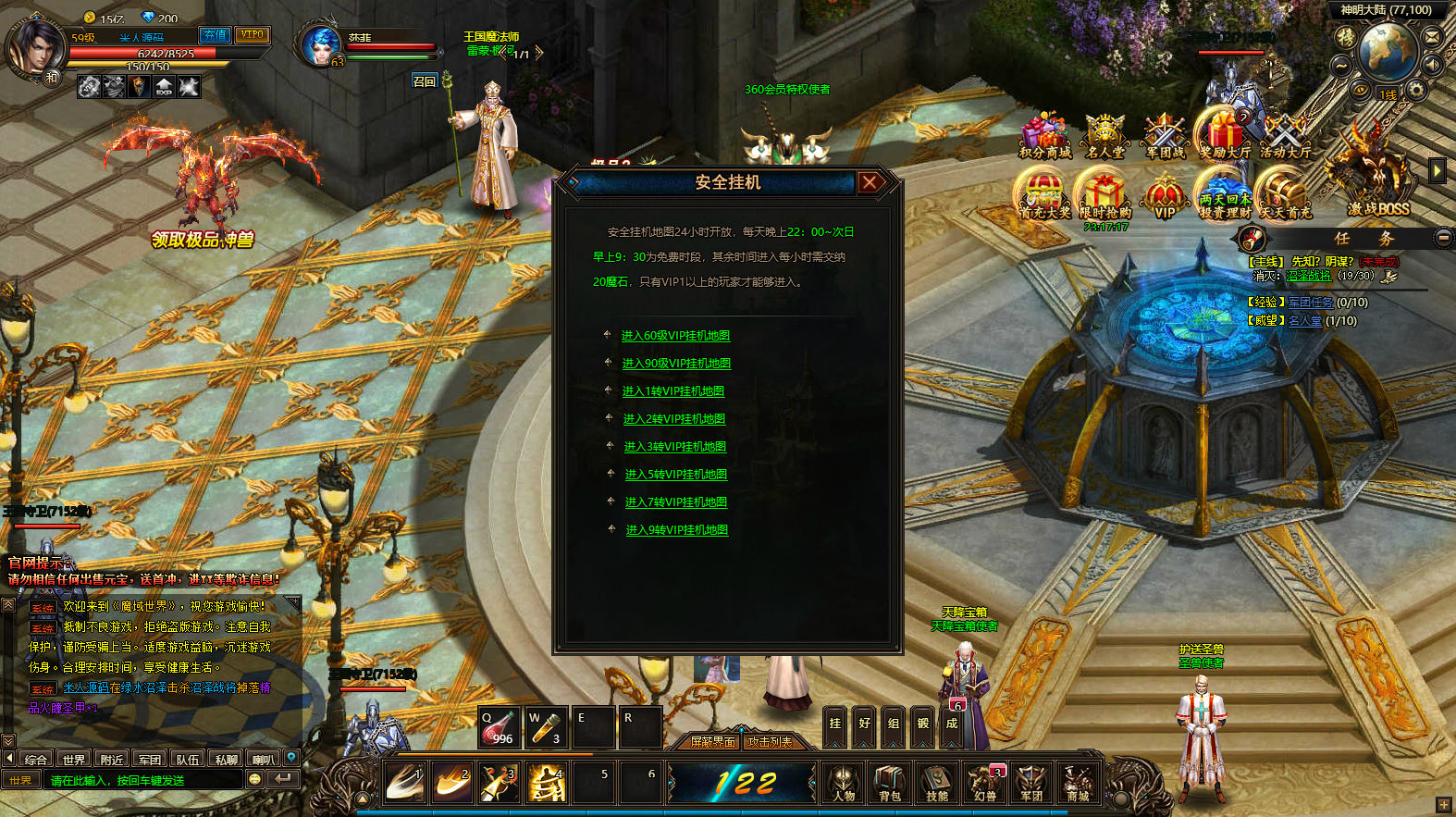
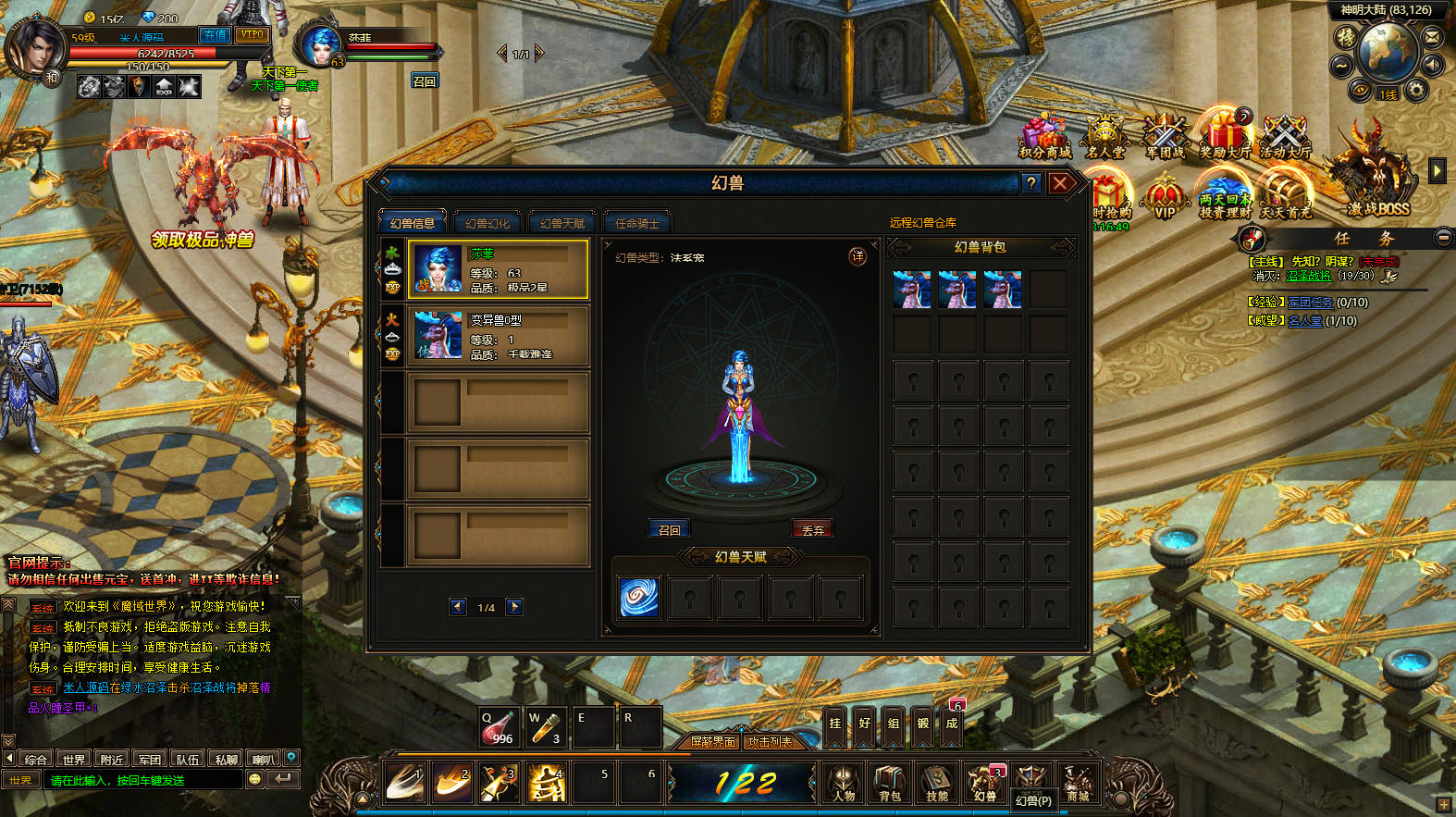
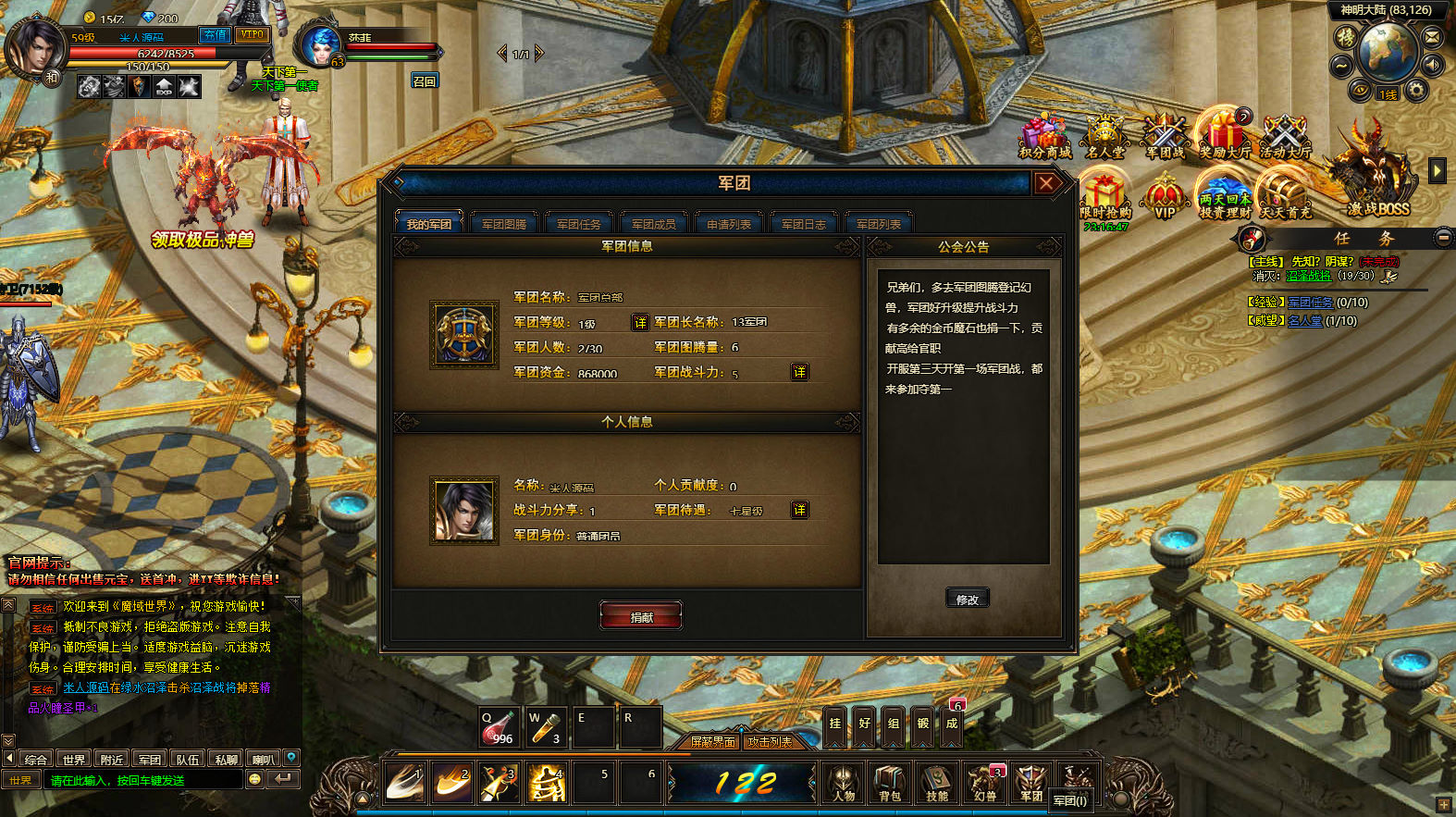
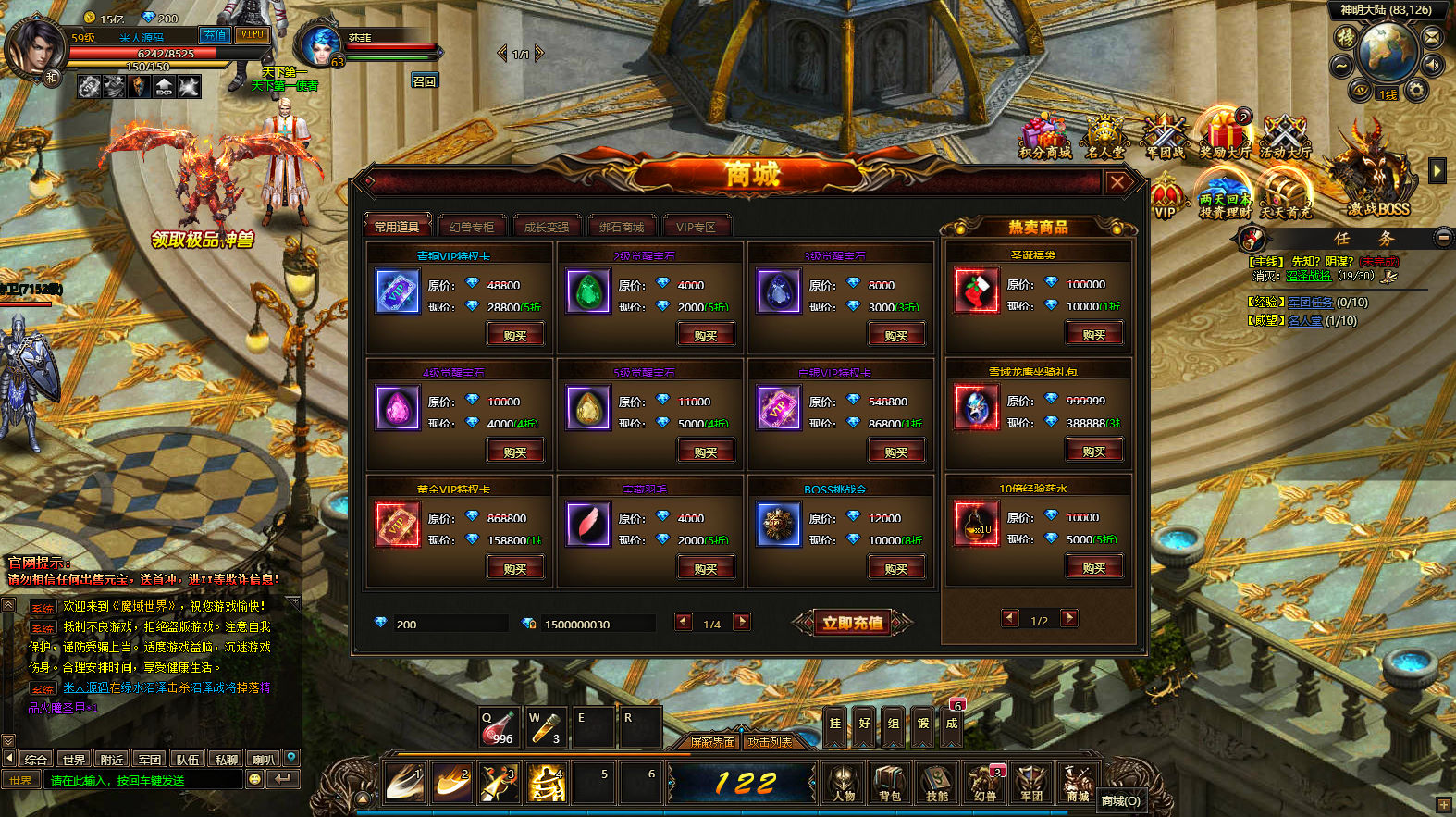
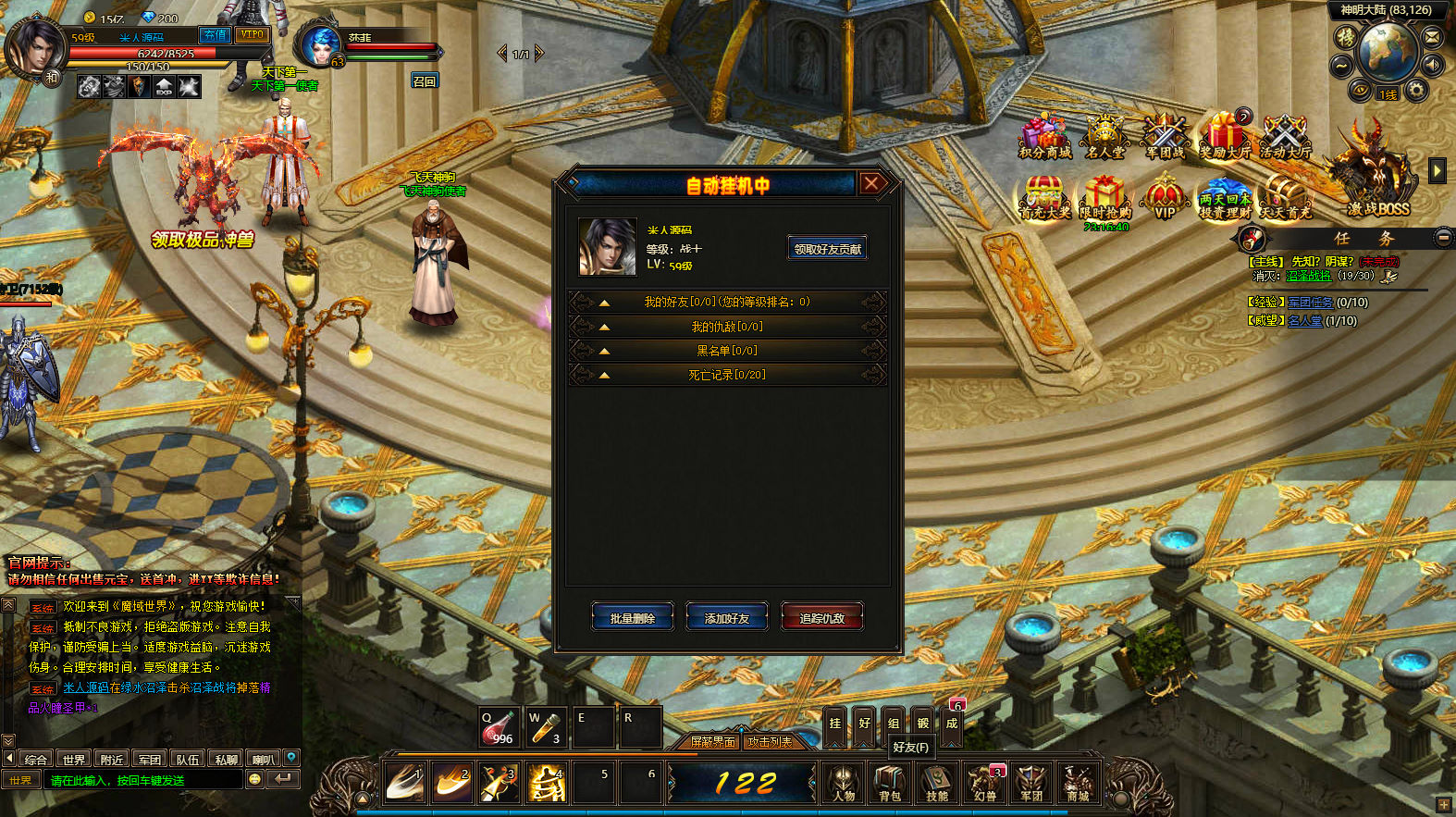
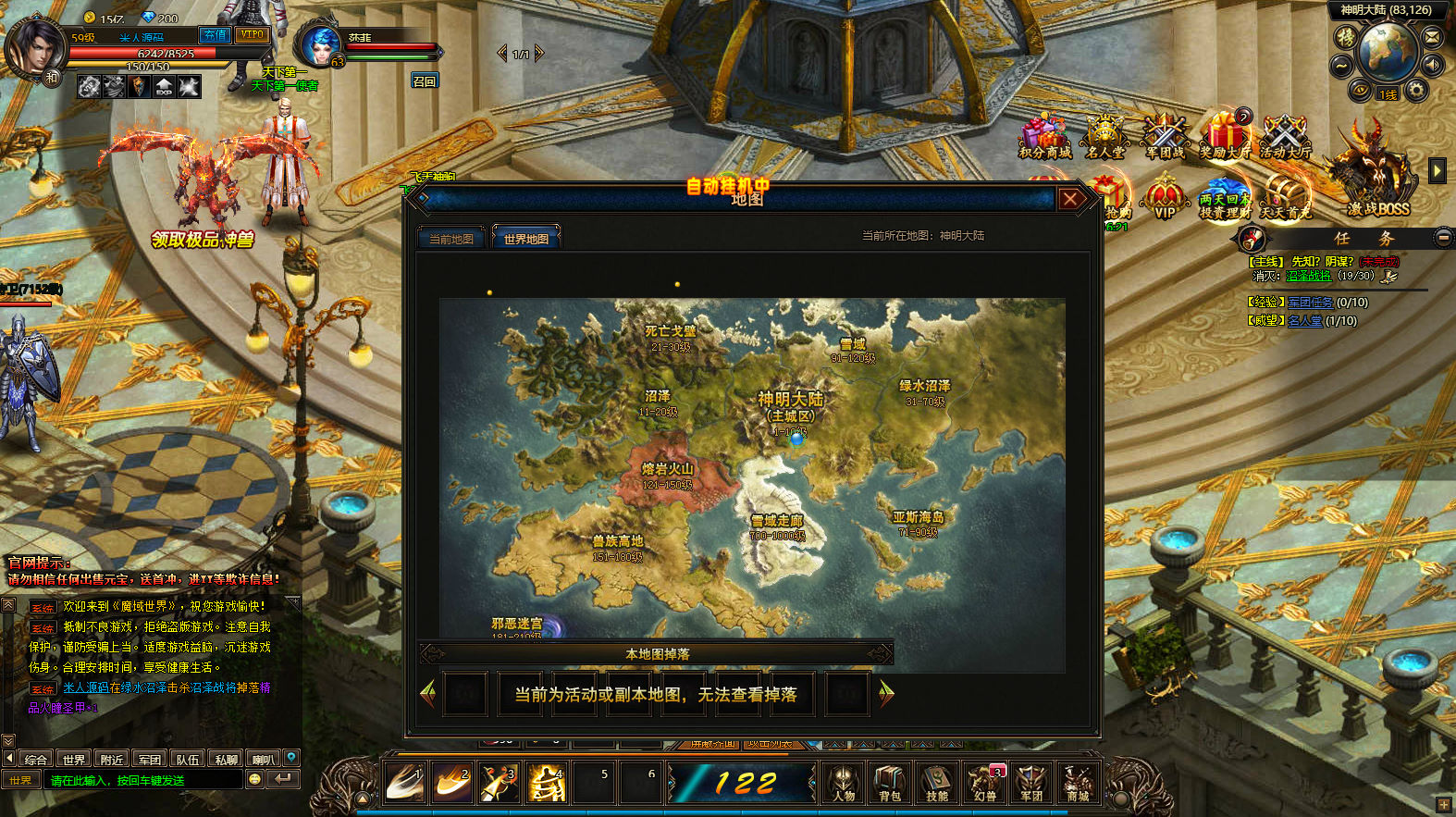
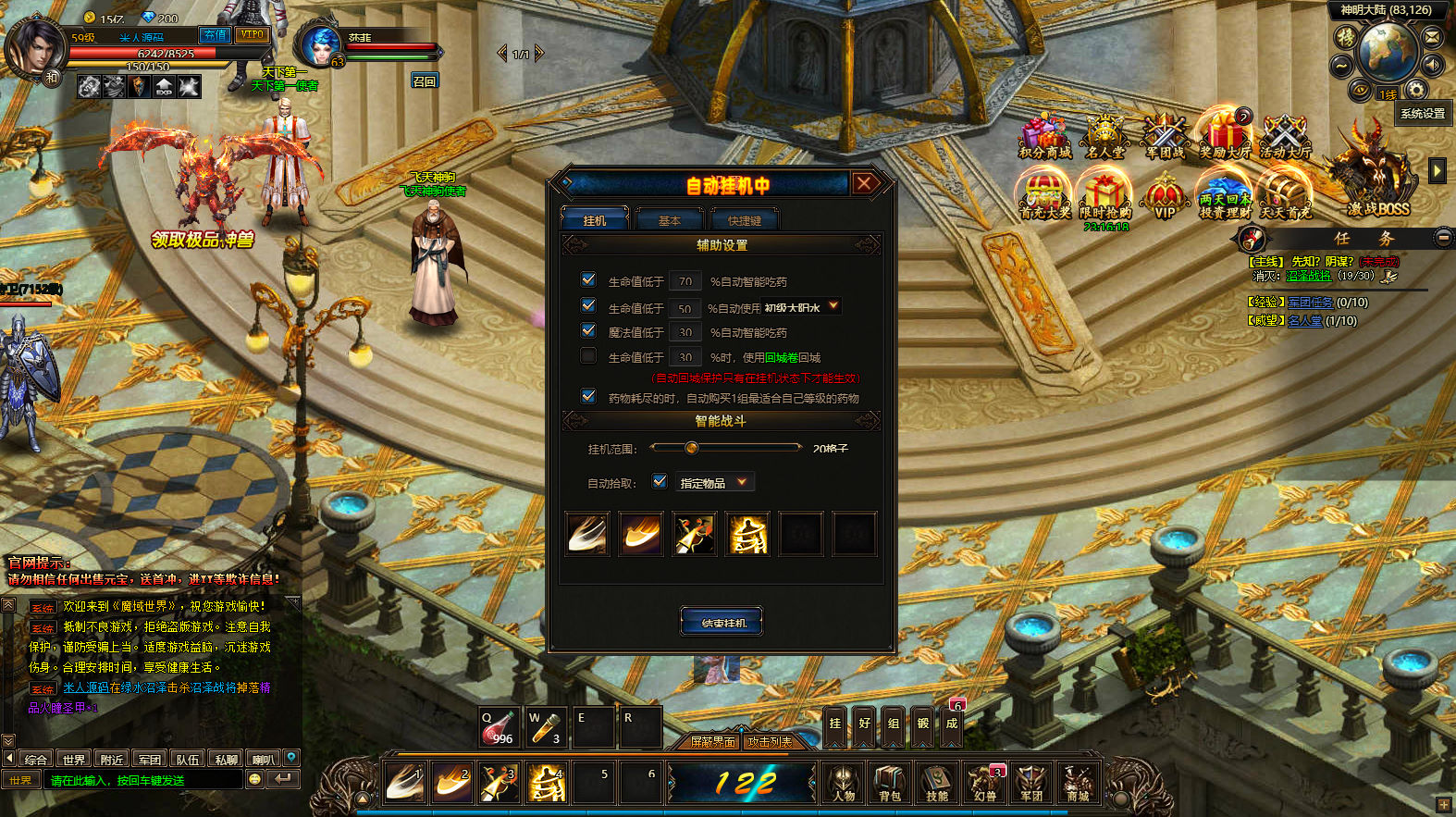
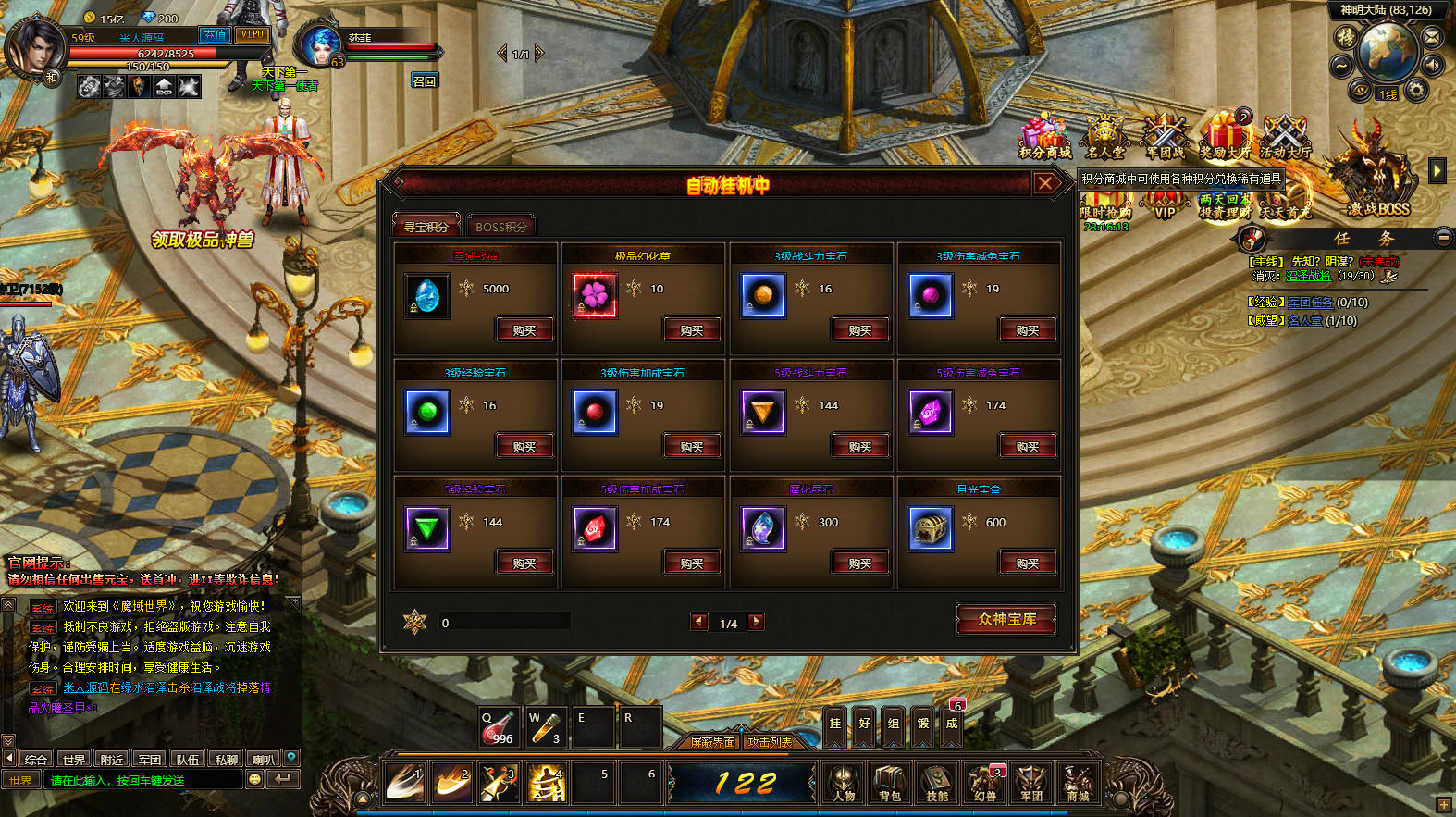
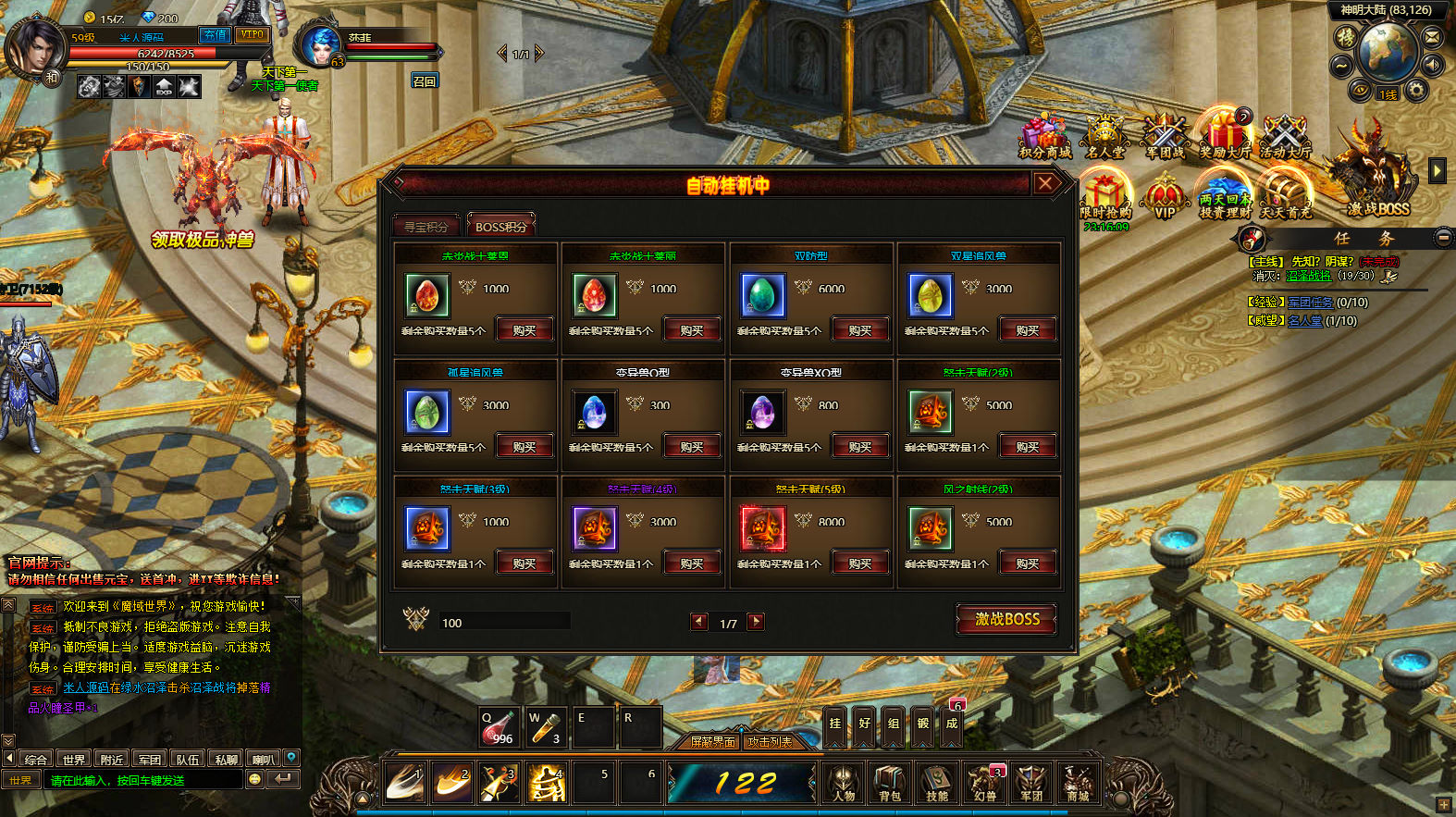
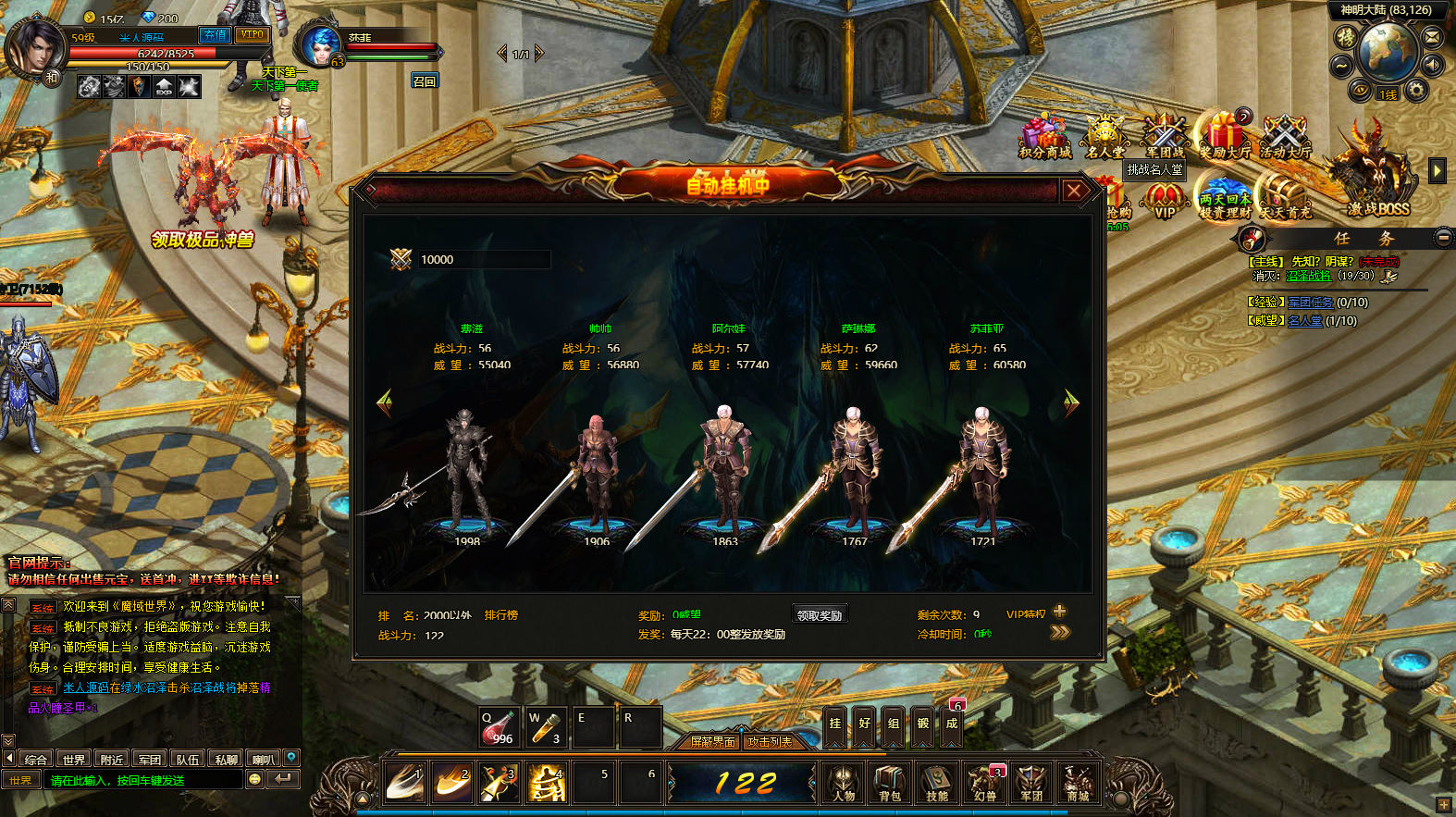
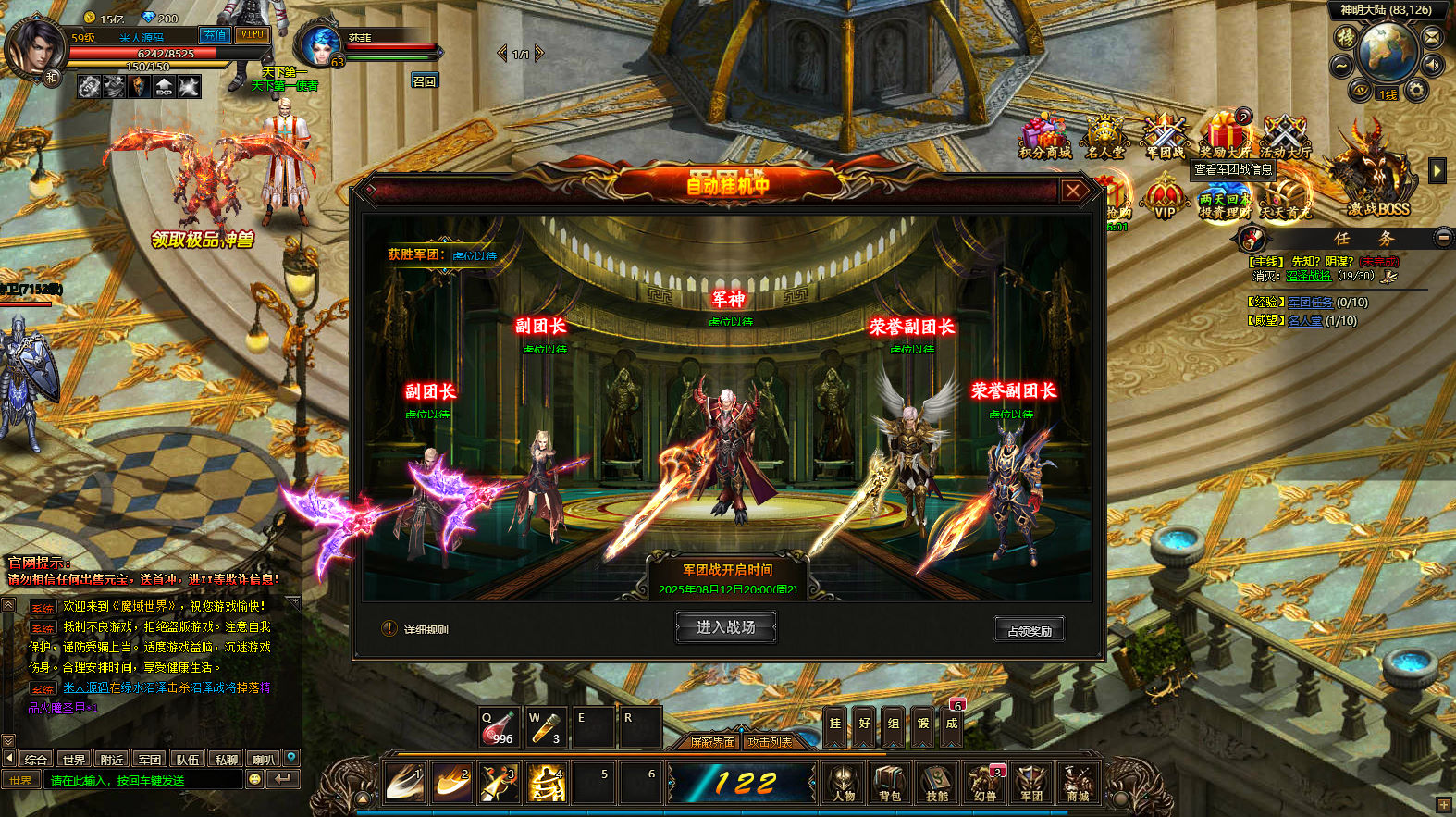
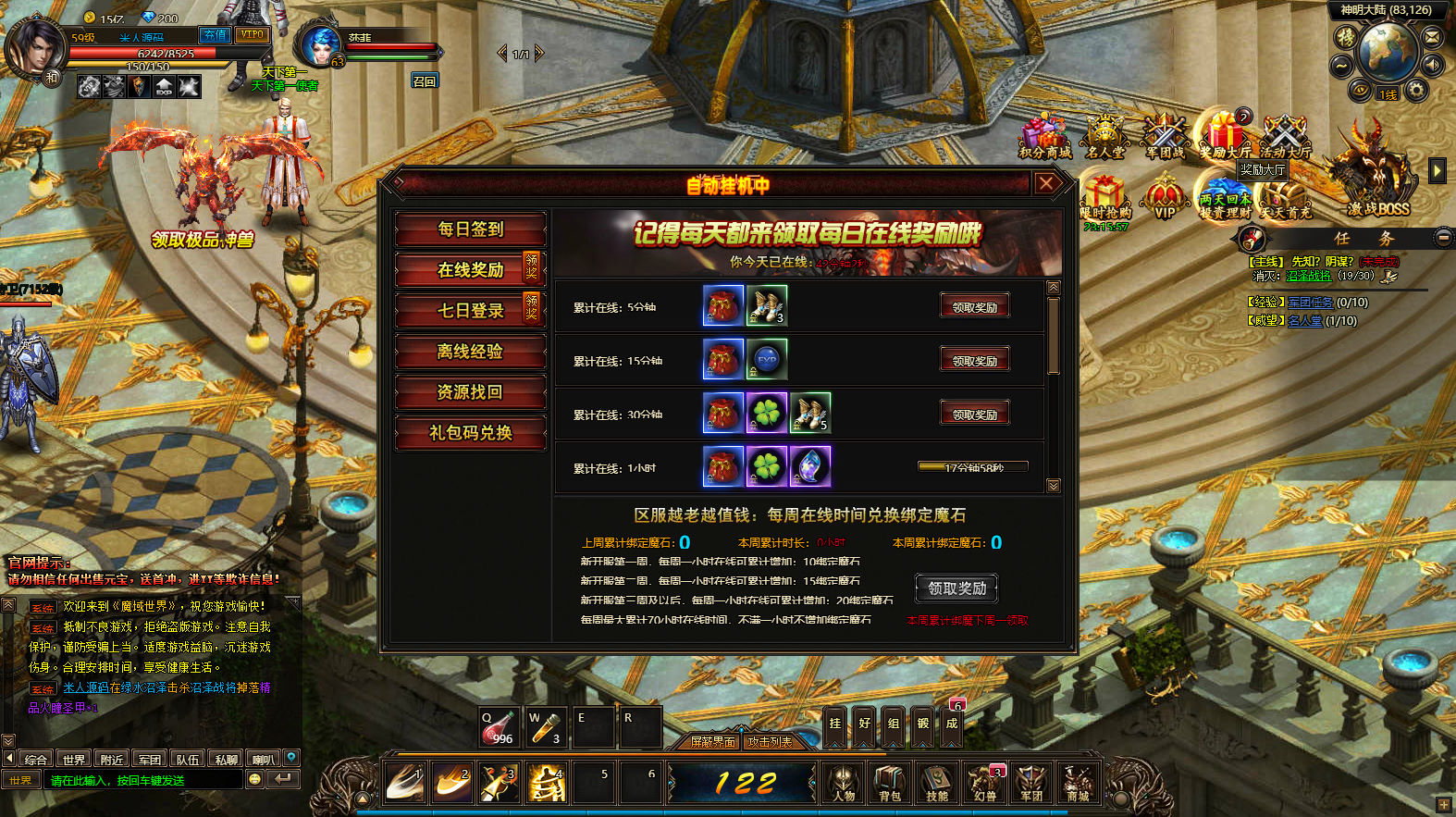
版本截图



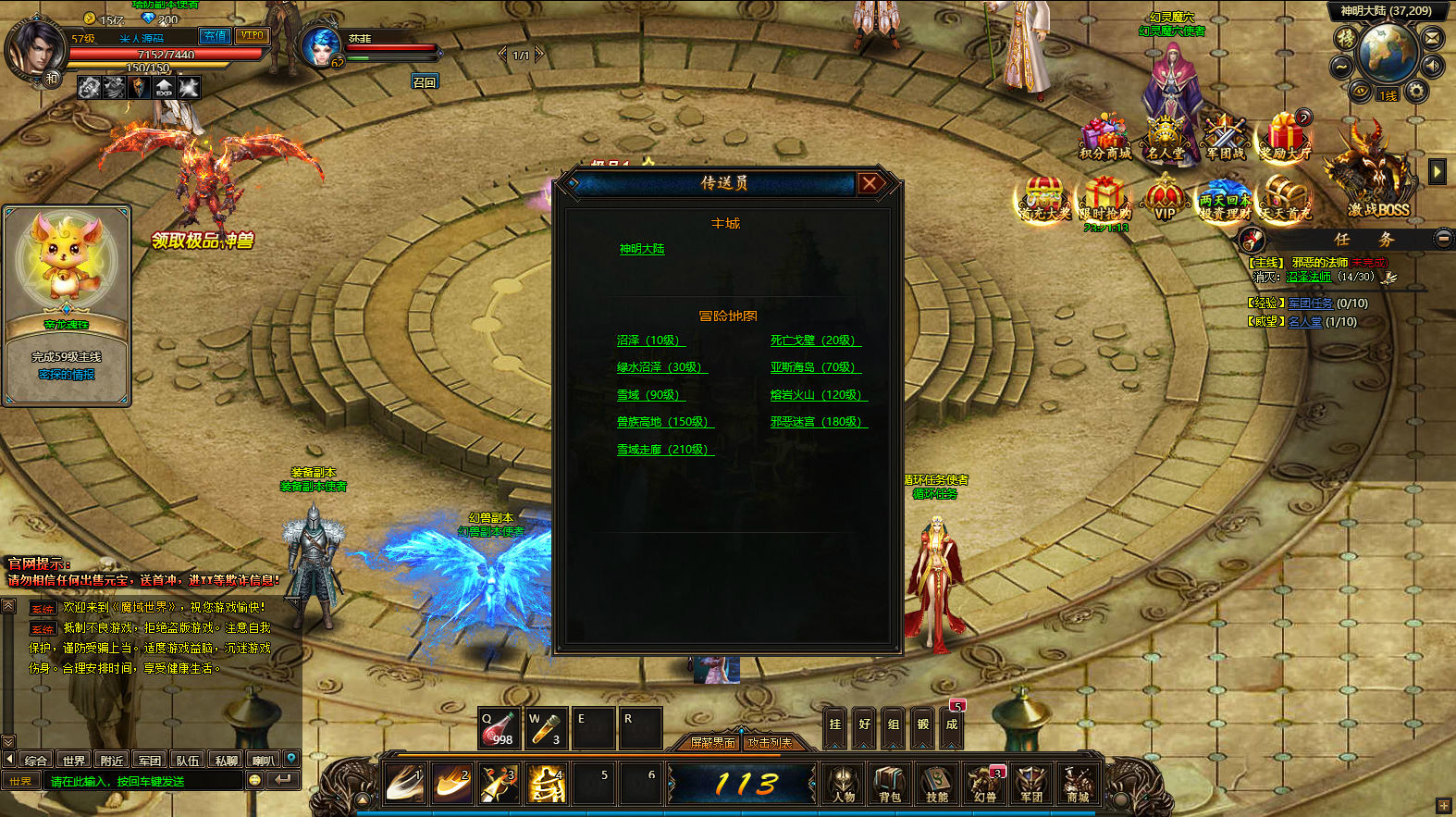
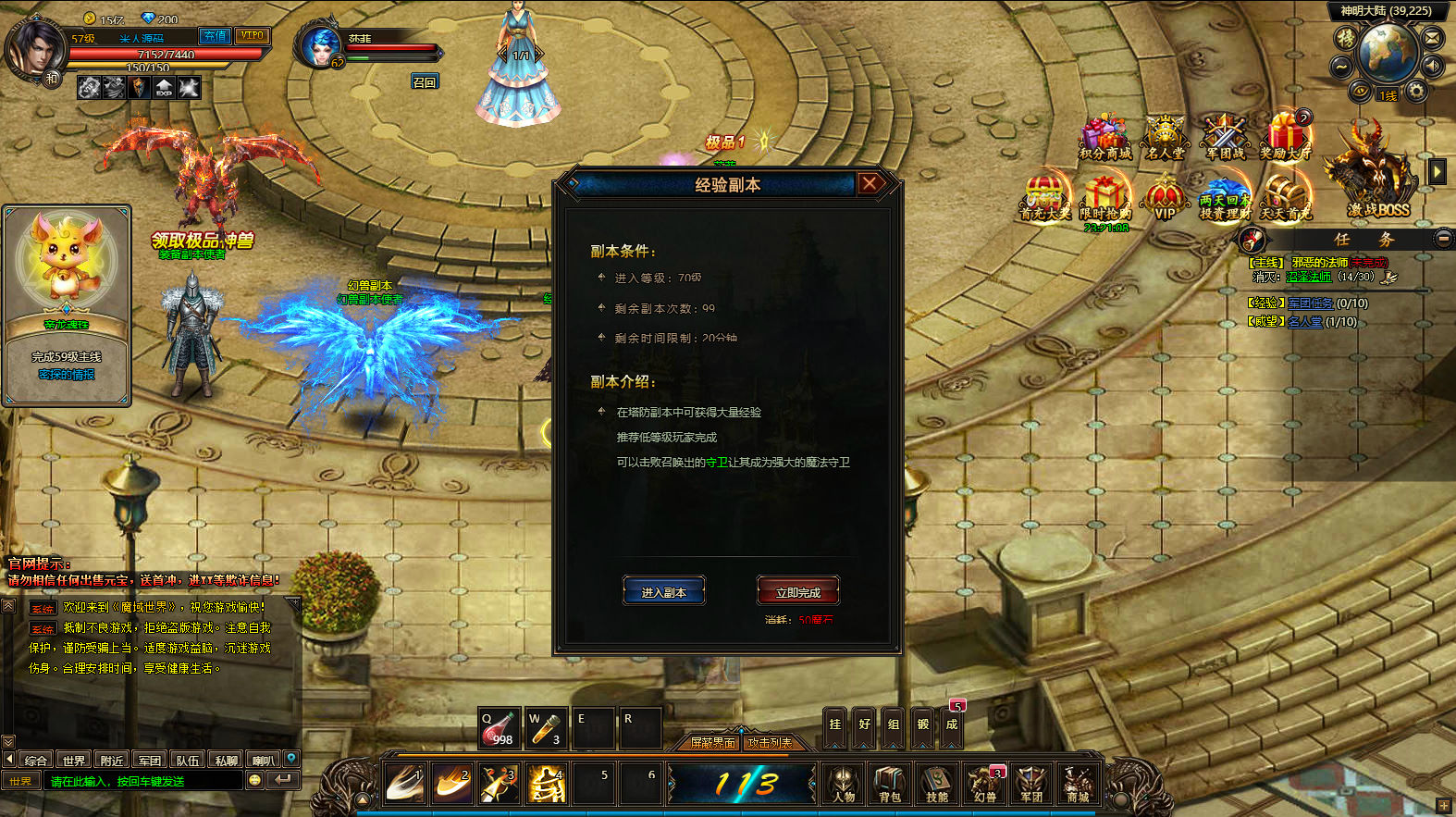
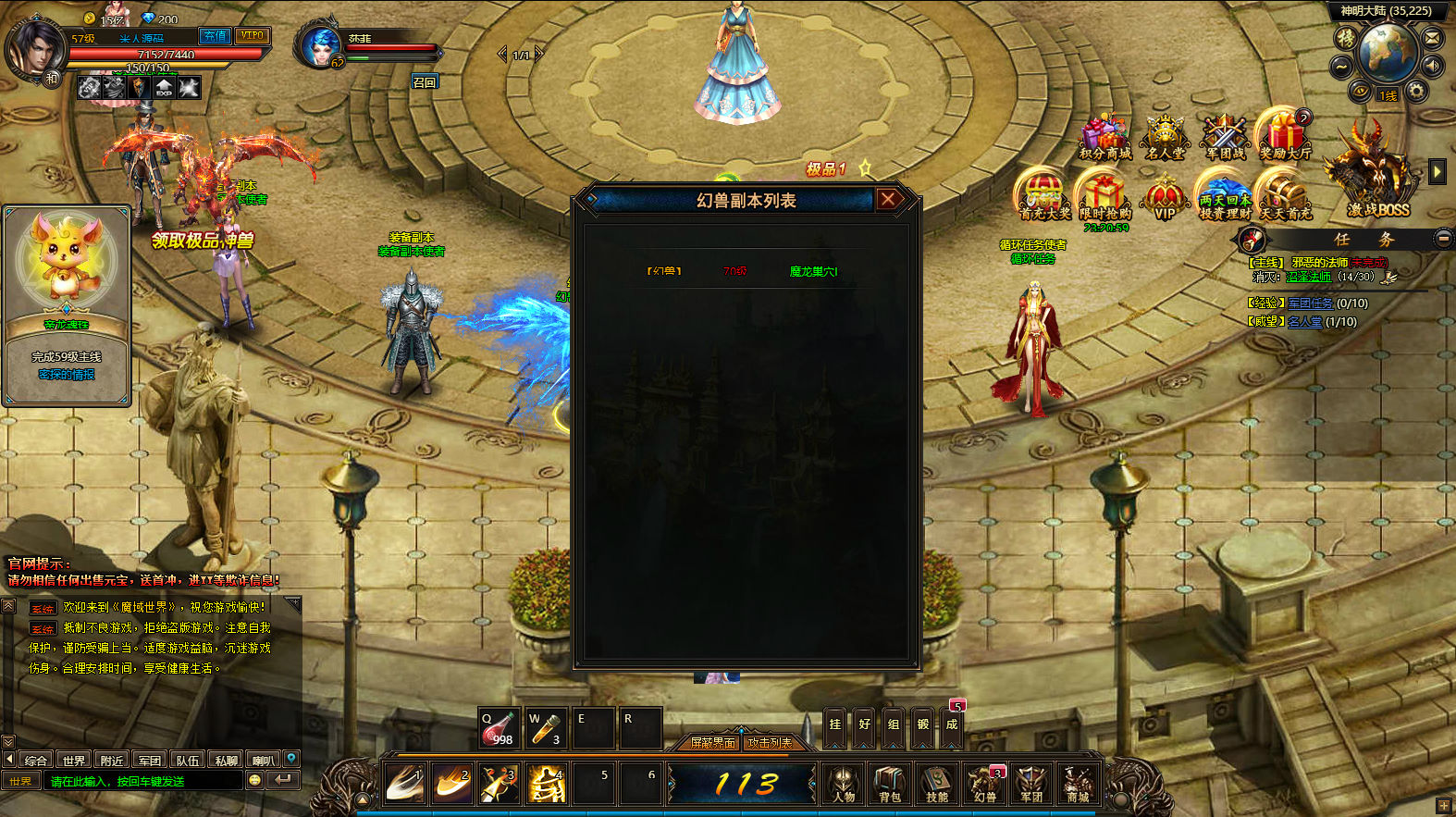
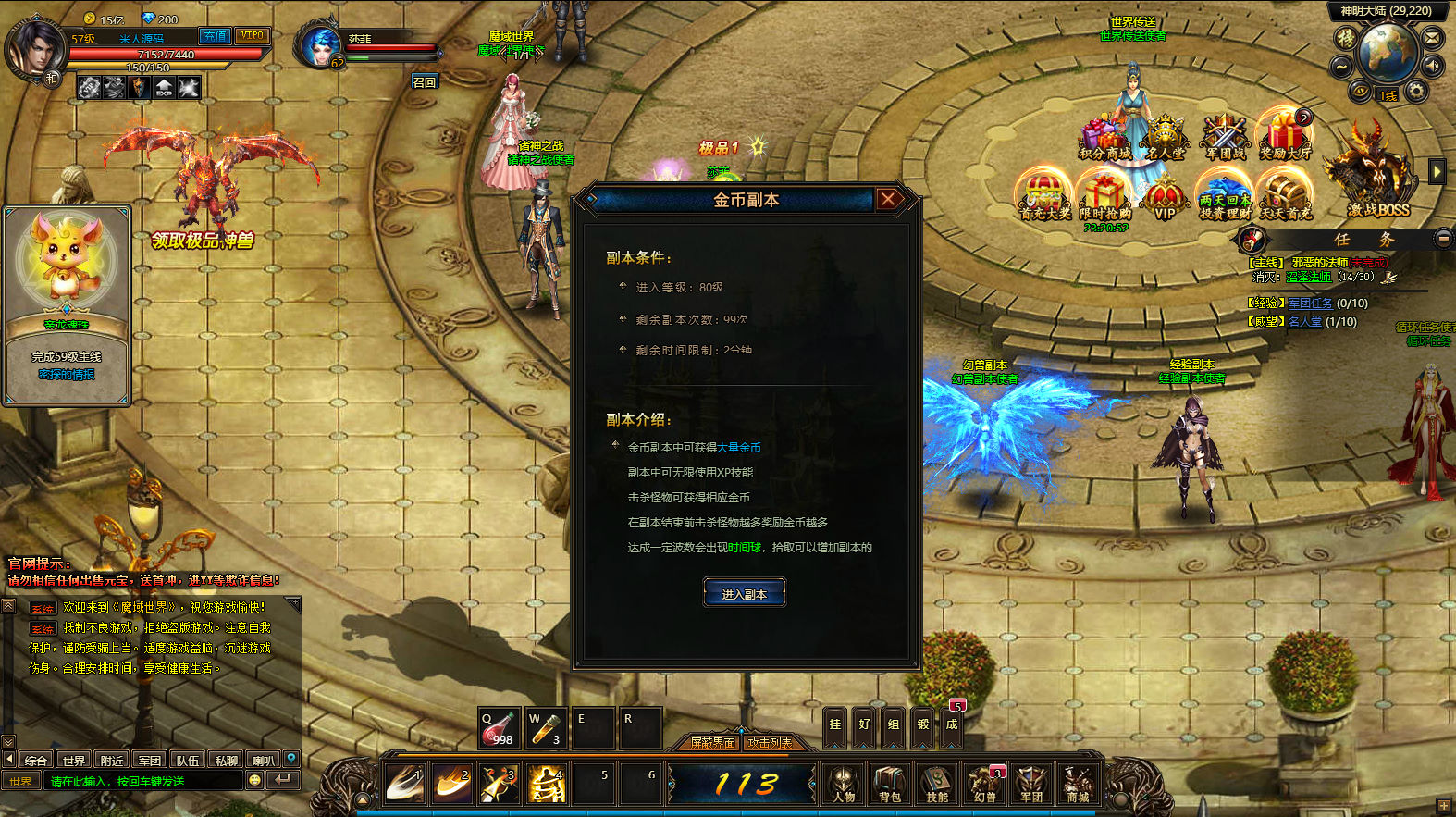
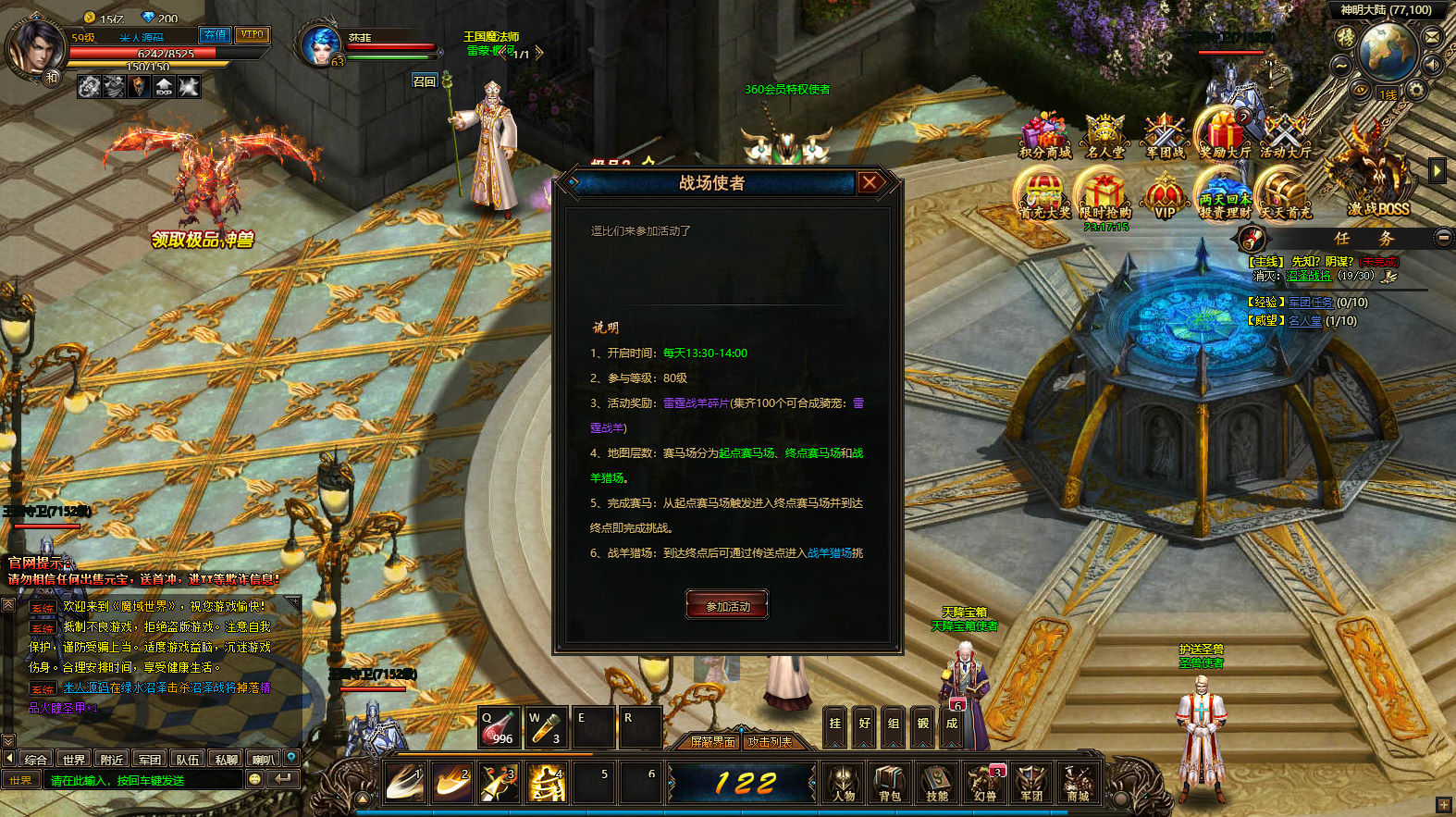
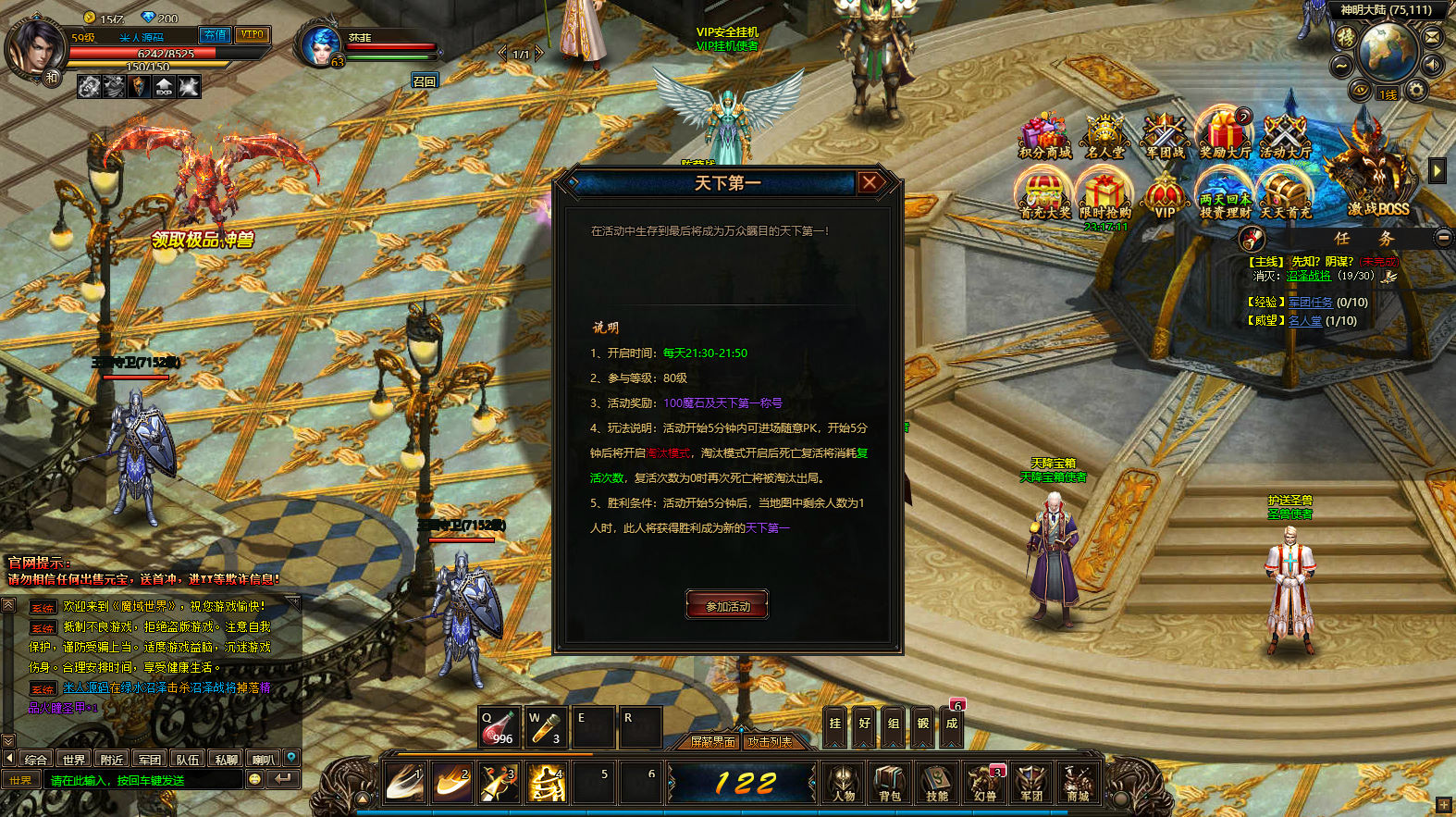
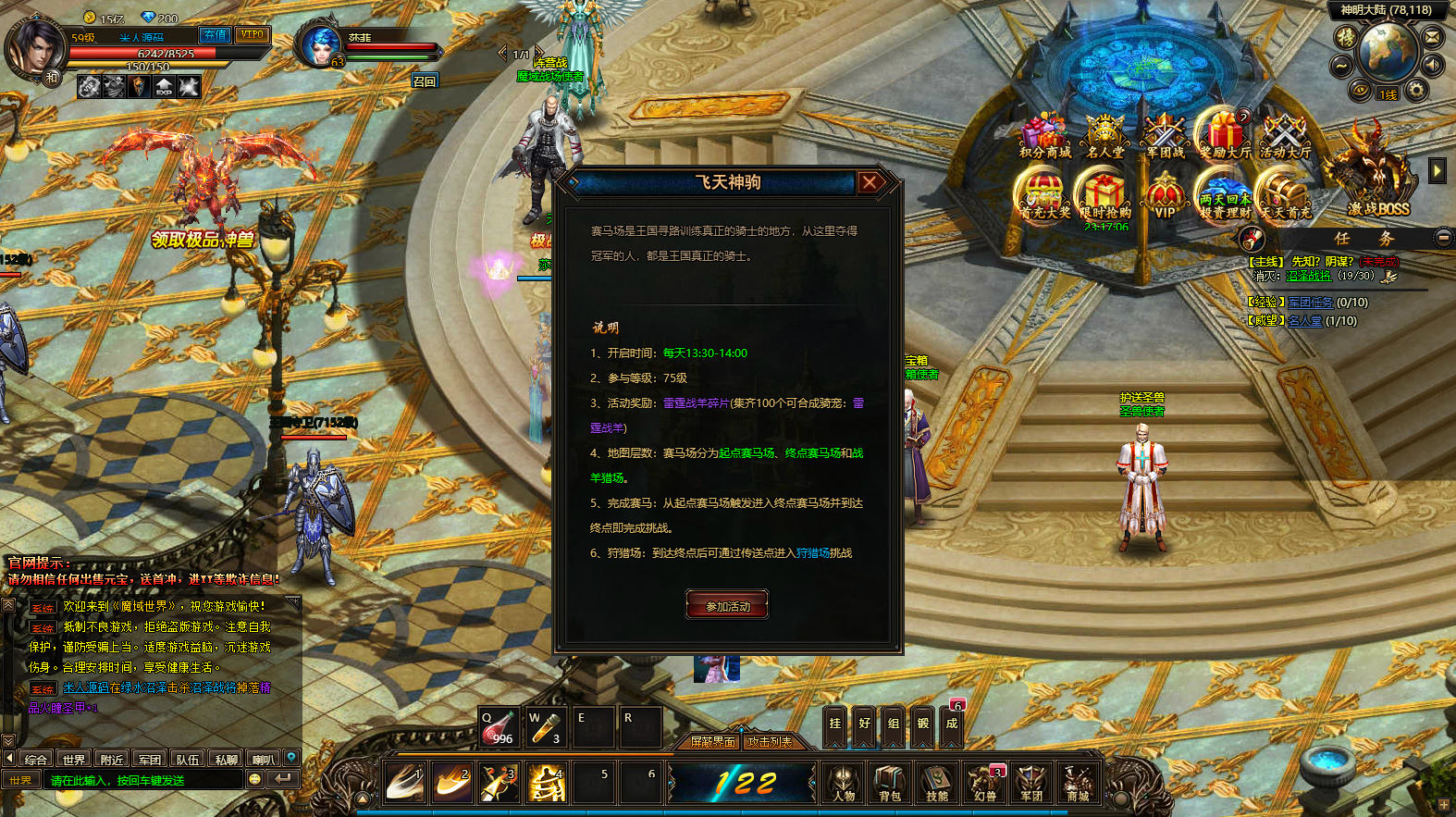
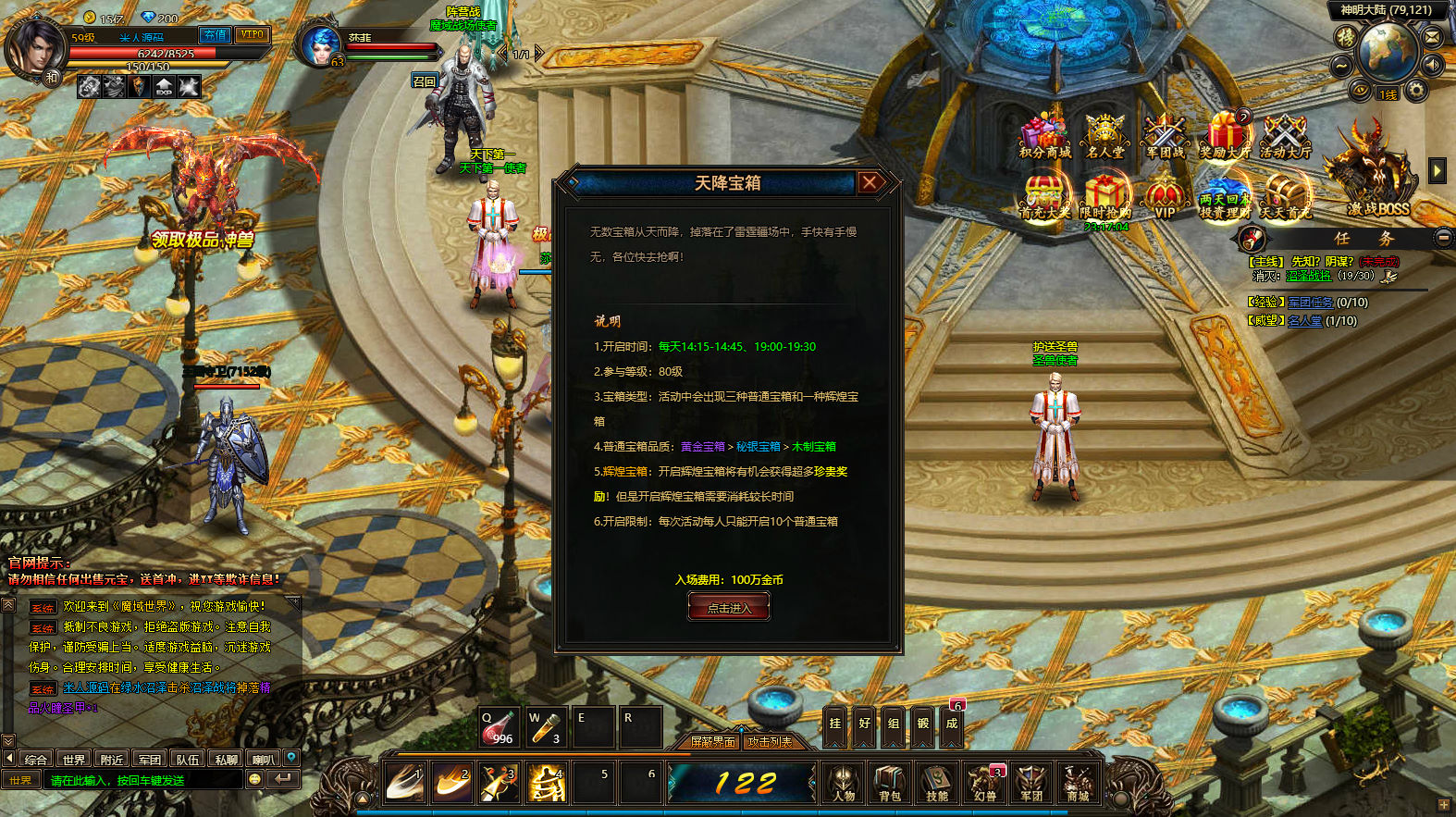
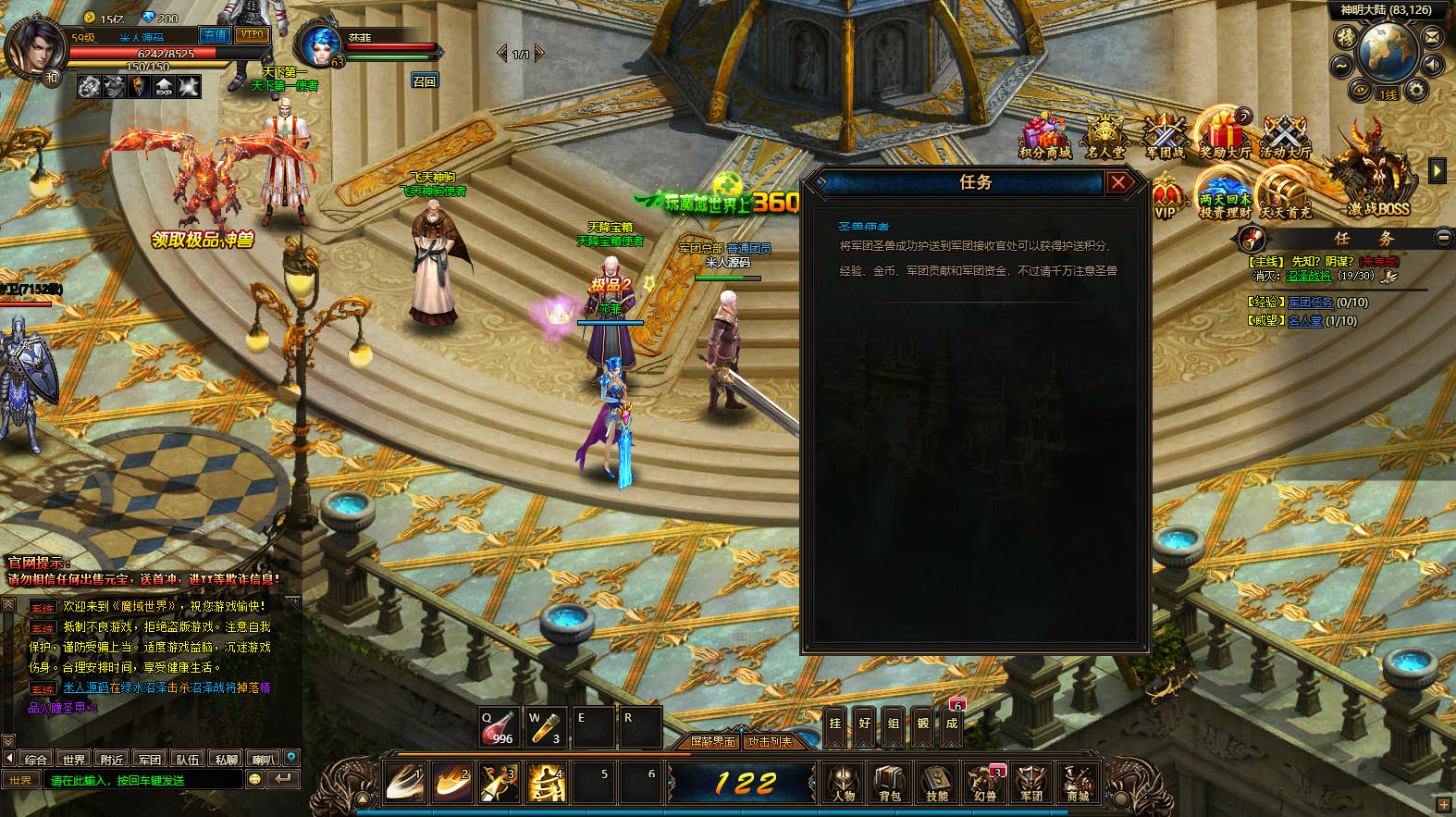
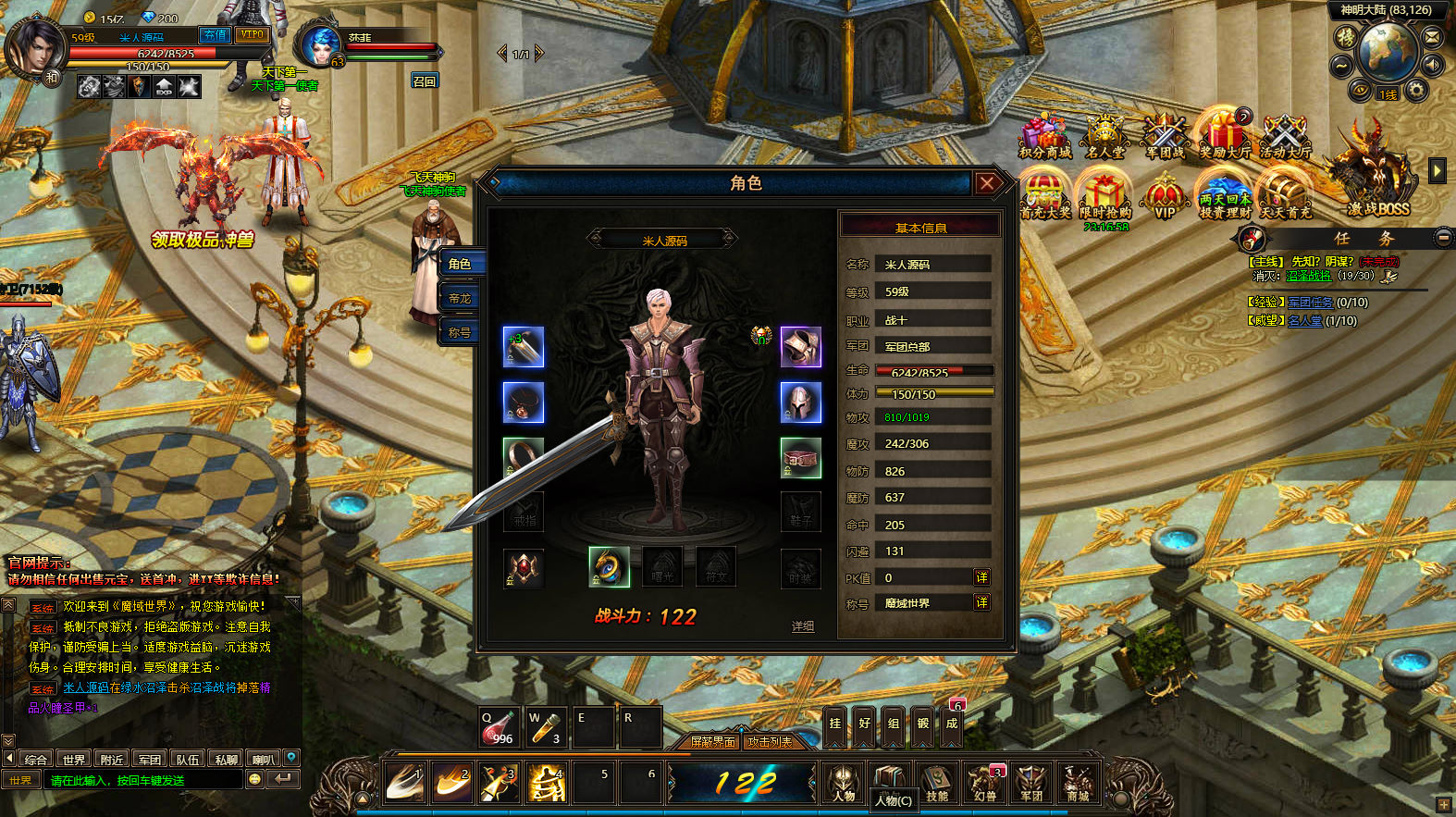
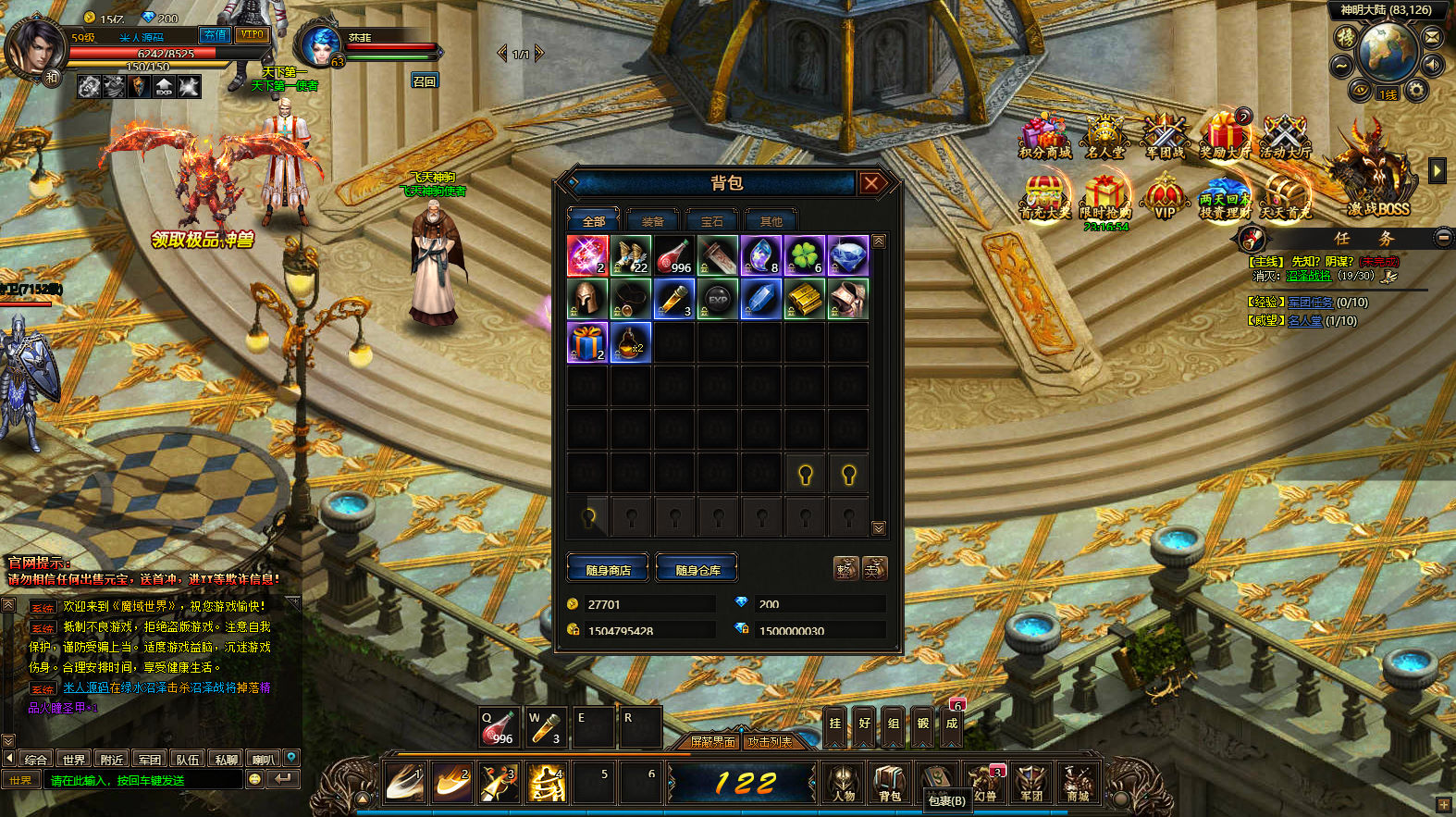
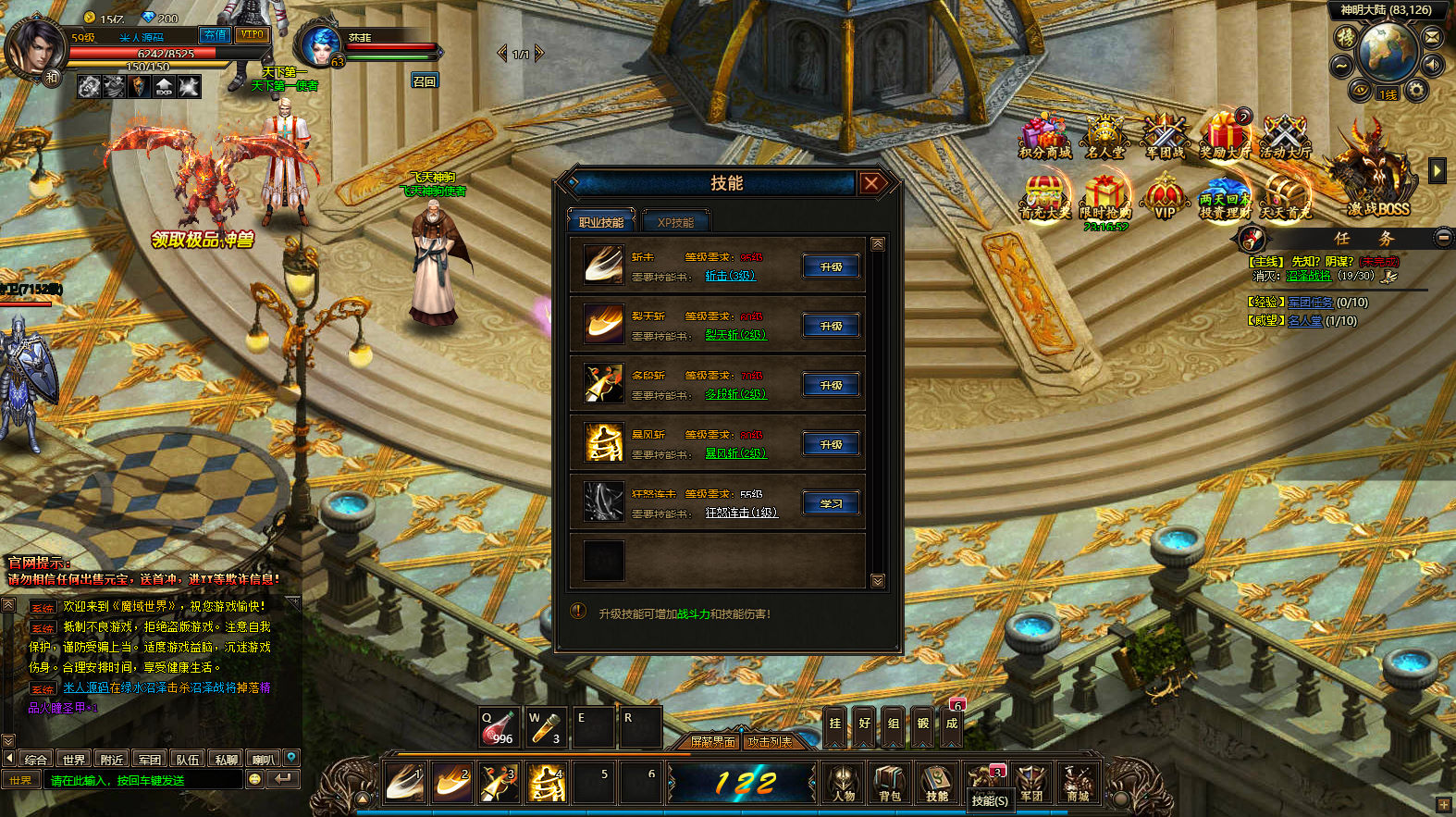
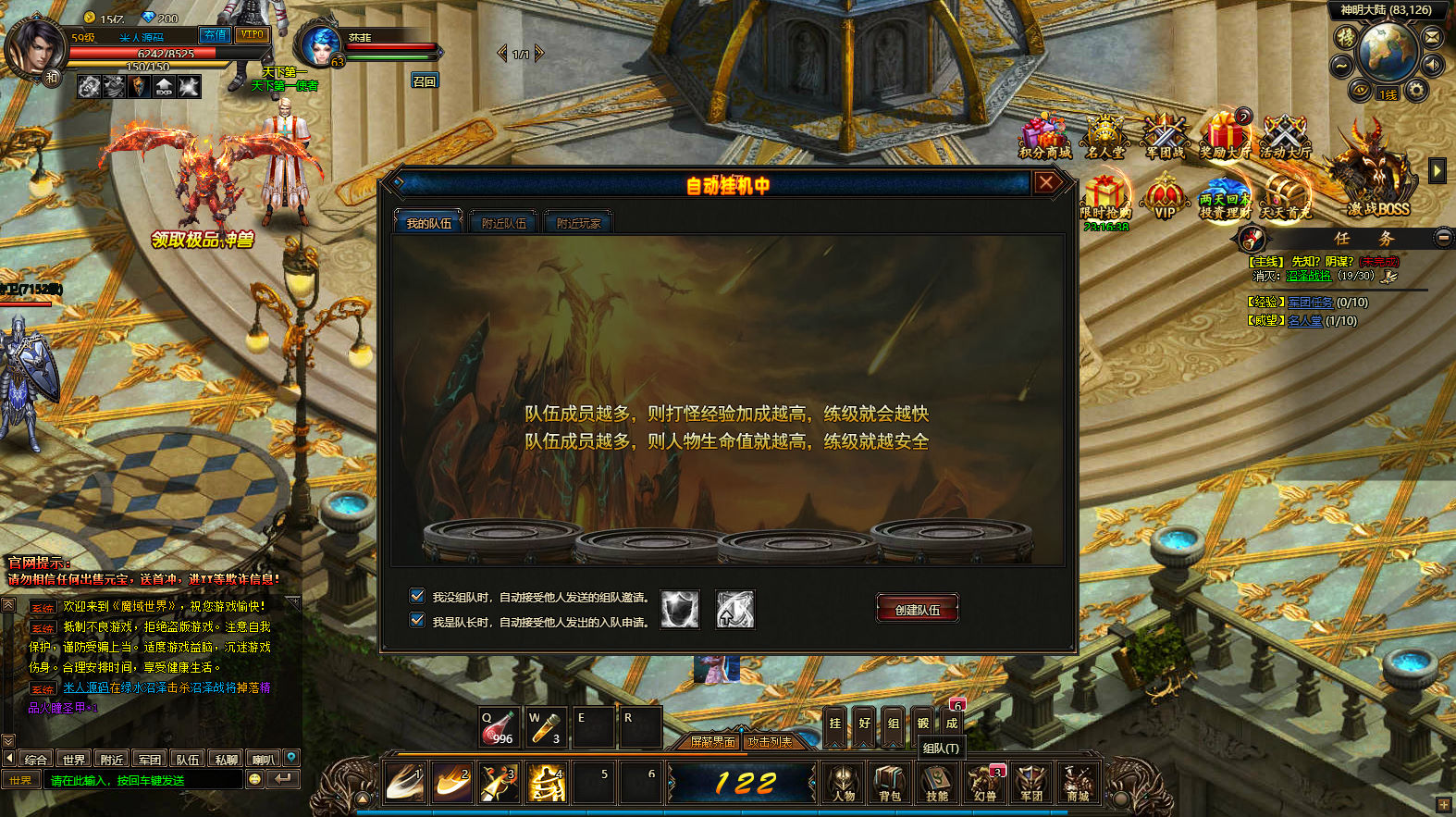
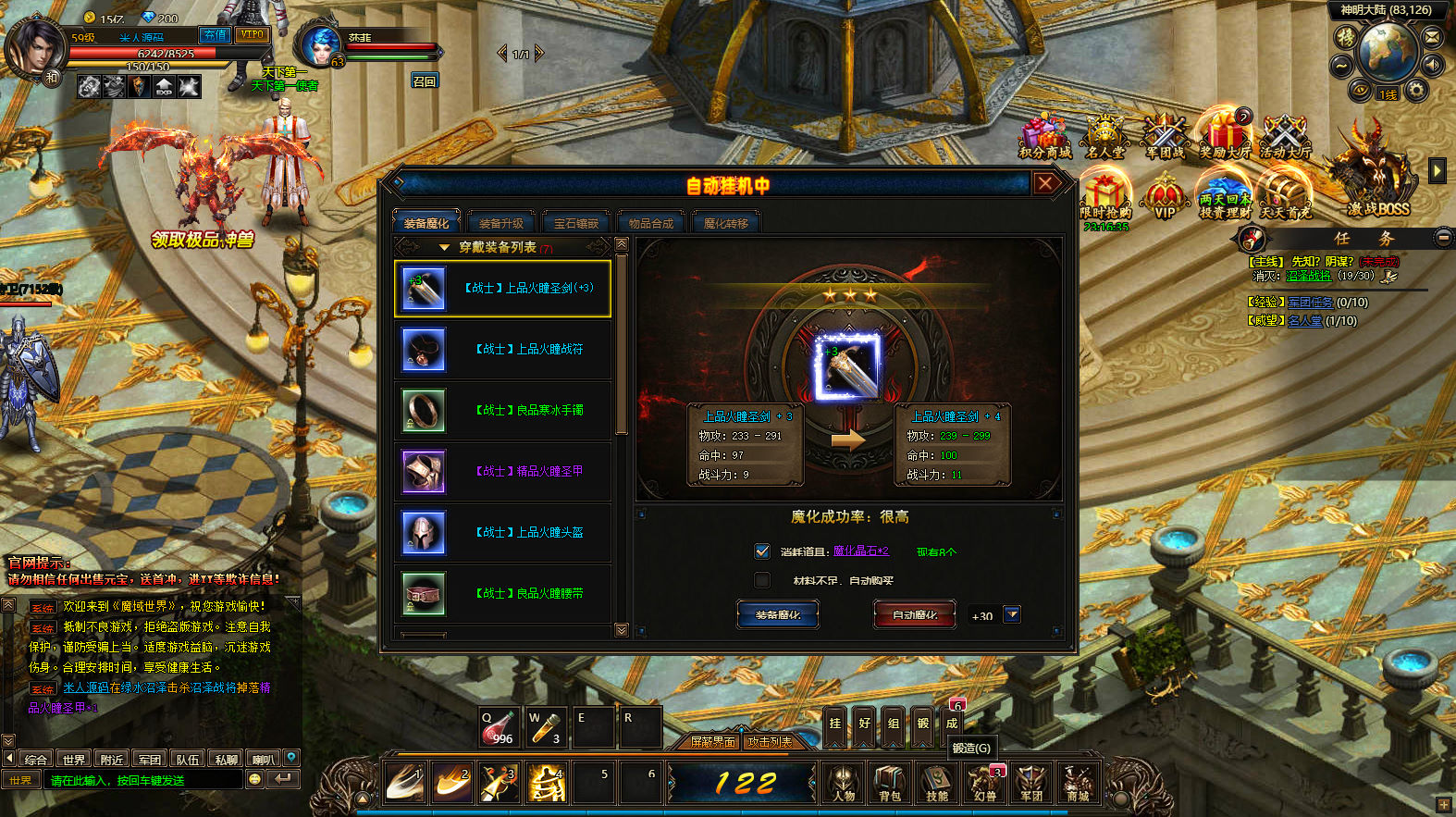
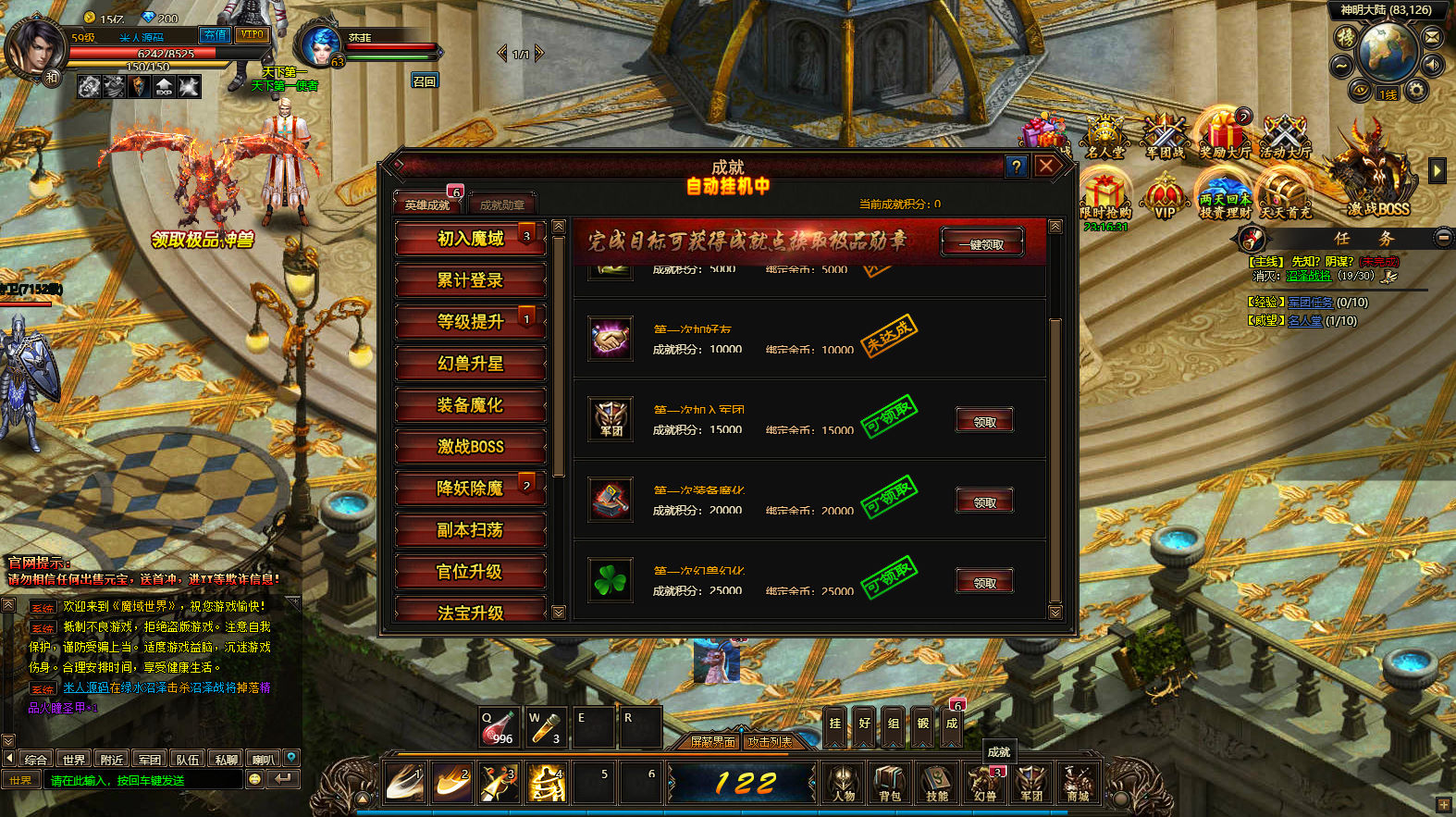
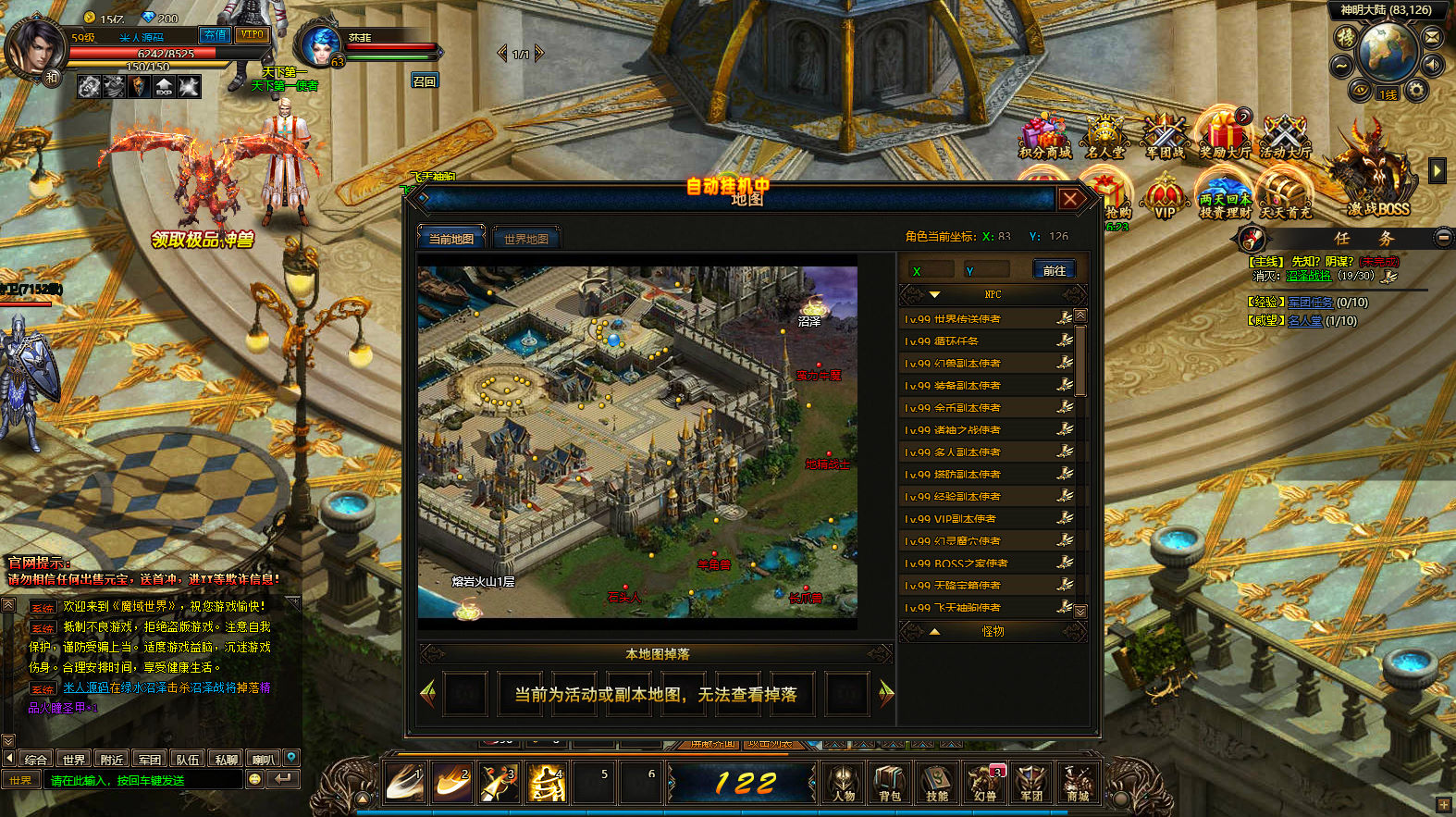
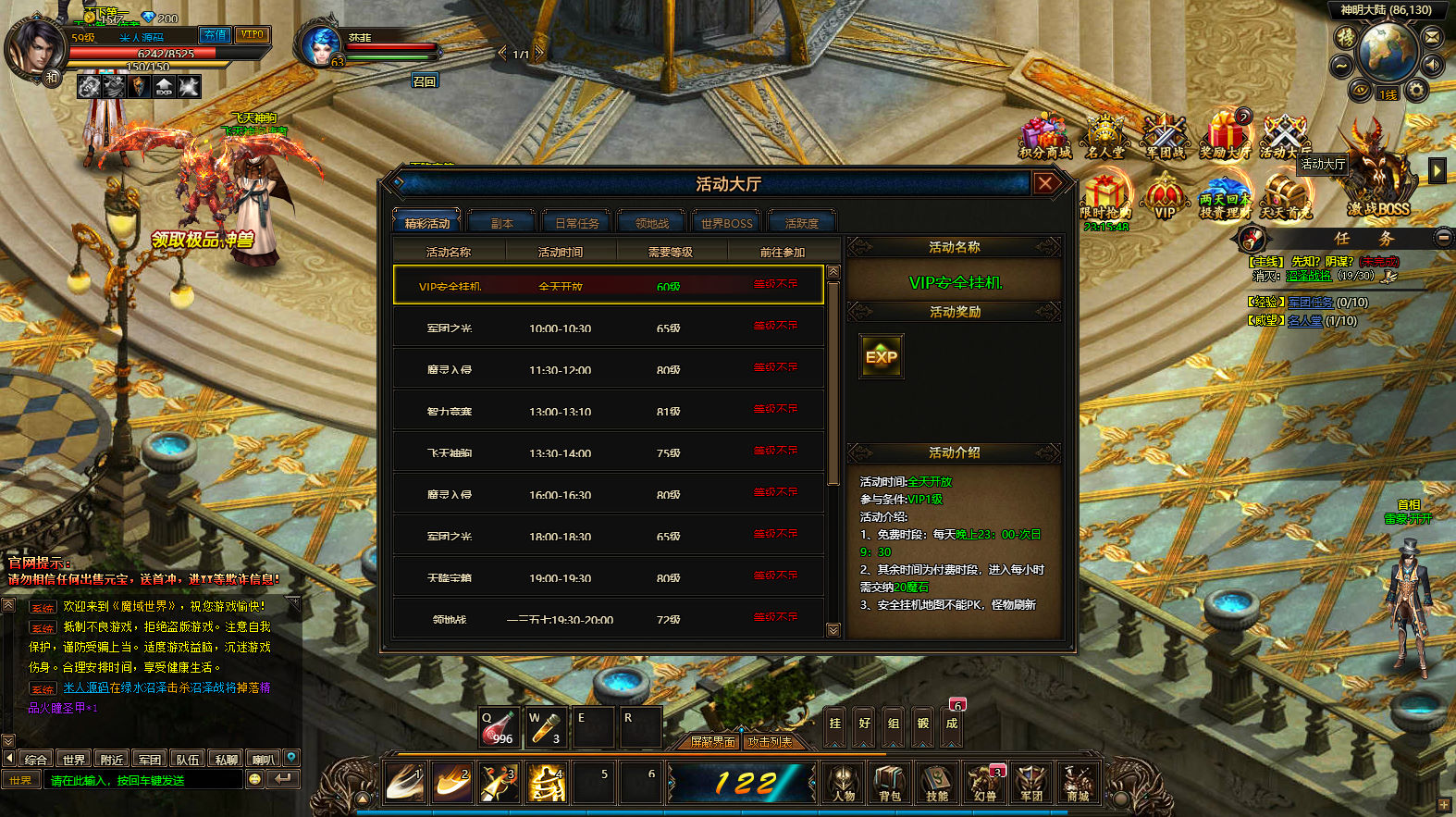
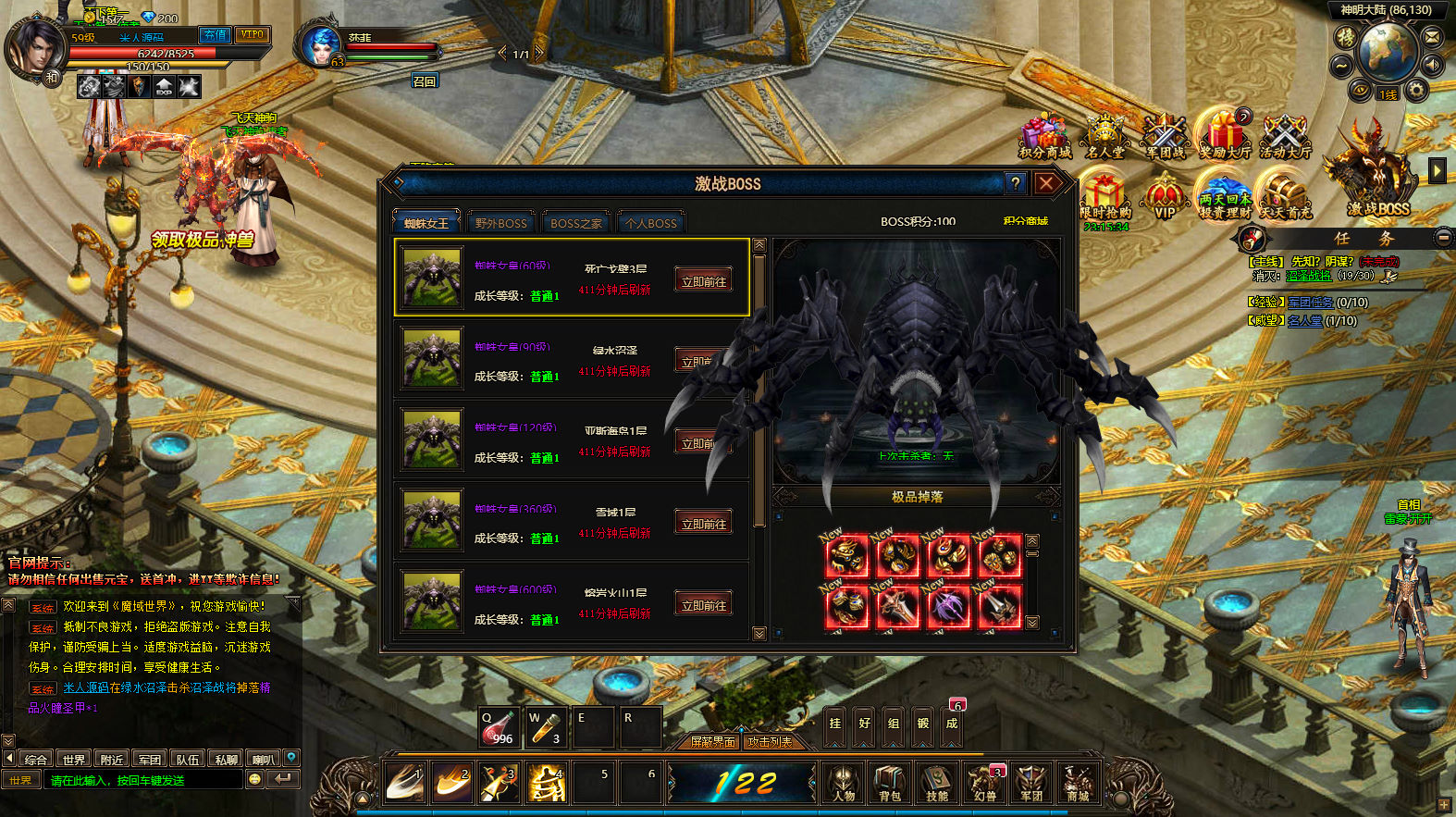
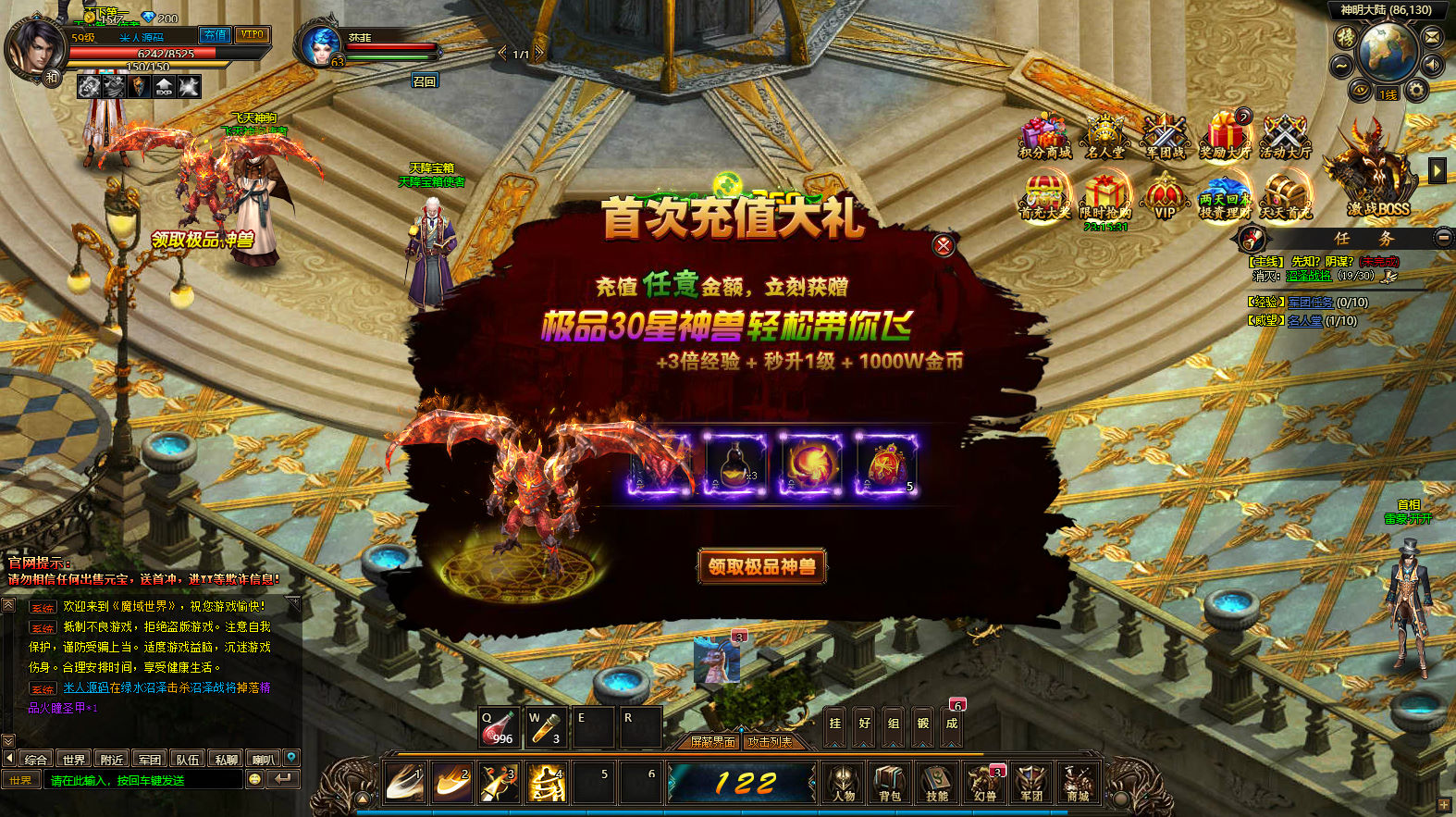
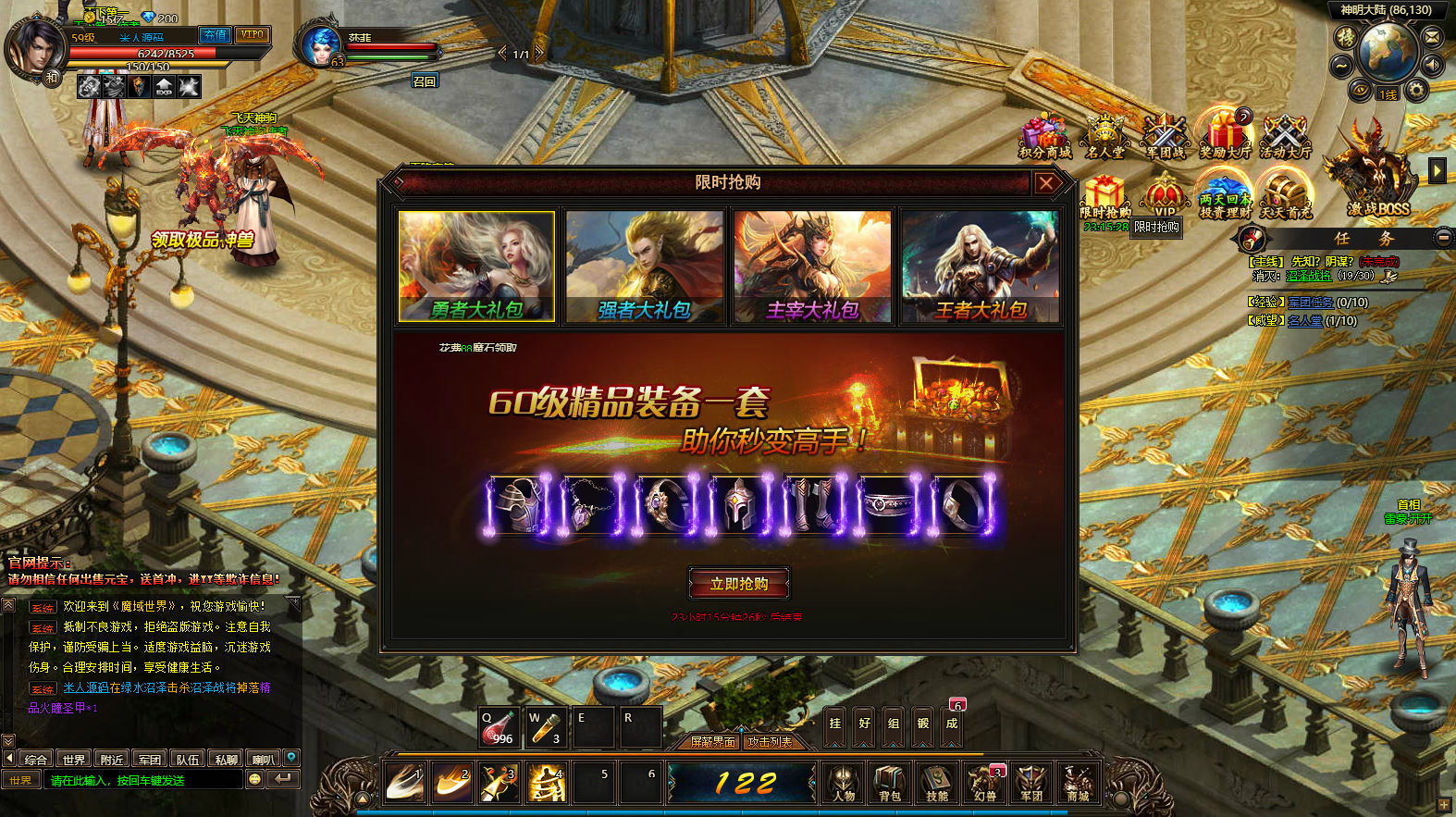
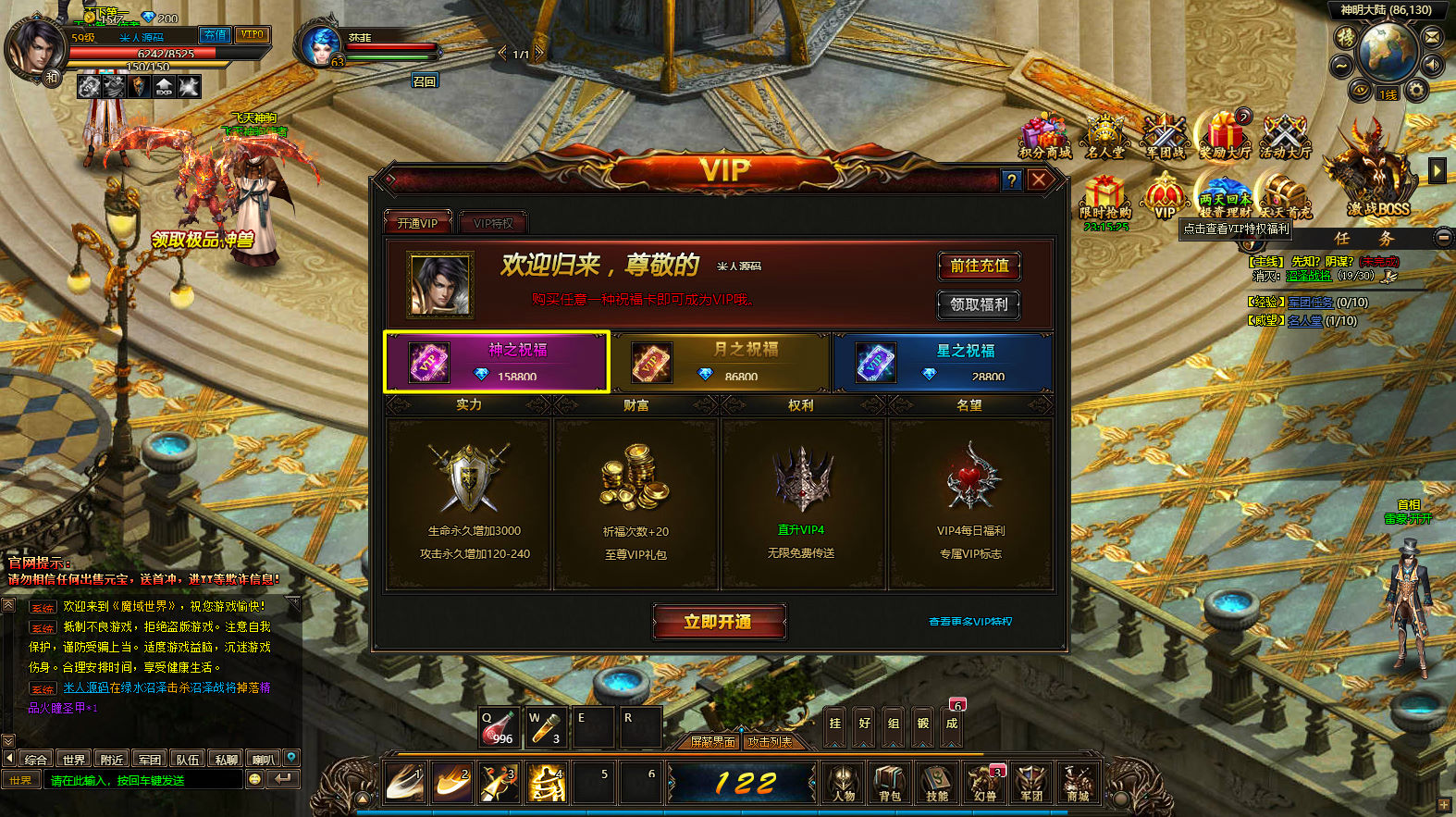
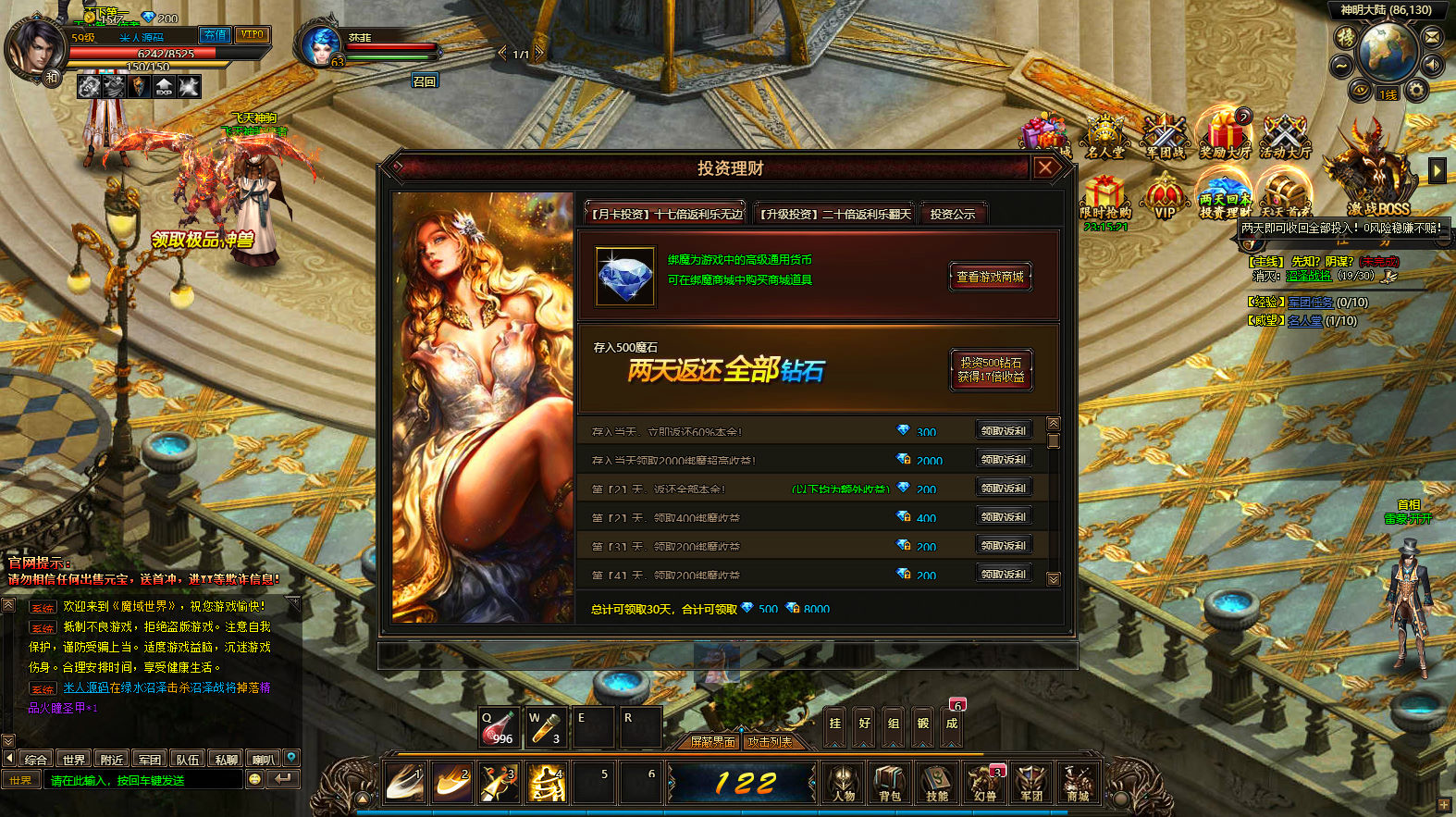
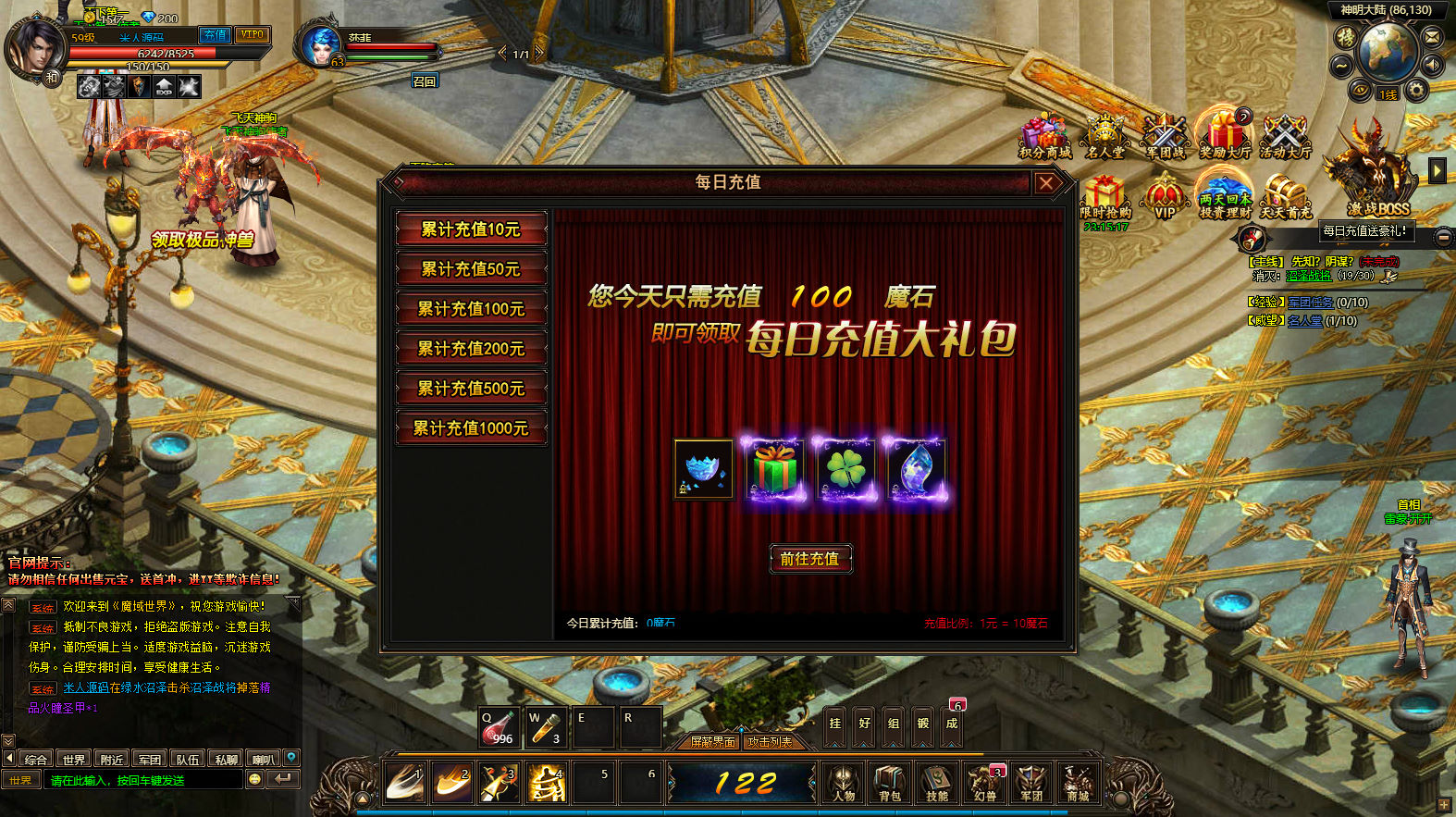
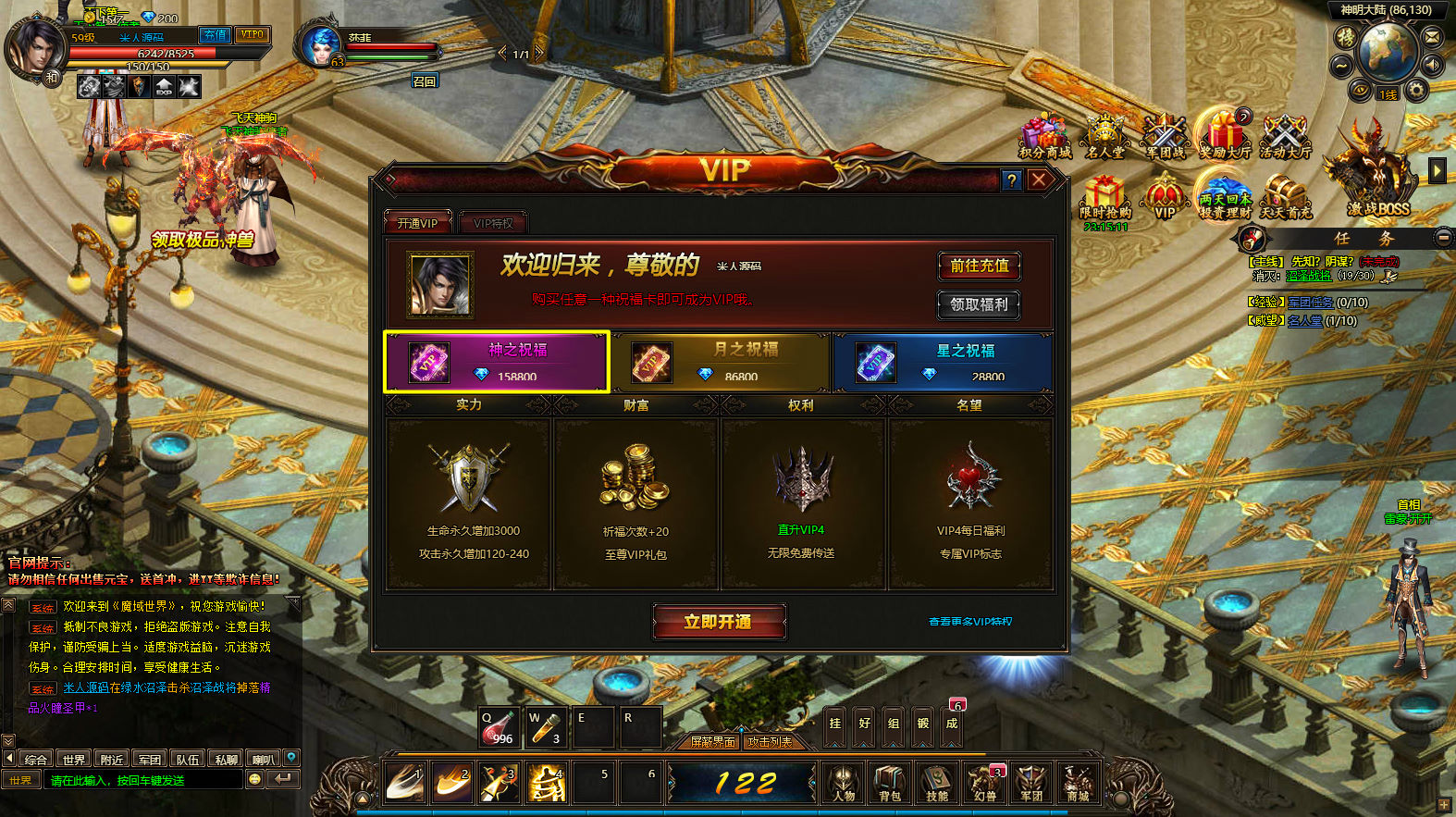
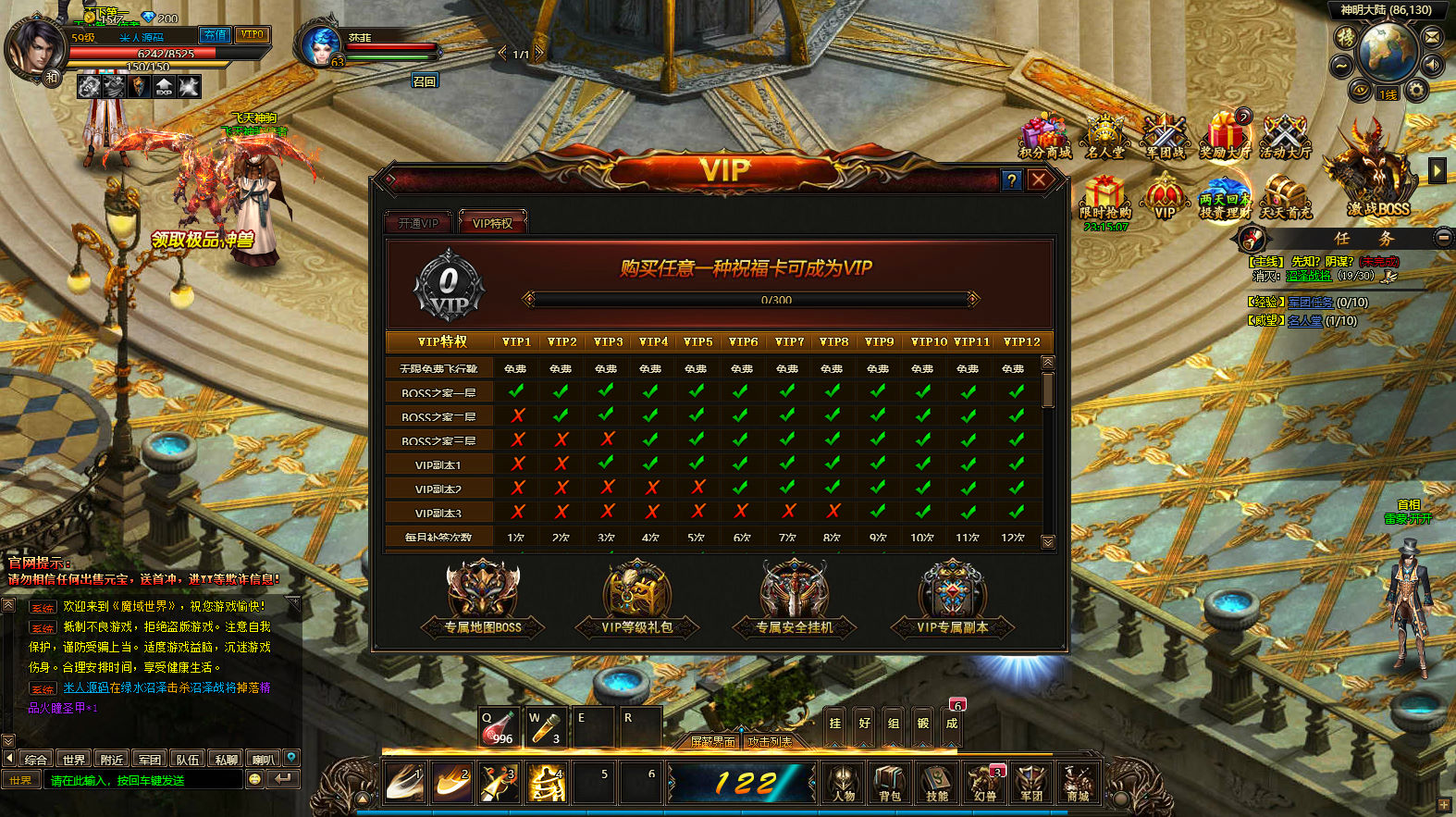
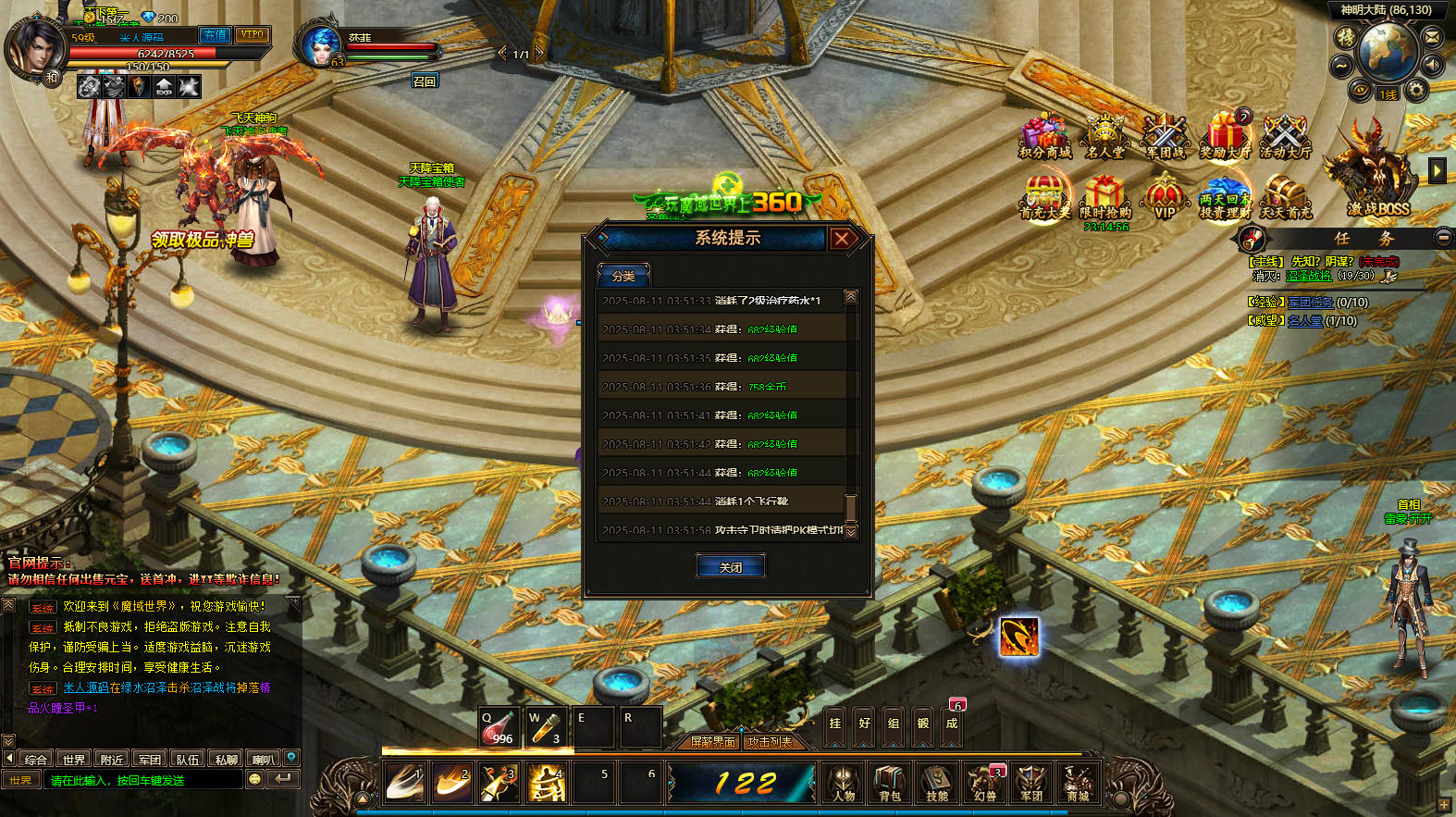
教程介绍
魔域世界页游 《魔域世界三职业完整版》 Linux 搭建教程
测试系统:Centos 7.6
测试IP:192.168.2.166 (外网架设和局网架设方法一样)
首先进入我们官网:MiR6.com 搜索《魔域世界三职业完整版》下载好服务端,我这里已事先下载好了
然后进入常用工具分类下载Linux管理工具,并且连接到自己的服务器。
安装宝塔:
yum install -y wget && wget -O install.sh http://download.bt.cn/install/install_6.0.sh && sh install.sh
输入y回车确认安装。我事先已经安装好了宝塔,这里有单独的宝塔安装教程。安装好宝塔后我们登录宝塔面板。
安装环境
Nginx1.18
MySQL5.5
Php5.4
宝塔放行端口:6001,6002,6003,6004,6011,6012,6014,6021,6022,6024,6031,6032,6034,6041,6042,6044,6051,6052,6054,6061,6062,6064,6074,6072,6071
上传服务端my.zip到服务器根目录 (服务端传输完毕后,需要耐心等待软件全部安装好后在执行解压服务端命令)
软件都安装完毕了。我们解压服务端。
解压:
cd /
unzip my.zip
给权限:
chmod -R 777 /home
chmod -R 777 /www/wwwroot/game/
修改服务端文件IP:替换:49.235.188.189 改为你自己的服务器IP地址。
/home/sql/xmy_web.sql
/www/wwwroot/game/core/config.php
/www/wwwroot/game/RES/game.php
创建网站:
192.168.2.166:81
目录指向:/www/wwwroot/game
修改数据库root密码为:mir6.com
导入数据库:
cd /home
./sk
创建虚拟网卡并映射端口
把命令里的49.235.188.189改成你服务器的公网IP
ifconfig eth0:0 192.168.2.166 netmask 255.255.255.0
echo “nameserver 114.114.114.114” >> /etc/resolv.conf
继续输入如下命令,把IP改成你服务器公网的
firewall-cmd –permanent –add-masquerade
firewall-cmd –permanent –add-forward-port=port=6001:proto=tcp:toaddr=192.168.2.166:toport=6001
firewall-cmd –permanent –add-forward-port=port=6002:proto=tcp:toaddr=192.168.2.166:toport=6002
firewall-cmd –permanent –add-forward-port=port=6003:proto=tcp:toaddr=192.168.2.166:toport=6003
firewall-cmd –permanent –add-forward-port=port=6004:proto=tcp:toaddr=192.168.2.166:toport=6004
firewall-cmd –permanent –add-forward-port=port=6011:proto=tcp:toaddr=192.168.2.166:toport=6011
firewall-cmd –permanent –add-forward-port=port=6012:proto=tcp:toaddr=192.168.2.166:toport=6012
firewall-cmd –permanent –add-forward-port=port=6014:proto=tcp:toaddr=192.168.2.166:toport=6014
firewall-cmd –permanent –add-forward-port=port=6021:proto=tcp:toaddr=192.168.2.166:toport=6021
firewall-cmd –permanent –add-forward-port=port=6022:proto=tcp:toaddr=192.168.2.166:toport=6022
firewall-cmd –permanent –add-forward-port=port=6024:proto=tcp:toaddr=192.168.2.166:toport=6024
firewall-cmd –permanent –add-forward-port=port=6031:proto=tcp:toaddr=192.168.2.166:toport=6031
firewall-cmd –permanent –add-forward-port=port=6032:proto=tcp:toaddr=192.168.2.166:toport=6032
firewall-cmd –permanent –add-forward-port=port=6034:proto=tcp:toaddr=192.168.2.166:toport=6034
firewall-cmd –permanent –add-forward-port=port=6041:proto=tcp:toaddr=192.168.2.166:toport=6041
firewall-cmd –permanent –add-forward-port=port=6042:proto=tcp:toaddr=192.168.2.166:toport=6042
firewall-cmd –permanent –add-forward-port=port=6044:proto=tcp:toaddr=192.168.2.166:toport=6044
firewall-cmd –permanent –add-forward-port=port=6051:proto=tcp:toaddr=192.168.2.166:toport=6051
firewall-cmd –permanent –add-forward-port=port=6052:proto=tcp:toaddr=192.168.2.166:toport=6052
firewall-cmd –permanent –add-forward-port=port=6054:proto=tcp:toaddr=192.168.2.166:toport=6054
firewall-cmd –permanent –add-forward-port=port=6061:proto=tcp:toaddr=192.168.2.166:toport=6061
firewall-cmd –permanent –add-forward-port=port=6062:proto=tcp:toaddr=192.168.2.166:toport=6062
firewall-cmd –permanent –add-forward-port=port=6064:proto=tcp:toaddr=192.168.2.166:toport=6064
firewall-cmd –permanent –add-forward-port=port=6074:proto=tcp:toaddr=192.168.2.166:toport=6074
firewall-cmd –permanent –add-forward-port=port=6072:proto=tcp:toaddr=192.168.2.166:toport=6072
firewall-cmd –permanent –add-forward-port=port=6071:proto=tcp:toaddr=192.168.2.166:toport=6071
firewall-cmd –reload
这堆命令重启服务器不会失效,如果失效,检查宝塔防火墙的开关。
启动服务端:
cd /home/DYMYSJ/S1/scripts
./start.sh
游戏地址:
http://192.168.2.166:81/
GM后台:
http://192.168.2.166:81/ader/
帐号:admin
密码:123456
使用说明:
登录后,点击【选择服务器】,选择【一区】后确定,在点击【后台操作】,点击【发送邮件】
按照格式编辑内容,注意附件的格式即可。
附件的格式为:6032:1:999:0:0:0 其中6032代表ID,1代表类型,999代表数量,其他默认
类型说明:1代表物品,2代表装备,3代表宝石,5代表幻兽
附带所有类型的ID。
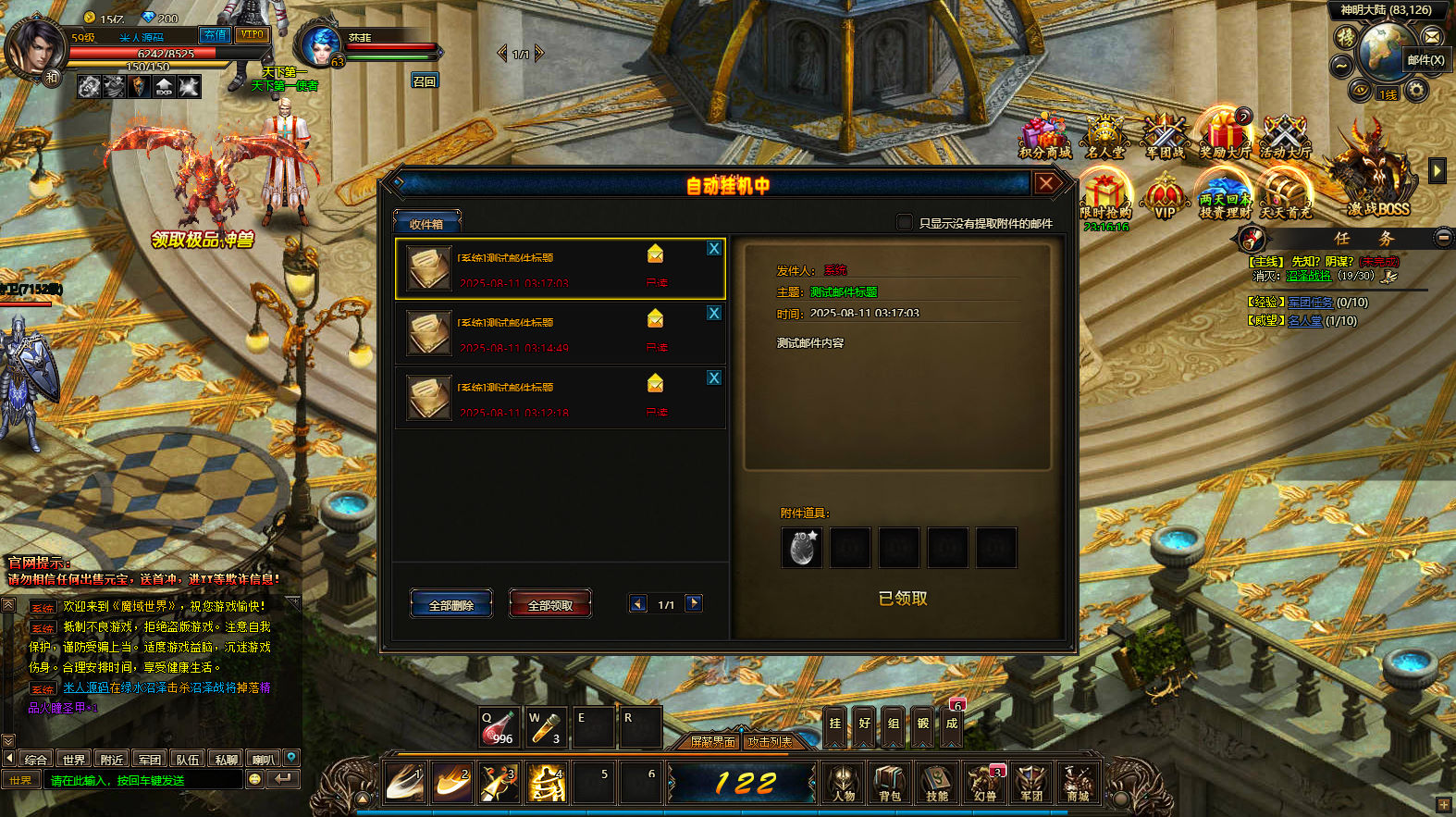
发送后我们进入邮件看看是否可以收到邮件。已经测试:角色无需下线,即可正常收取到邮件。但是发送后需要等待一定时间才可以收取到。
下面我们来测试下游戏里的功能看看吧。好了,其他功能就自行测试吧。更多的游戏资源可以访问www.MiR6.com下载,我们每款游戏资源均单独制作了独立的视频架设教程,让小白也可以快速上手游戏架设,快来体验自己做GM的乐趣吧!
